
使用通义灵码智慧编程应用指南
使用通义灵码智慧编程应用指南
Using Tongyi Lingma as Extension to Develop Python Applications
By Jackson@ML
1. 注册阿里云账户
访问阿里云官网,如下图所示。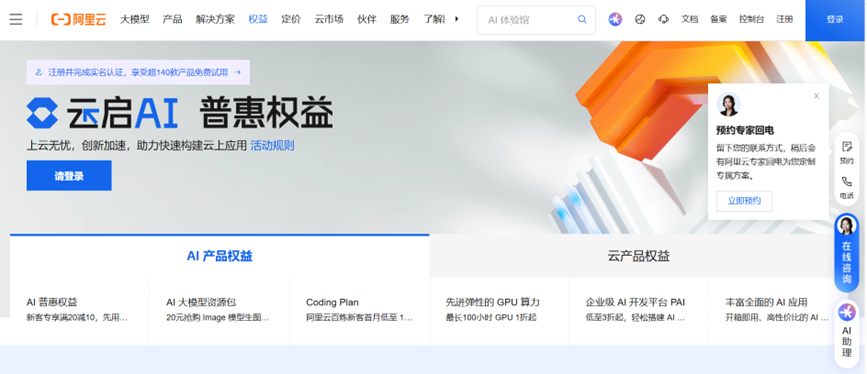
在上方导航栏中点击“注册”。
注册完毕,用阿里云账户登录。
输入个人信息,同时需要用支付宝验证身份后,方可使用账号。
登录后,为了账户安全,强烈建议增加MFA(多重身份验证),可以从手机端app(Authenticator或者阿里云app)产生的随机密码验证通过,作为多重身份验证的安全保障。
2. 安装VS Code
从微软网站下载和安装最新版Visual Studio Code(简称VS Code),安装到电脑中。如果安装和使用过程还不熟悉,没关系,请参看技术文章:2026最新版Visual Studio Code安装使用指南。
安装过程本文不再赘述。
3. 安装Extension
为了顺利使用VS Code来编写程序,需要安装必要的Extension。
打开VS Code,在左侧导航栏中,打开Extension的Marketplace搜索栏,找到Tongyi Lingma的Extension。
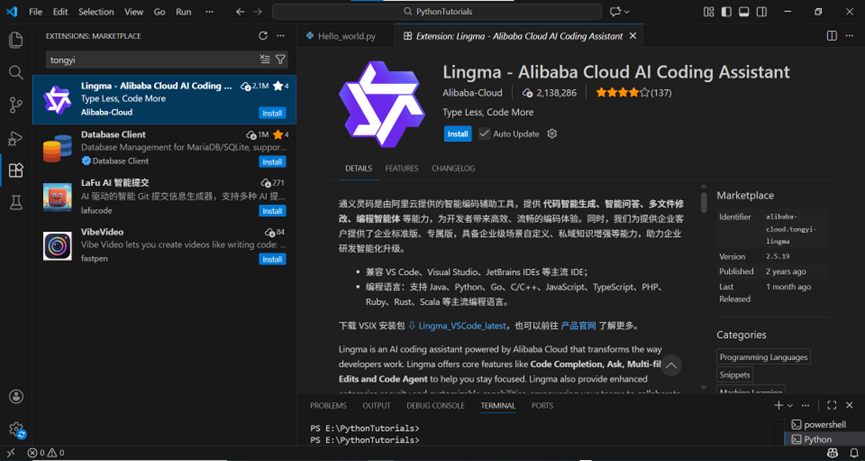
点击Install开始安装。
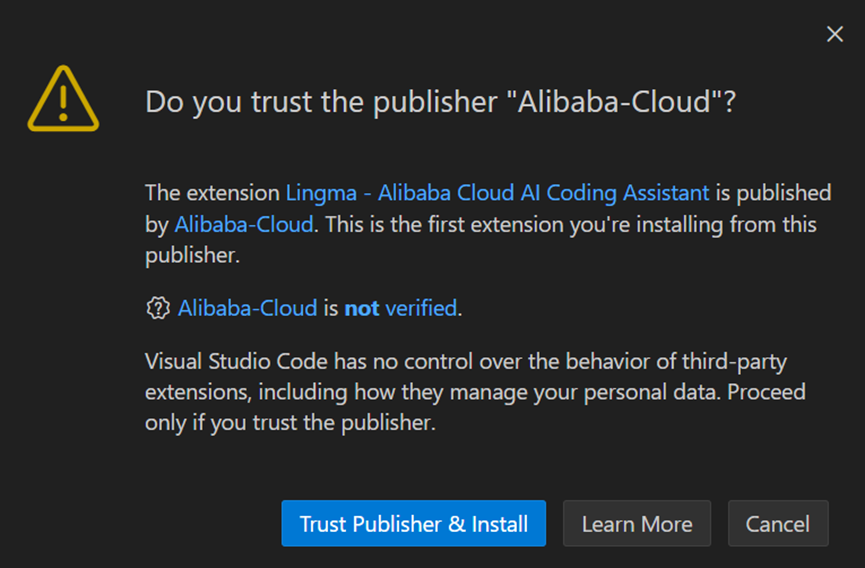
弹出对话框,需要点击Trust Publisher & Install(信任发布者并安装)。
安装完毕后,重新启动VS Code。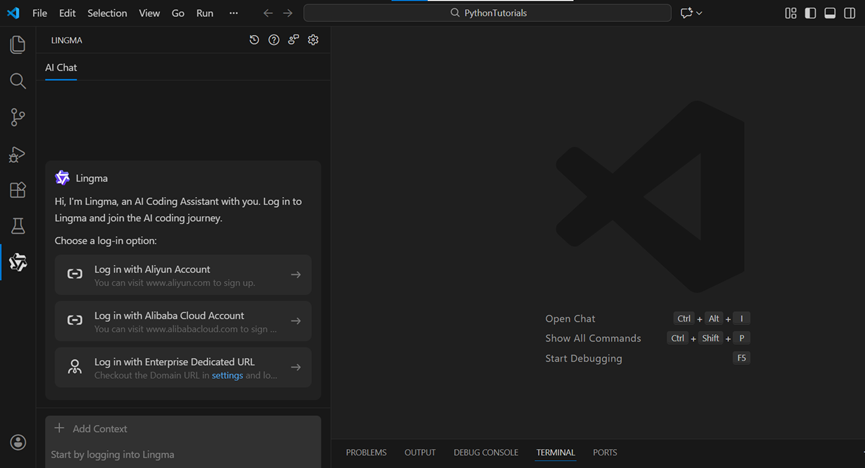
在左侧导航栏上,点击通义灵码图标,弹出登录框,要求用阿里云账户登录。
点击Log in with Aliyun Account(以阿里云账户登录),重定向打开Web页面进行验证。
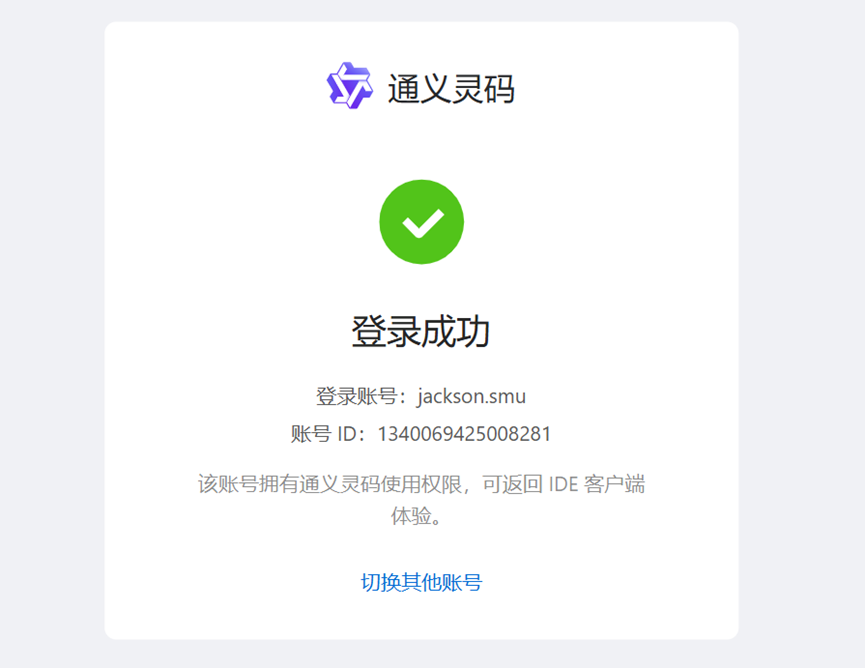
说明账户登录成功!
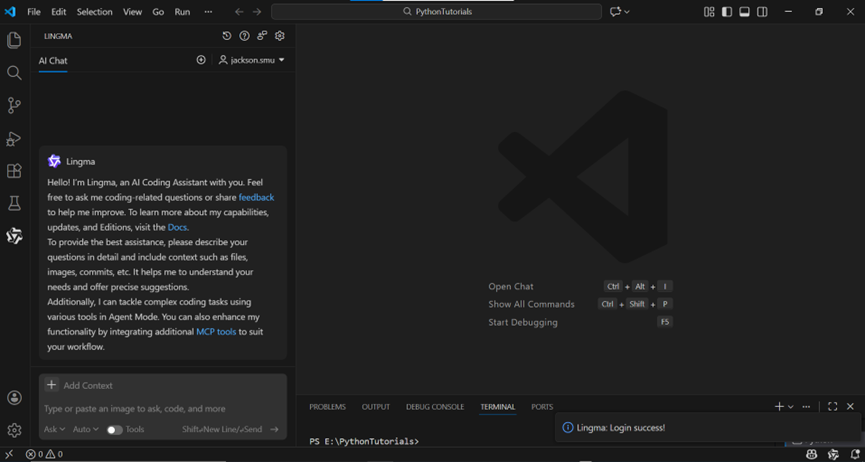
返回到VS Code中,已经可以和灵码对话了。
输入提示词如下:
“编写一个函数,使两个随机用键盘输入的整数作为两个参数,最终实现求和并将求和值输出到屏幕中。”
按Enter键。随即开始思考和编程。输出代码如下图所示。
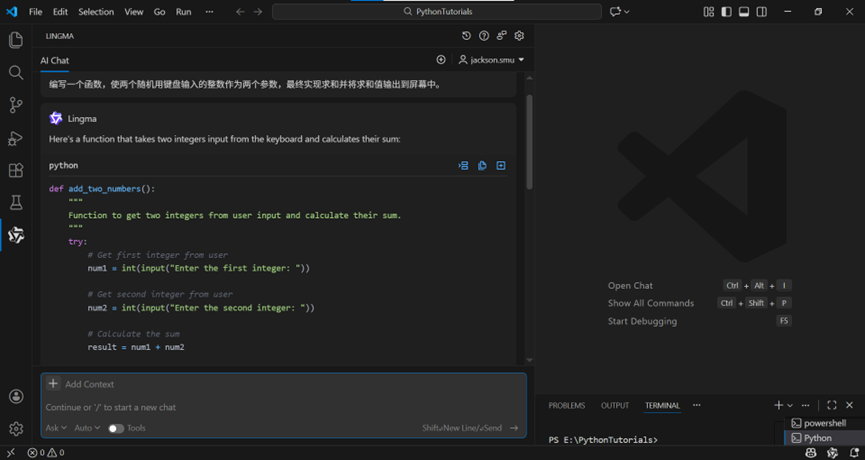
灵码快速输出的函数代码如下:
def add_two_numbers():
    """
    Function to get two integers from user input and calculate their sum.
    """
    try:
        # Get first integer from user
        num1 = int(input("Enter the first integer: "))
        # Get second integer from user
        num2 = int(input("Enter the second integer: "))
        # Calculate the sum
        result = num1 + num2
        # Output the sum to screen
        print(f"The sum of {num1} and {num2} is: {result}")

        return result
    except ValueError:
        print("Error: Please enter valid integers only.")
        return None
# Call the function
add_two_numbers()
同时,还提供了一段更加精进的替换代码:
def simple_add():
    num1 = int(input("Enter first number: "))
    num2 = int(input("Enter second number: "))
    total = num1 + num2
    print(total)

simple_add()
很显然,第二段代码更加简洁有效。
创建一个Python脚本文件add.py复制第二段代码(简洁型)到编辑框中并保存。
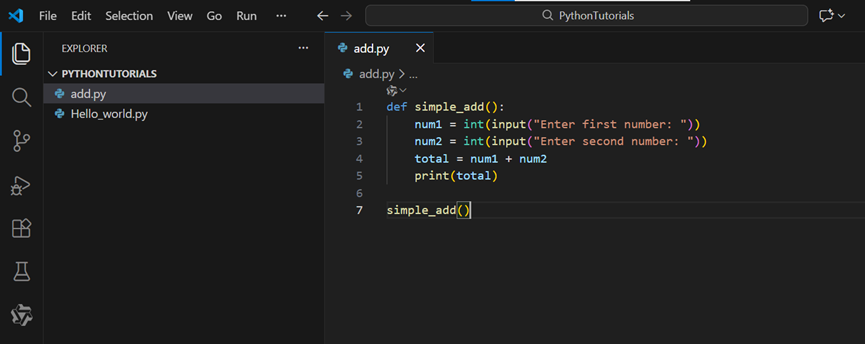
现在,运行该函数代码。
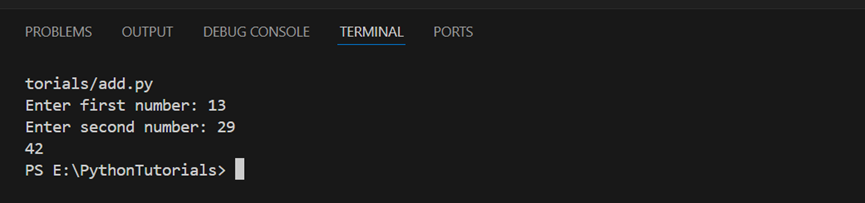
在终端中随机输入两个整型数字13, 29,得到求和值42。
说明灵码助力编写Python代码正确,同时,运行完全正常,符合编程规范!
开发技术好文陆续推出,敬请关注、收藏和点赞👍!
您的认可,我的动力!😃
推荐阅读:

汇聚全球AI编程工具,助力开发者即刻编程。
更多推荐

 17
17 0
0- 0


 已为社区贡献3条内容

所有评论(0)