
Cursor 使用一 之 Cursor 完整安装和入门教程
·
前言

Cursor 是新一代 AI 代码编辑器,本质上是 VS Code 的 AI 原生增强版。如果说 GitHub Copilot 是"插件",那 Cursor 就是为 AI 重新设计的操作系统。
核心能力对比
Cursor vs Copilot vs 传统 VS Code
| 维度 | VS Code | GitHub Copilot | Cursor |
|---|---|---|---|
| 代码补全 | ❌ | ✅ 单行/多行 | ✅ 多行/多文件 |
| 代码生成 | ❌ | ⚠️ 函数级别 | ✅ 模块级别 |
| 多文件编辑 | ❌ | ❌ | ✅ 一次性修改 10+ 文件 |
| 命令式操作 | ⚠️ 快捷键 | ❌ | ✅ Ctrl+K / Ctrl+L / Ctrl+I |
| Chat 模式 | ⚠️ 需要插件 | ✅ | ✅ 内置 |
| 本地模型 | ❌ | ❌ | ✅ DeepSeek、Llama 3 |
| 代码理解 | ⚠️ 基础 | ⭐⭐⭐⭐ | ⭐⭐⭐⭐⭐ |
| 价格 | 免费 | $10/月 | $20/月(免费版够用) |
Cursor vs 竞品对比
| 工具 | 价格 | 优势 | 劣势 |
|---|---|---|---|
| Cursor | $20/月(免费版够用) | 多文件编辑、本地模型 | 新工具,稳定性待验证 |
| GitHub Copilot | $10/月 | 稳定、生态好 | 不支持多文件编辑 |
| 通义灵码 | 免费 | 中文友好 | 能力较弱 |
| CodeLlama | 免费 | 开源、私有部署 | 需要自己部署 |
Cursor 的杀手级功能
命令式代码生成
| 快捷键 | 功能 | 使用场景 |
|---|---|---|
| Ctrl+K | 编辑代码 | 修改当前选中代码 |
| Ctrl+L | Chat 模式 | 询问、解释、重构 |
| Ctrl+I | 整体代码生成 | 根据描述生成整个模块 |
安装Cursor
Cursor 的官网地址: https://cursor.com/cn
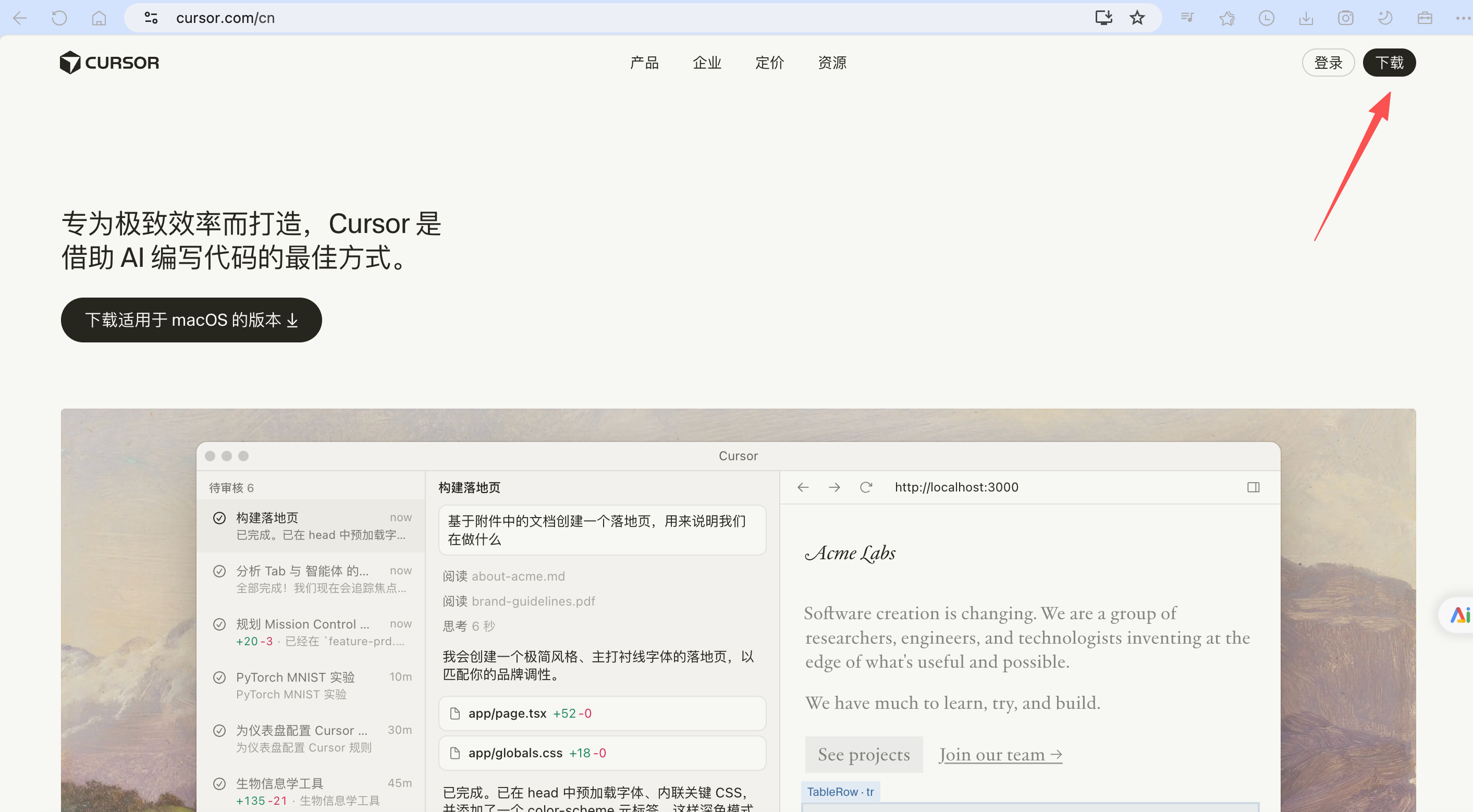
下载安装完毕后,如图:
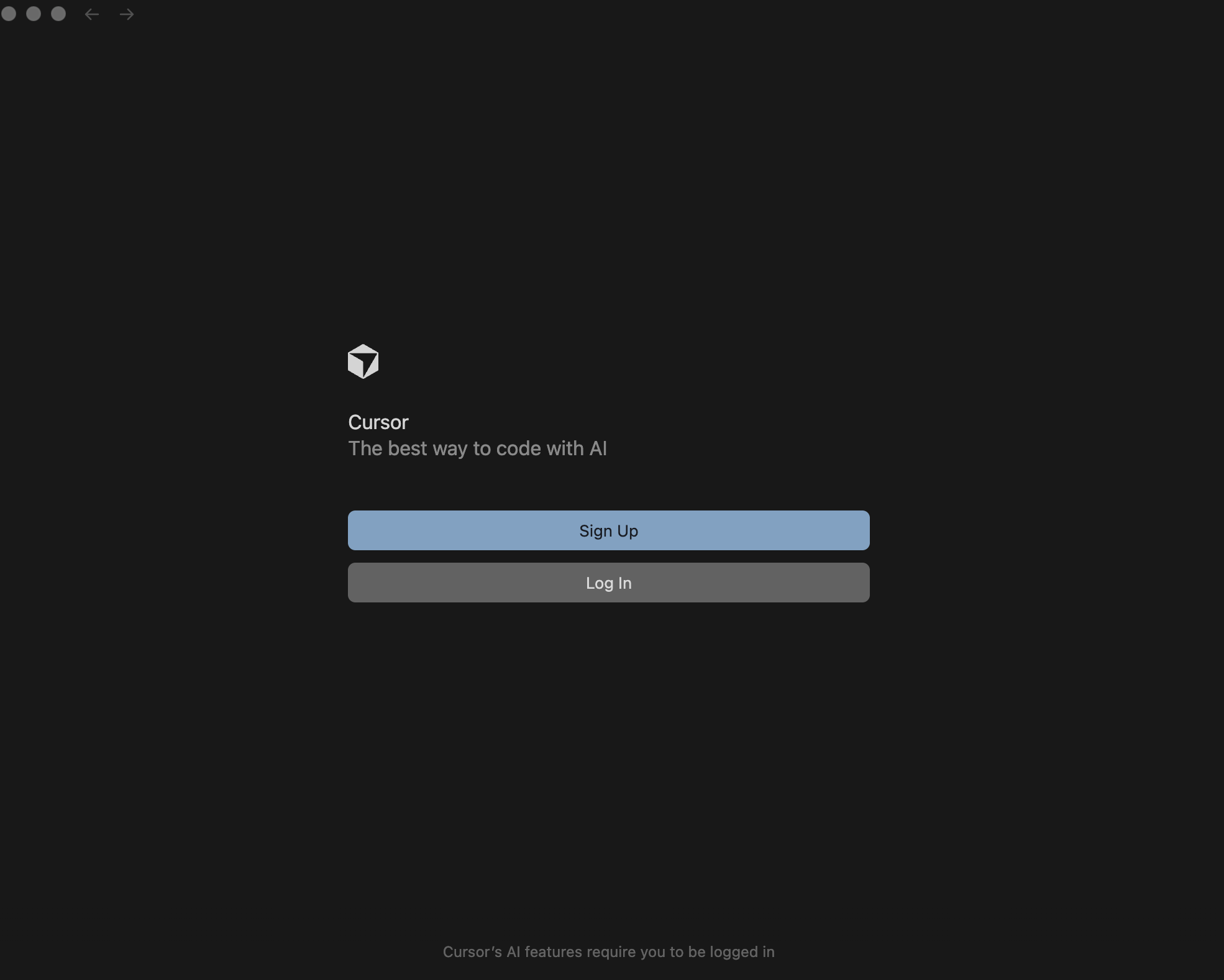
点击 Sign Up
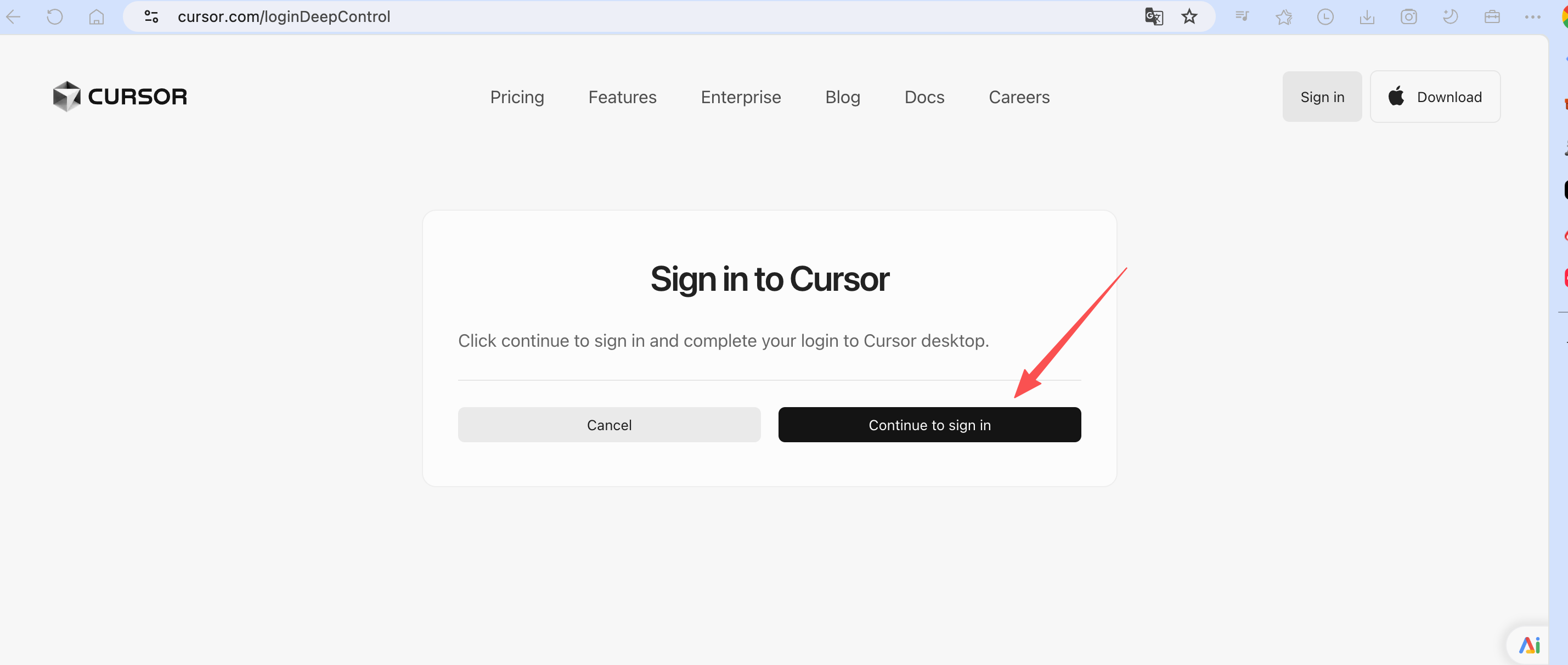
continue to sign in
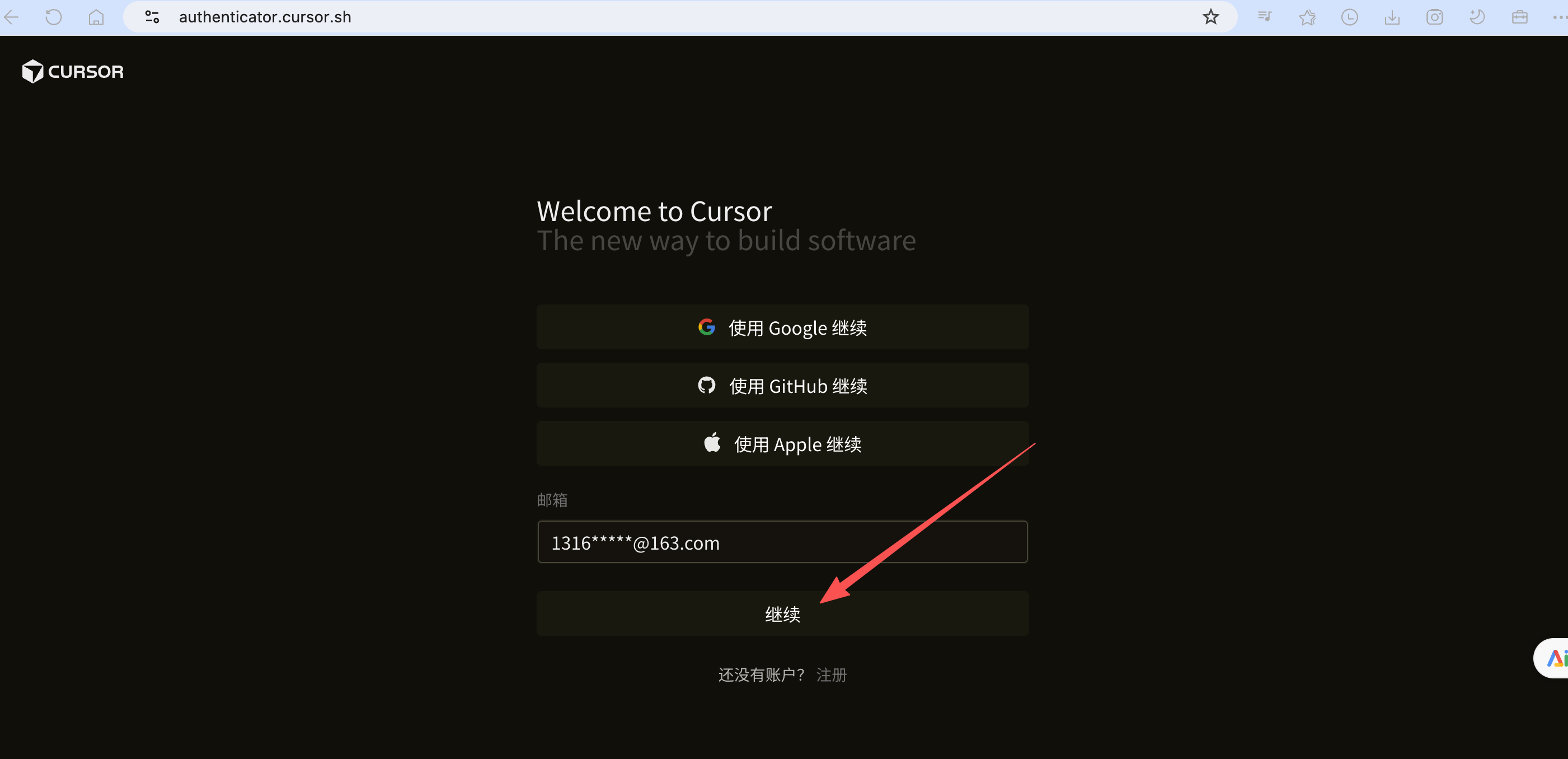
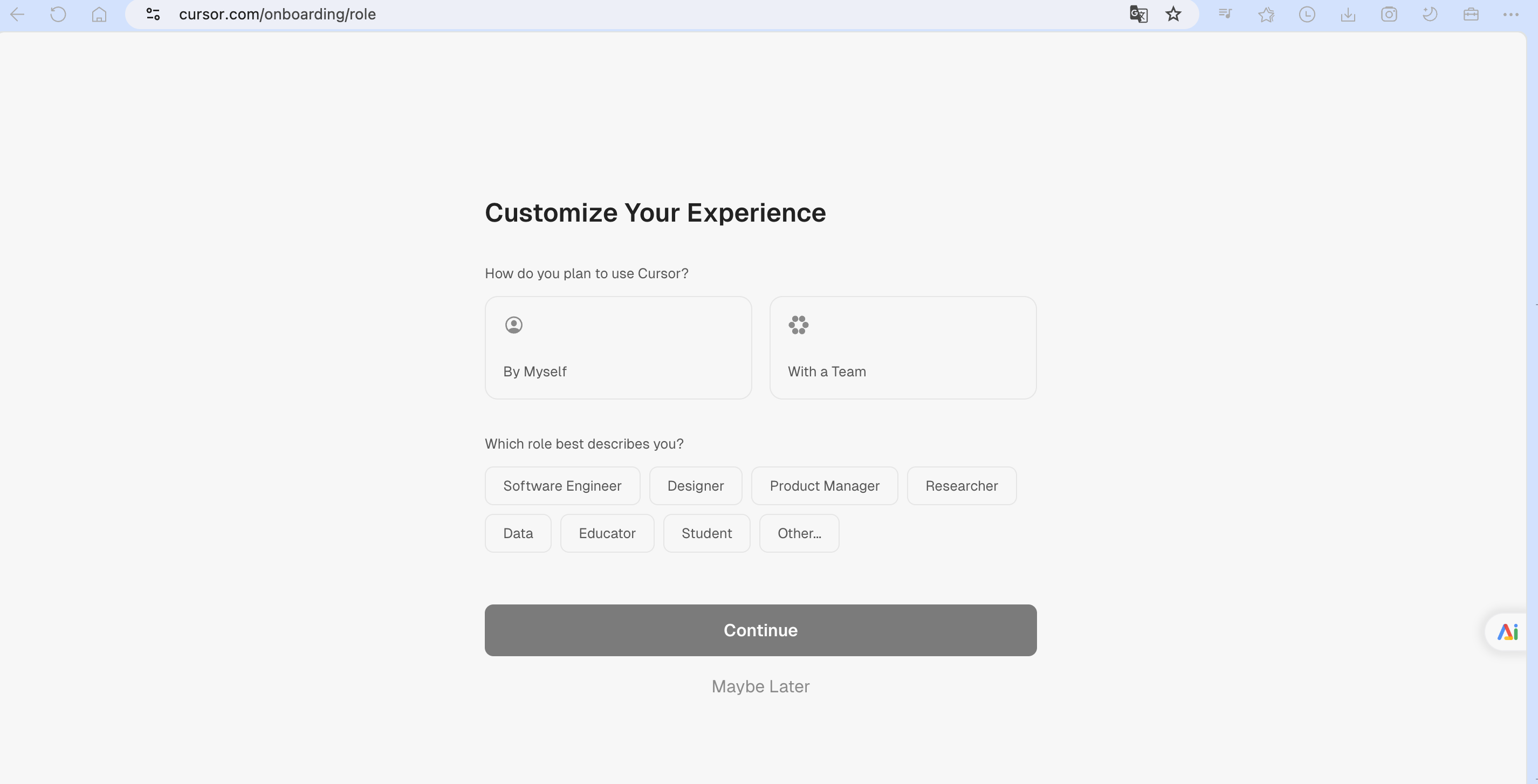
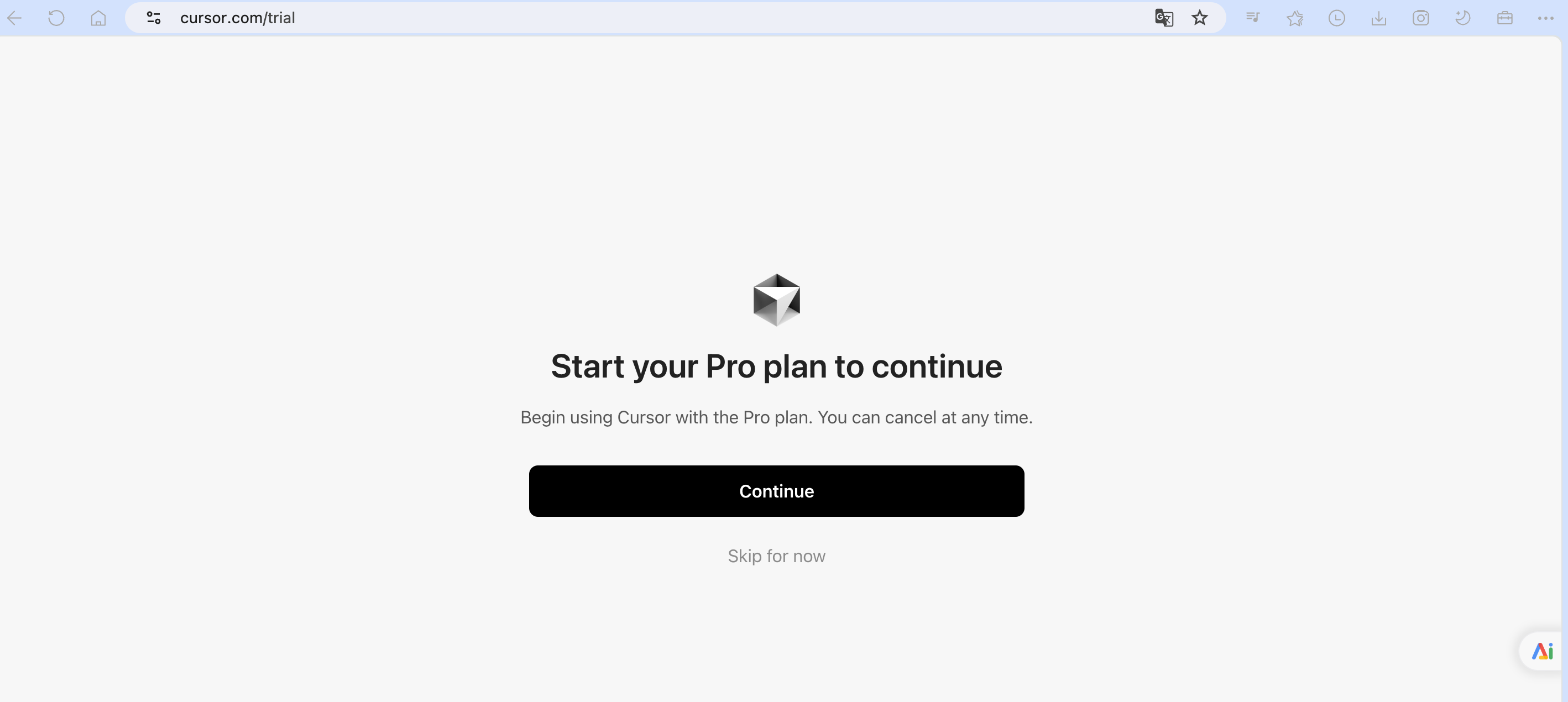
输入邮箱地址,点击“继续”,安装提示完成注册,如图:
Cursor 开发
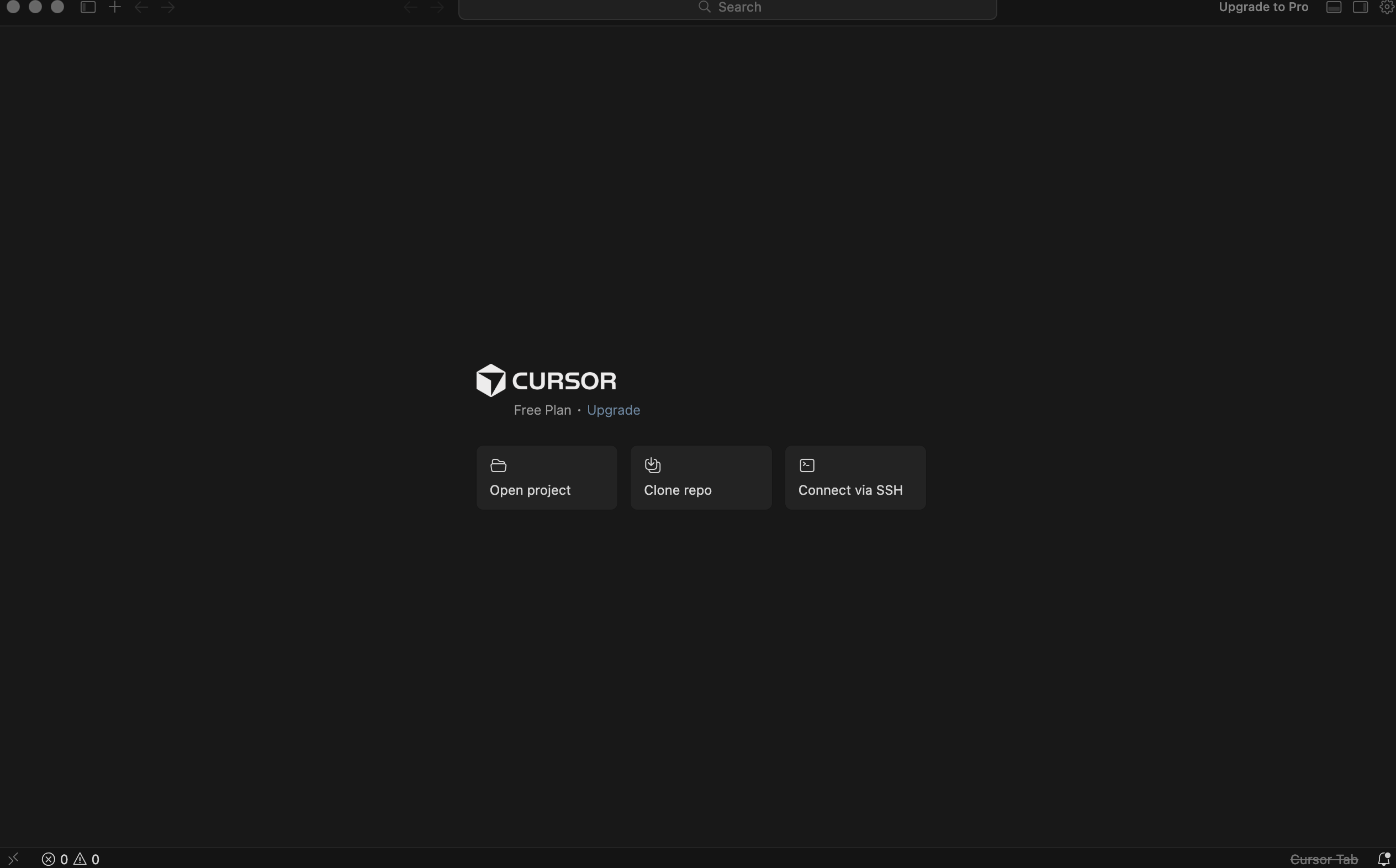
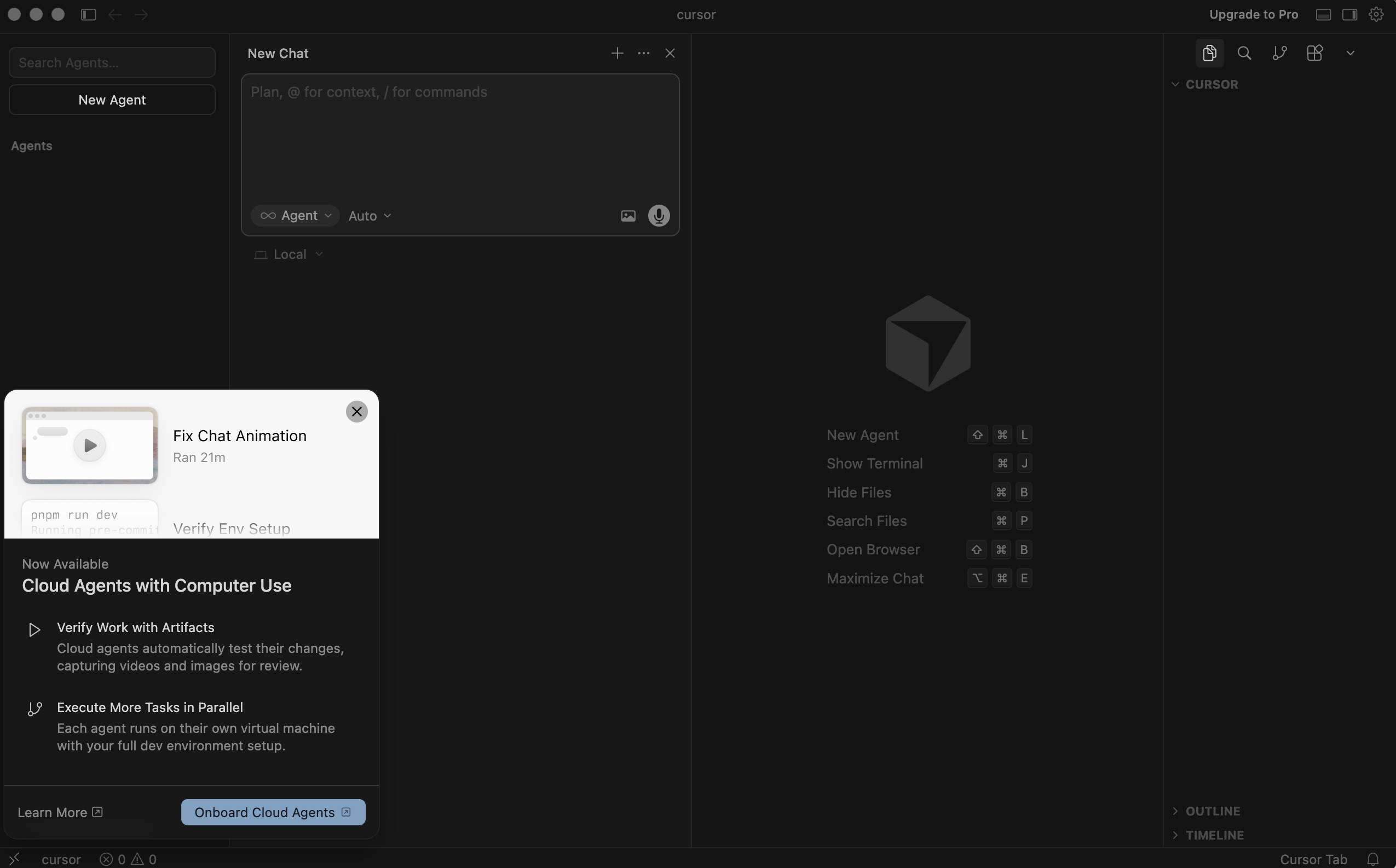
Cursor 的开发界面如图:
输入需求:
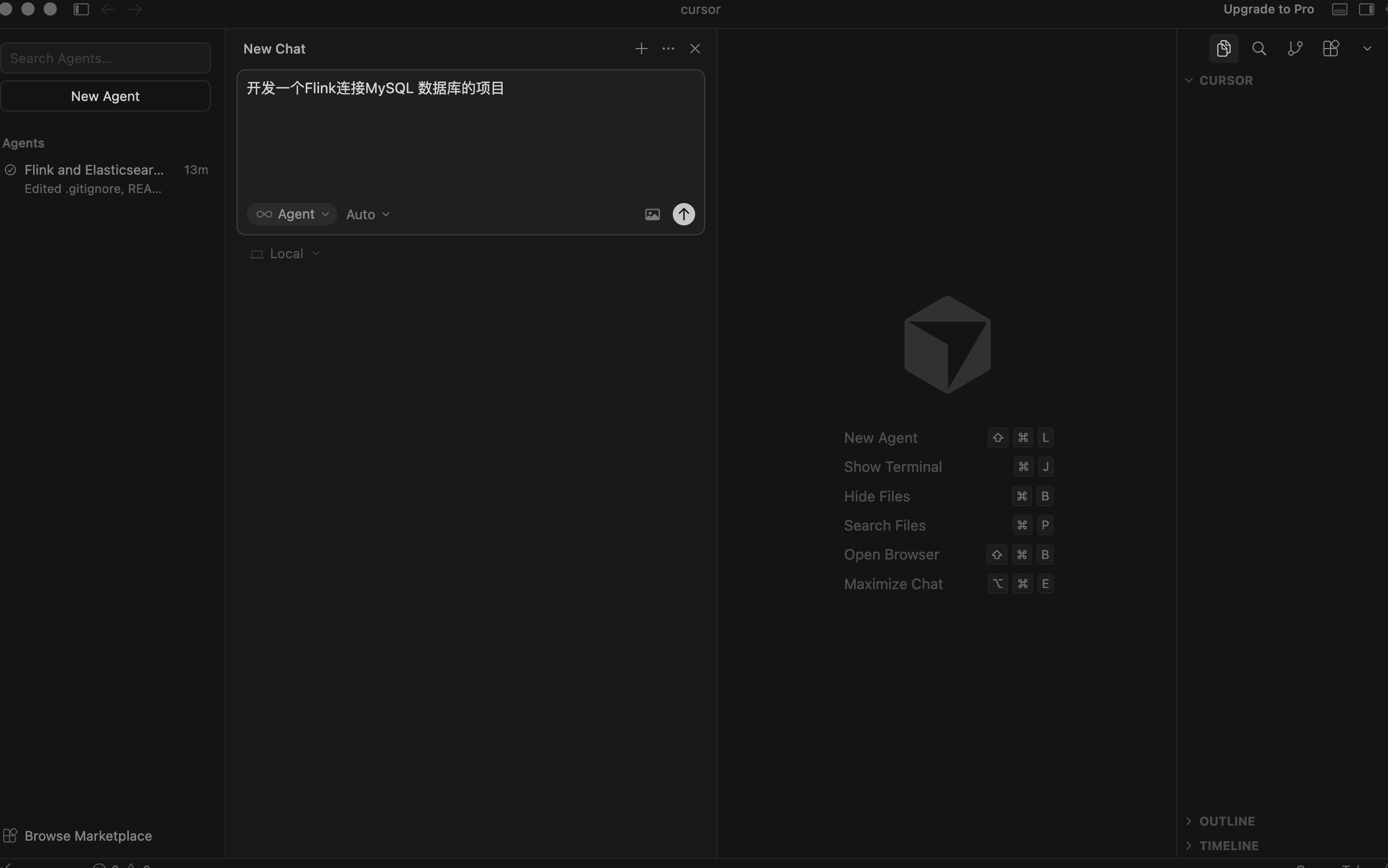
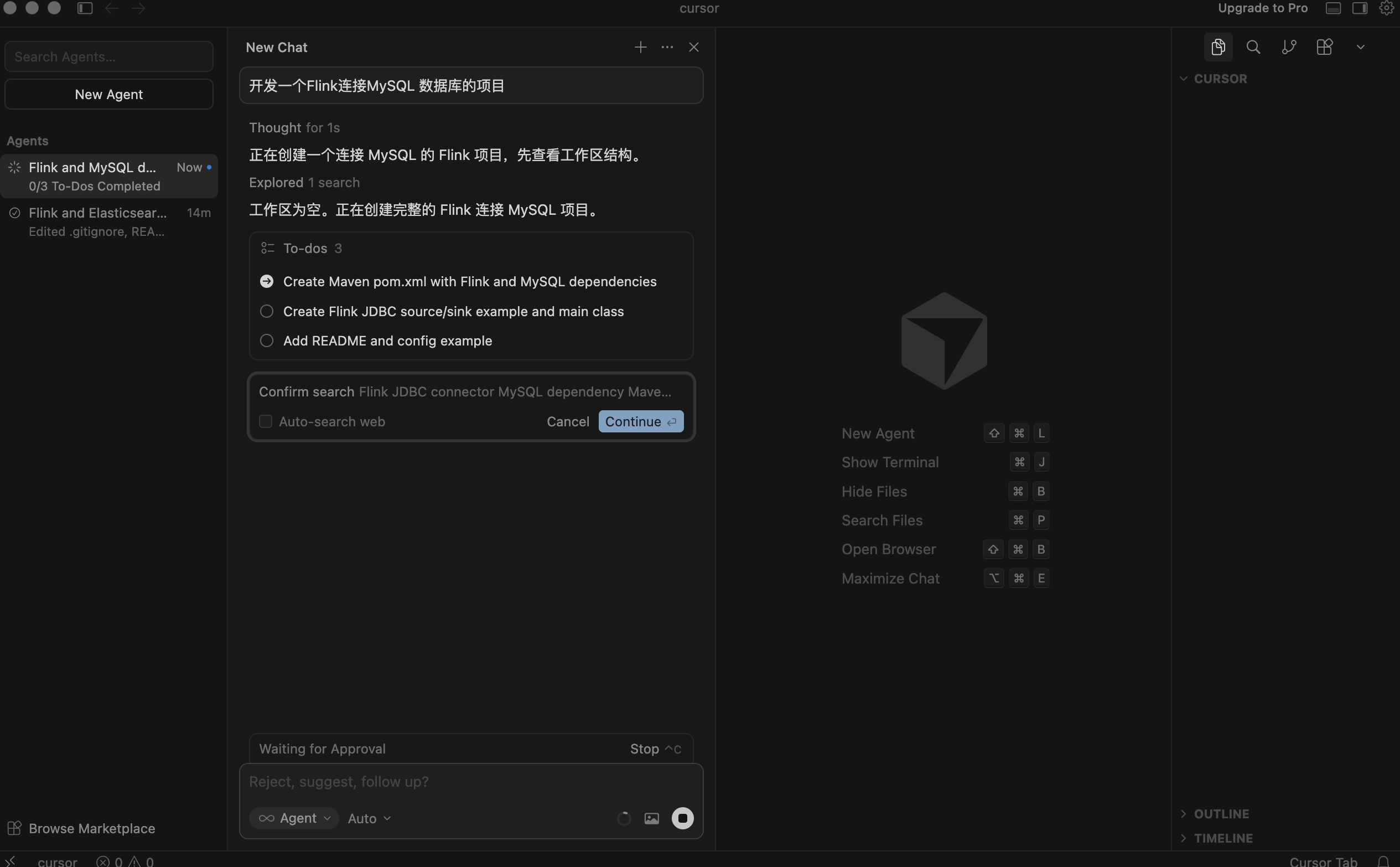
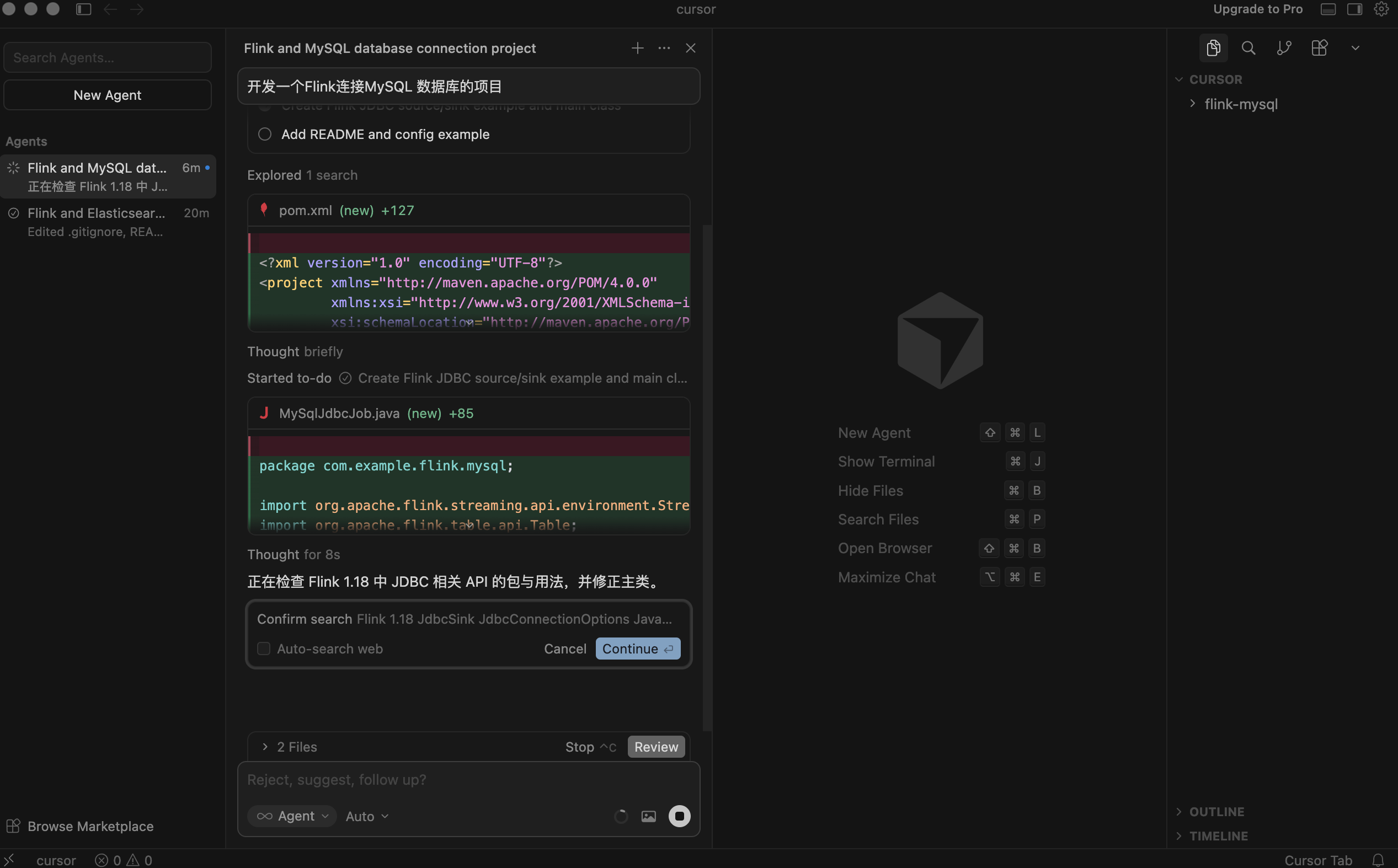
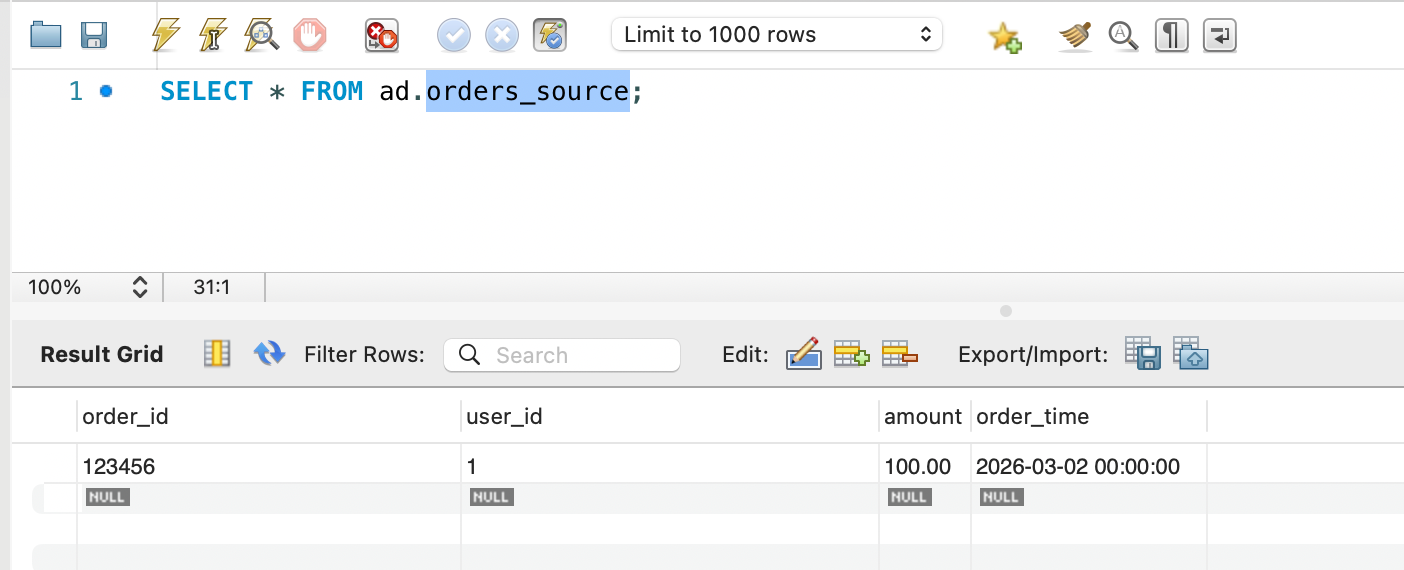
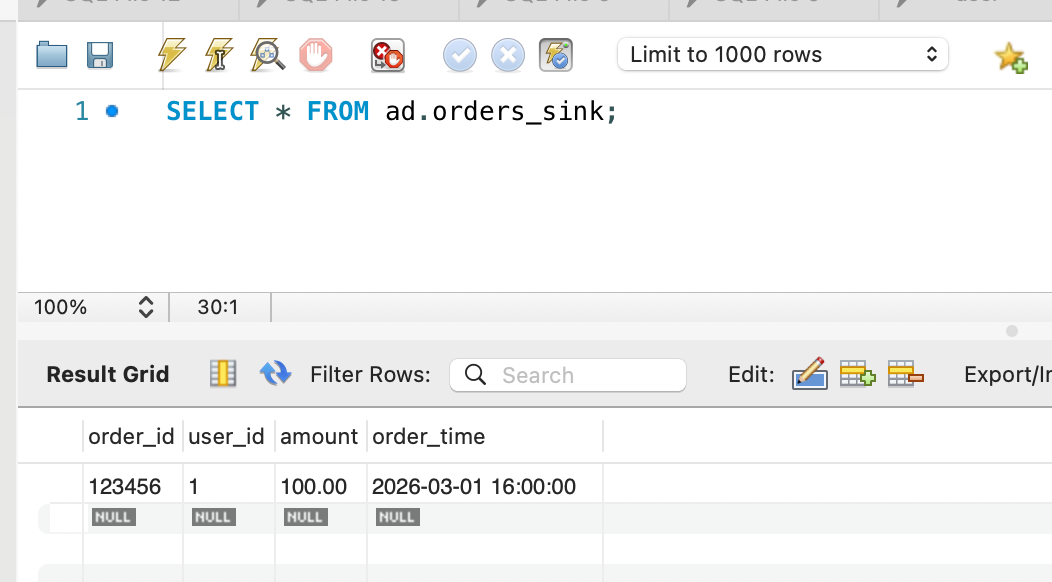
生产的代码如下,功能:从表orders_source 复制数据到表orders_sink
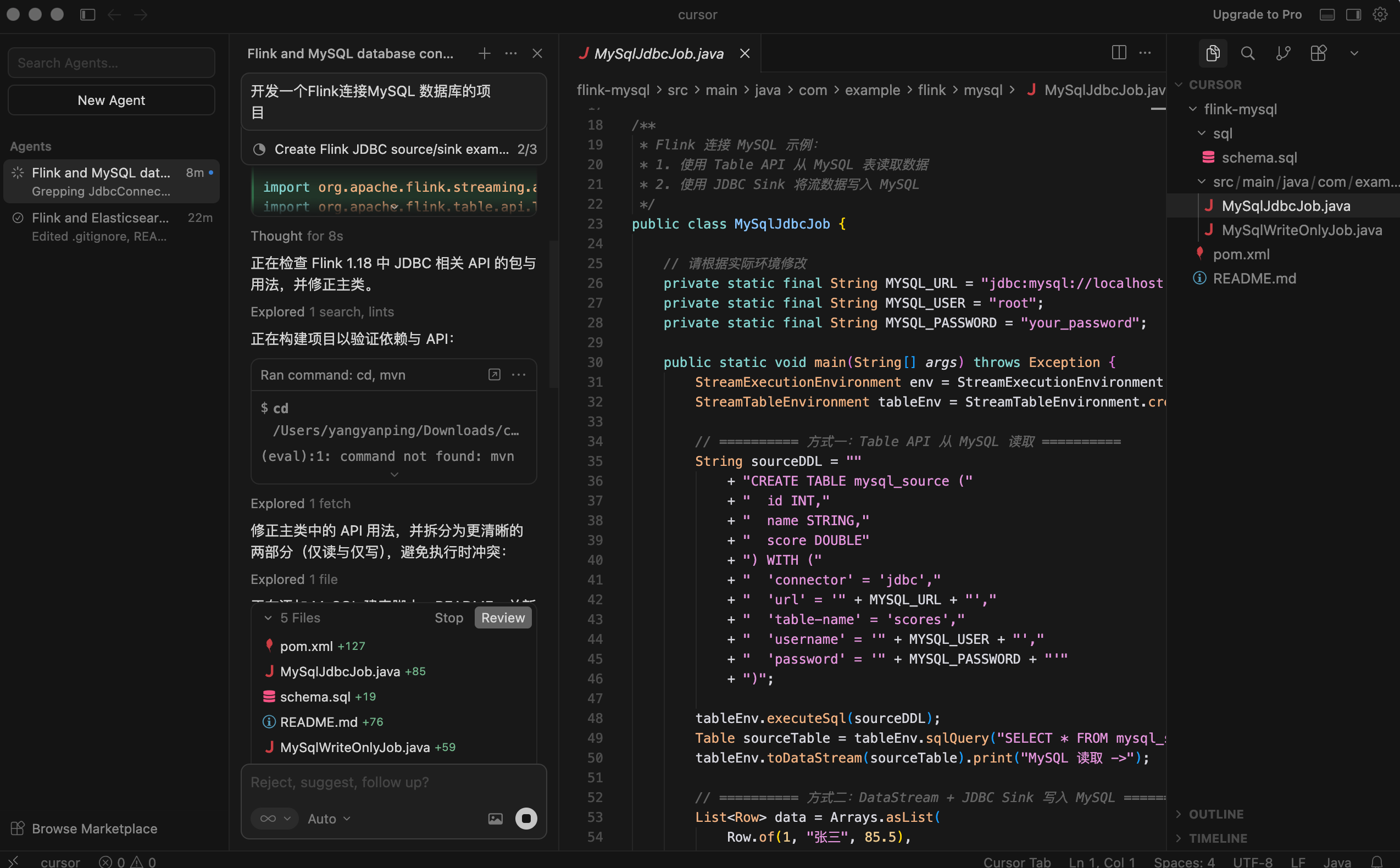
POM 文件:
<?xml version="1.0" encoding="UTF-8"?>
<project xmlns="http://maven.apache.org/POM/4.0.0"
         xmlns:xsi="http://www.w3.org/2001/XMLSchema-instance"
         xsi:schemaLocation="http://maven.apache.org/POM/4.0.0 http://maven.apache.org/xsd/maven-4.0.0.xsd">
    <modelVersion>4.0.0</modelVersion>

    <groupId>com.example.flink</groupId>
    <artifactId>flink-mysql</artifactId>
    <version>1.0-SNAPSHOT</version>
    <packaging>jar</packaging>
    <name>Flink MySQL Connector</name>
    <description>Flink project that reads from and writes to MySQL</description>

    <properties>
        <project.build.sourceEncoding>UTF-8</project.build.sourceEncoding>
        <flink.version>1.18.1</flink.version>
        <scala.binary.version>2.12</scala.binary.version>
        <maven.compiler.source>11</maven.compiler.source>
        <maven.compiler.target>11</maven.compiler.target>
    </properties>

    <dependencies>
        <!-- Flink 核心 -->
        <dependency>
            <groupId>org.apache.flink</groupId>
            <artifactId>flink-streaming-java</artifactId>
            <version>${flink.version}</version>
        </dependency>
        <dependency>
            <groupId>org.apache.flink</groupId>
            <artifactId>flink-clients</artifactId>
            <version>${flink.version}</version>
        </dependency>
        <!-- Flink Table API -->
        <dependency>
            <groupId>org.apache.flink</groupId>
            <artifactId>flink-table-api-java-bridge</artifactId>
            <version>${flink.version}</version>
        </dependency>
        <dependency>
            <groupId>org.apache.flink</groupId>
            <artifactId>flink-table-planner_${scala.binary.version}</artifactId>
            <version>${flink.version}</version>
        </dependency>
        <!-- Flink JDBC Connector -->
        <dependency>
            <groupId>org.apache.flink</groupId>
            <artifactId>flink-connector-jdbc</artifactId>
            <version>3.1.2-1.18</version>
        </dependency>
        <!-- MySQL Driver -->
        <dependency>
            <groupId>com.mysql</groupId>
            <artifactId>mysql-connector-j</artifactId>
            <version>8.3.0</version>
        </dependency>
    </dependencies>

    <build>
        <plugins>
            <plugin>
                <groupId>org.apache.maven.plugins</groupId>
                <artifactId>maven-compiler-plugin</artifactId>
                <version>3.11.0</version>
                <configuration>
                    <source>11</source>
                    <target>11</target>
                </configuration>
            </plugin>
            <plugin>
                <groupId>org.apache.maven.plugins</groupId>
                <artifactId>maven-shade-plugin</artifactId>
                <version>3.5.1</version>
                <executions>
                    <execution>
                        <phase>package</phase>
                        <goals>
                            <goal>shade</goal>
                        </goals>
                        <configuration>
                            <artifactSet>
                                <excludes>
                                    <exclude>com.google.code.findbugs:jsr305</exclude>
                                    <exclude>org.slf4j:slf4j-log4j12</exclude>
                                </excludes>
                            </artifactSet>
                            <filters>
                                <filter>
                                    <artifact>*:*</artifact>
                                    <excludes>
                                        <exclude>META-INF/*.SF</exclude>
                                        <exclude>META-INF/*.DSA</exclude>
                                        <exclude>META-INF/*.RSA</exclude>
                                    </excludes>
                                </filter>
                            </filters>
                            <transformers>
                                <transformer implementation="org.apache.maven.plugins.shade.resource.ManifestResourceTransformer">
                                    <mainClass>com.example.flink.MySQLFlinkJob</mainClass>
                                </transformer>
                            </transformers>
                        </configuration>
                    </execution>
                </executions>
            </plugin>
        </plugins>
    </build>
</project>
代码:
package com.example.flink;

import org.apache.flink.streaming.api.environment.StreamExecutionEnvironment;
import org.apache.flink.table.api.Table;
import org.apache.flink.table.api.bridge.java.StreamTableEnvironment;
import org.apache.flink.connector.jdbc.JdbcConnectionOptions;
import org.apache.flink.connector.jdbc.JdbcExecutionOptions;
import org.apache.flink.connector.jdbc.JdbcSink;

/**
 * Flink 连接 MySQL 示例(Table API):
 * 从 MySQL 源表读取数据,经简单转换后写入 MySQL 目标表。
 * 可通过 application.conf 或环境变量配置连接信息。
 */
public class MySQLFlinkJob {

    public static void main(String[] args) throws Exception {
        String jdbcUrl = getConfig("mysql.url", "jdbc:mysql://localhost:3306/ad?useSSL=false&serverTimezone=UTC");
        String username = getConfig("mysql.username", "root");
        String password = getConfig("mysql.password", "Yangyanping@1981");

        StreamExecutionEnvironment env = StreamExecutionEnvironment.getExecutionEnvironment();
        StreamTableEnvironment tableEnv = StreamTableEnvironment.create(env);

        // 定义 MySQL 源表(与库中表结构一致)
        String sourceDDL = String.format(
            "CREATE TABLE orders_source (" +
            "  order_id BIGINT," +
            "  user_id BIGINT," +
            "  amount DECIMAL(10,2)," +
            "  order_time TIMESTAMP(3)" +
            ") WITH (" +
            "  'connector' = 'jdbc'," +
            "  'url' = '%s'," +
            "  'table-name' = 'orders_source'," +
            "  'username' = '%s'," +
            "  'password' = '%s'" +
            ")",
            jdbcUrl, username, password
        );

        // 定义 MySQL 目标表
        String sinkDDL = String.format(
            "CREATE TABLE orders_sink (" +
            "  order_id BIGINT," +
            "  user_id BIGINT," +
            "  amount DECIMAL(10,2)," +
            "  order_time TIMESTAMP(3)" +
            ") WITH (" +
            "  'connector' = 'jdbc'," +
            "  'url' = '%s'," +
            "  'table-name' = 'orders_sink'," +
            "  'username' = '%s'," +
            "  'password' = '%s'" +
            ")",
            jdbcUrl, username, password
        );

        tableEnv.executeSql(sourceDDL);
        tableEnv.executeSql(sinkDDL);

        // 从源表读取并写入目标表(可在此处加过滤、聚合等)
        Table result = tableEnv.sqlQuery("SELECT order_id, user_id, amount, order_time FROM orders_source");
        result.executeInsert("orders_sink").await();
    }

    static String getConfig(String key, String defaultValue) {
        String v = System.getProperty(key);
        if (v != null && !v.isEmpty()) return v;
        v = System.getenv(key.replace(".", "_").toUpperCase());
        return v != null && !v.isEmpty() ? v : defaultValue;
    }
}
MySQL数据库创建表
CREATE TABLE `orders_source` (
  `order_id` bigint NOT NULL,
  `user_id` bigint DEFAULT NULL,
  `amount` decimal(10,2) DEFAULT NULL,
  `order_time` datetime DEFAULT NULL,
  PRIMARY KEY (`order_id`)
) ENGINE=InnoDB DEFAULT CHARSET=utf8mb4 COLLATE=utf8mb4_0900_ai_ci;
CREATE TABLE `orders_sink` (
`order_id` bigint NOT NULL,
`user_id` bigint DEFAULT NULL,
`amount` decimal(10,2) DEFAULT NULL,
`order_time` datetime DEFAULT NULL,
PRIMARY KEY (`order_id`)
) ENGINE=InnoDB DEFAULT CHARSET=utf8mb4 COLLATE=utf8mb4_0900_ai_ci;运行项目,完成数据从orders_source 表 到 orders_sink 表的复制。
一个Cursor 简单安装 和 入门 就 介绍到这里。

汇聚全球AI编程工具,助力开发者即刻编程。
更多推荐

 13
13 0
0- 0


 已为社区贡献2条内容

所有评论(0)