
openclaw对接企业微信
·
1、安装企业微信插件
[root@localhost ~]# openclaw plugins install @wecom/wecom-openclaw-plugin@beta
2、重启openclaw gateway服务
[root@localhost ~]# openclaw gateway restart

🦞 OpenClaw 2026.3.8 (3caab92) — Less clicking, more shipping, fewer "where did that file go" moments.

Restarted systemd service: openclaw-gateway.service
3、添加渠道
[root@localhost ~]# openclaw channels add
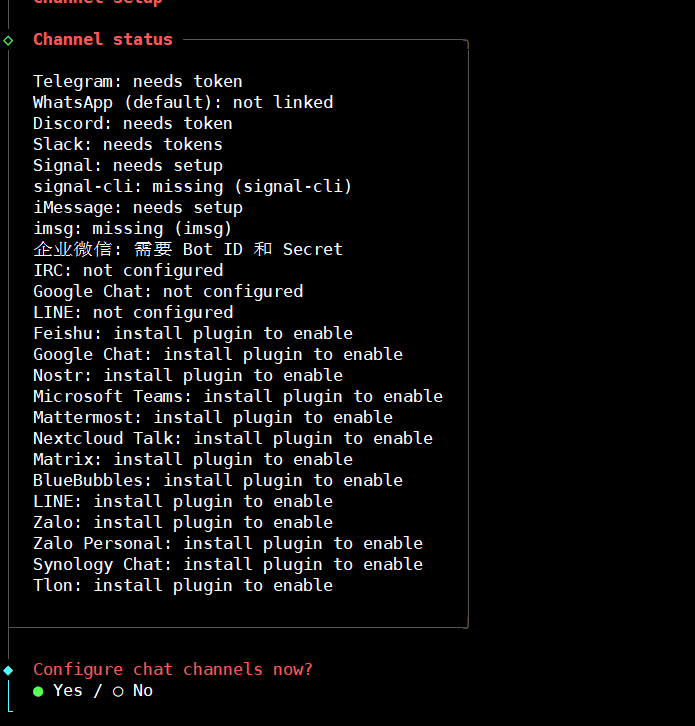
4、登录企业微信后台
https://work.weixin.qq.com/wework_admin/loginpage_wx?from=myhome
安全与管理——管理工具——智能机器人
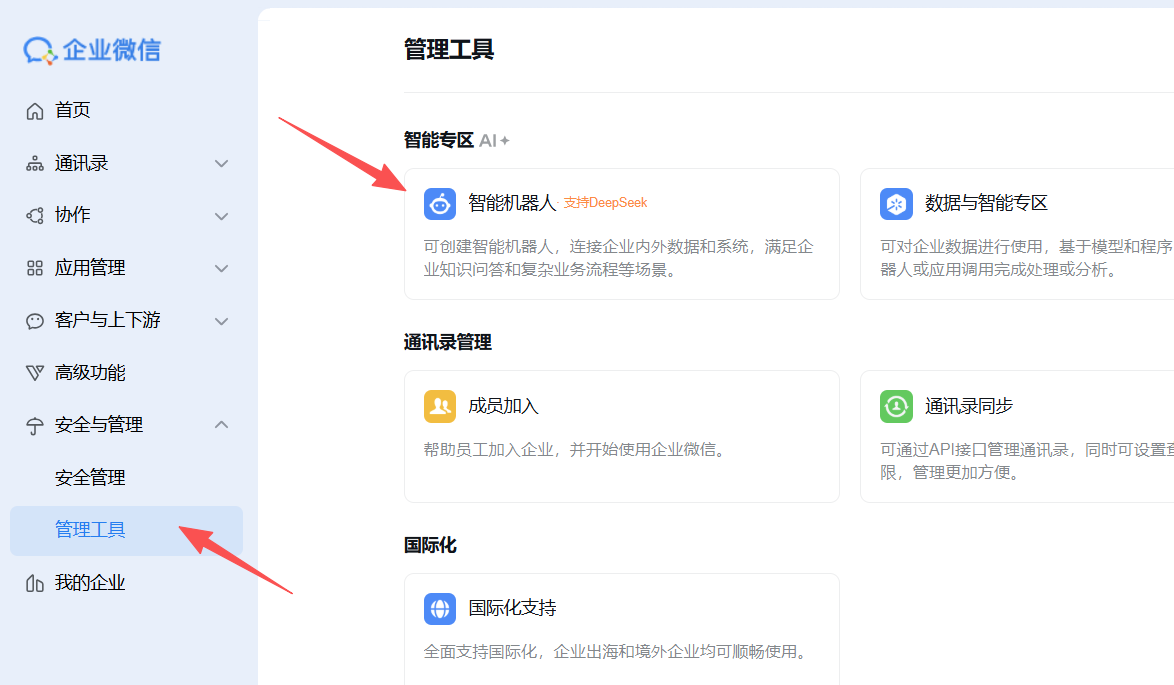
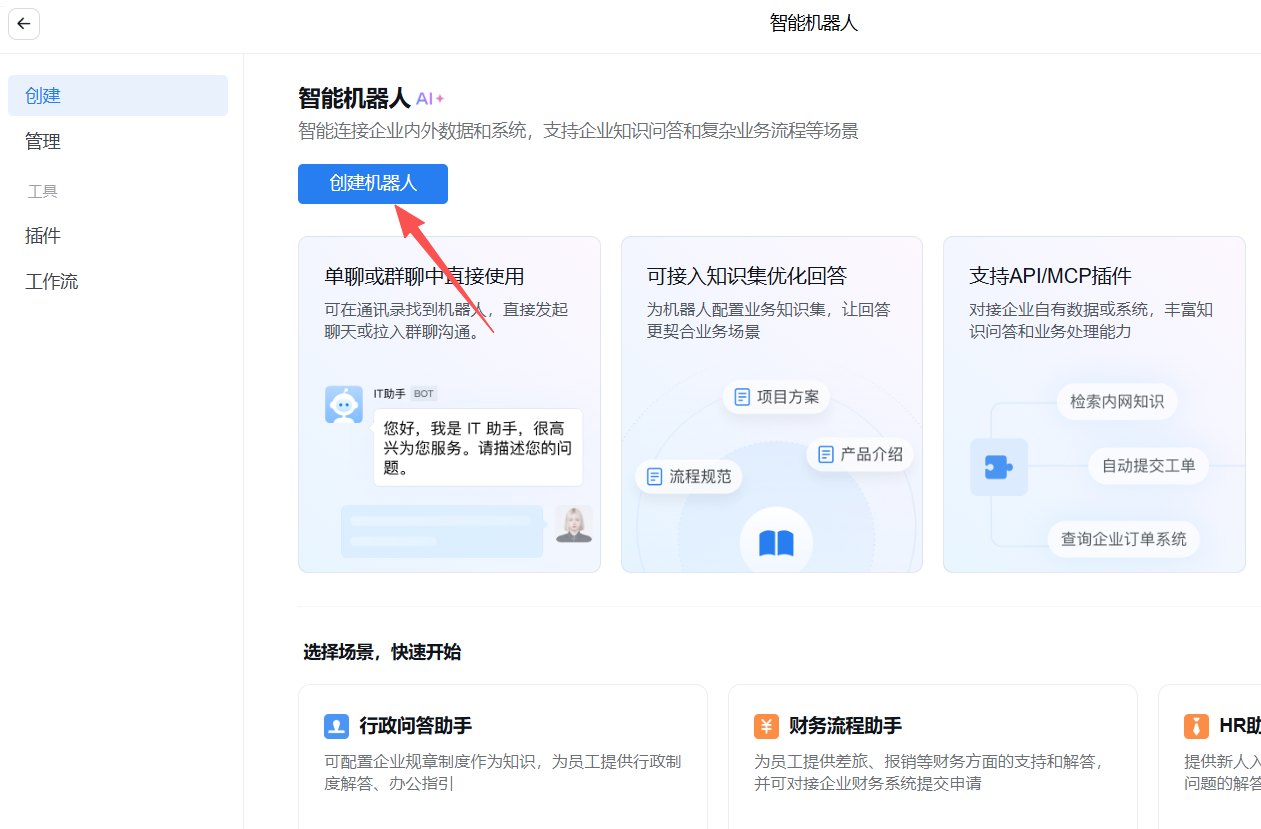
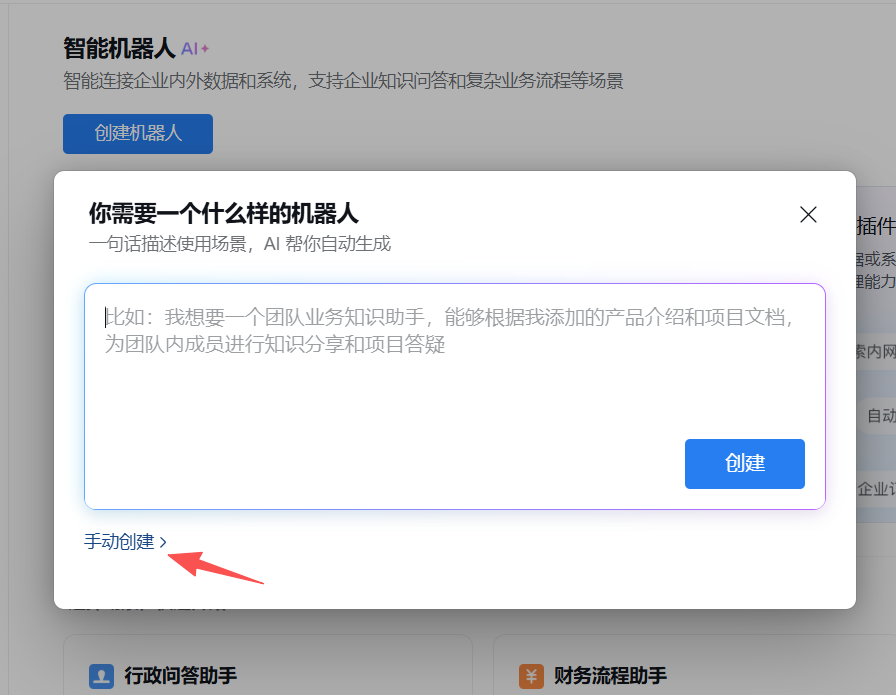
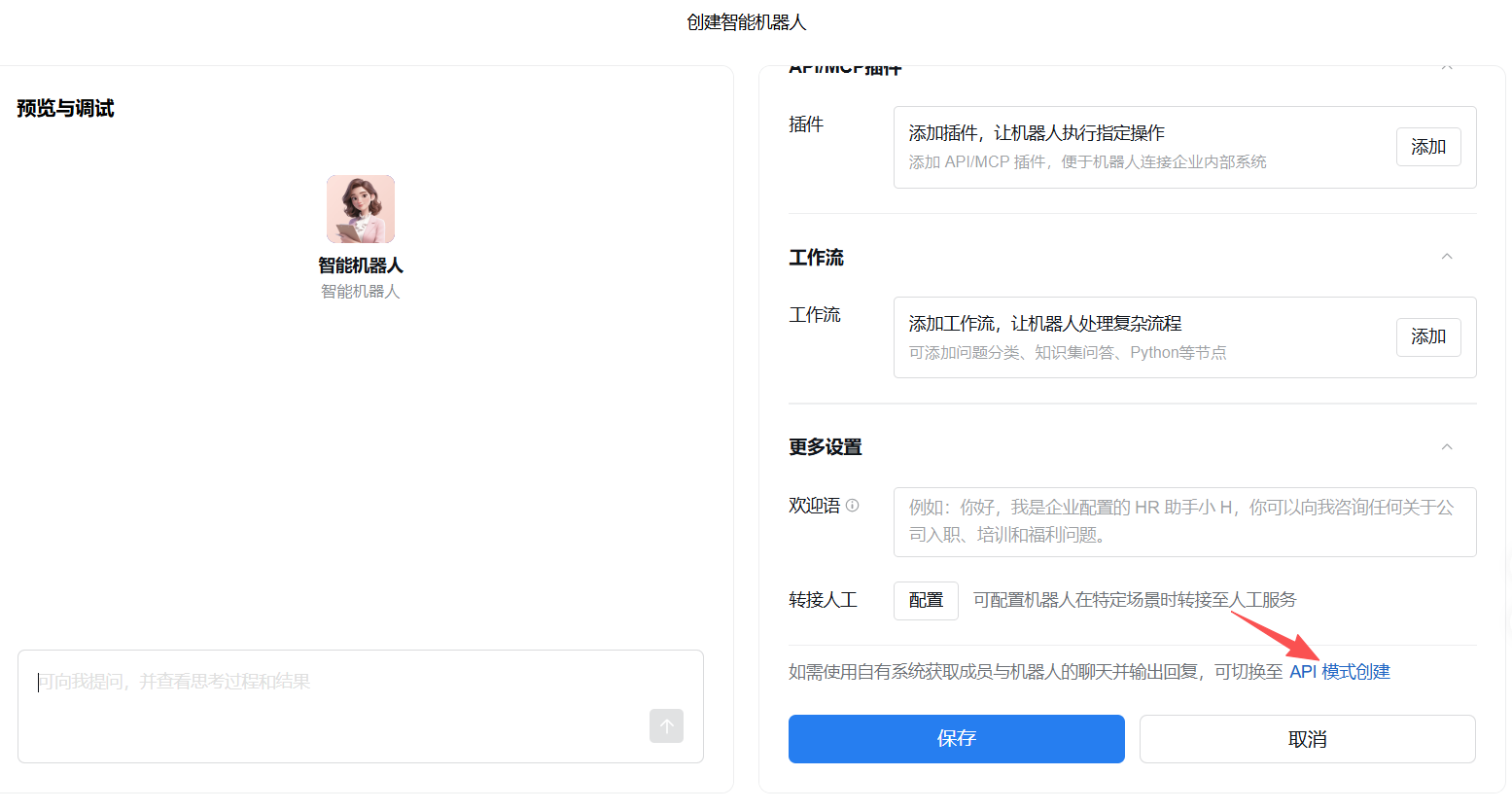
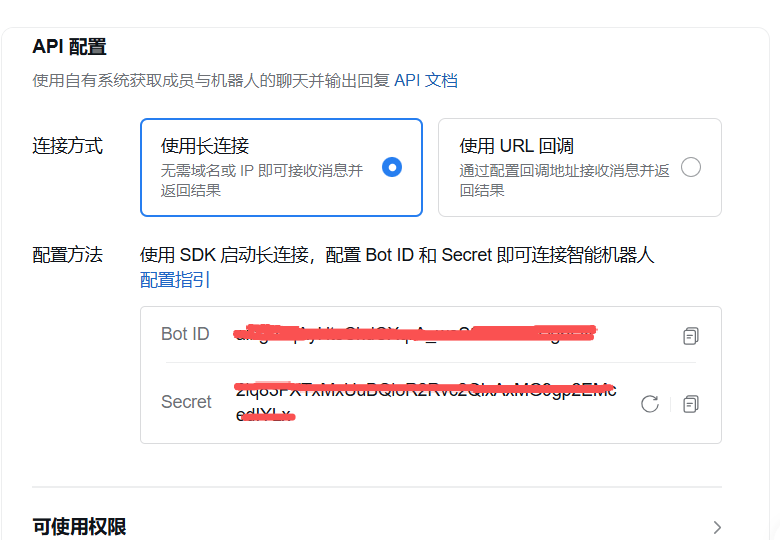
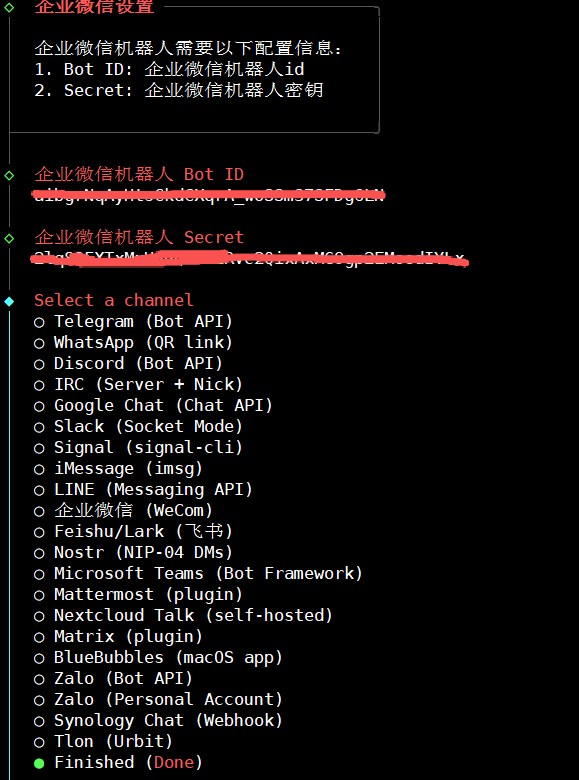
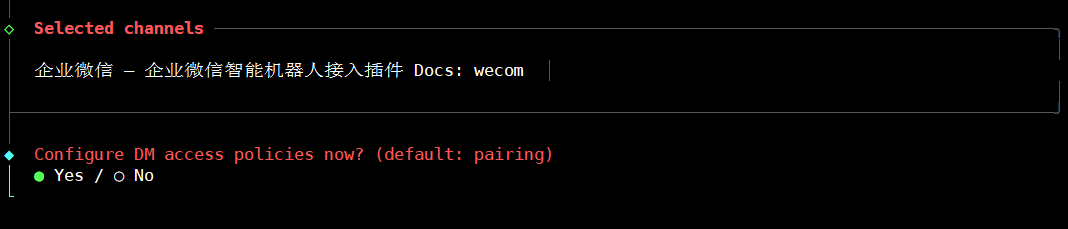
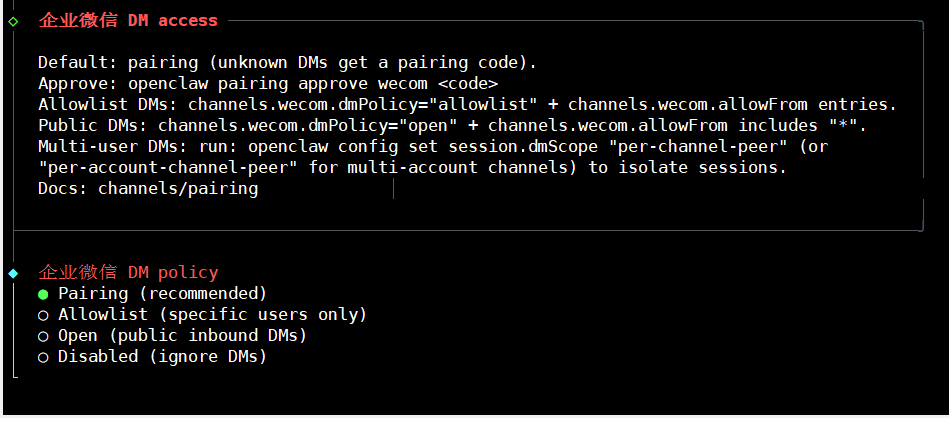
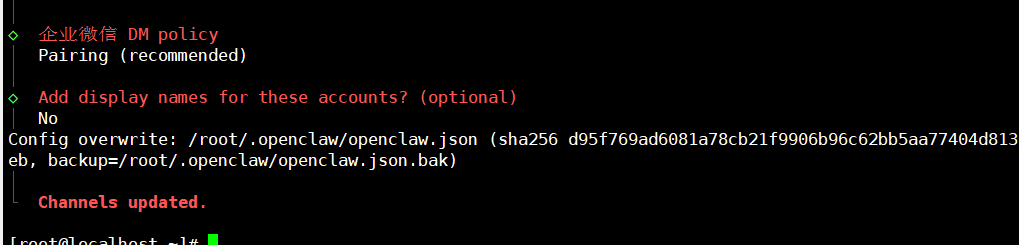
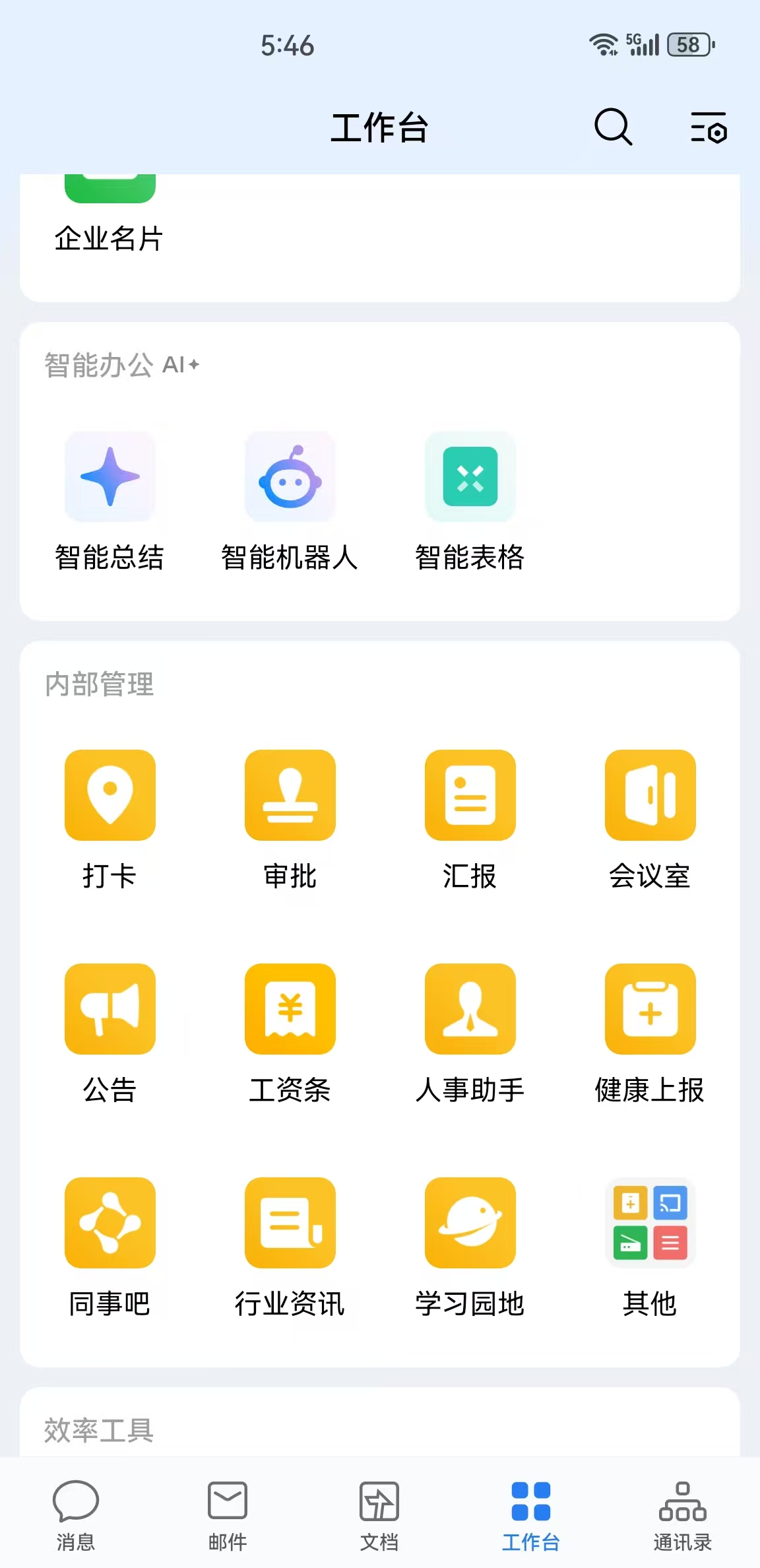
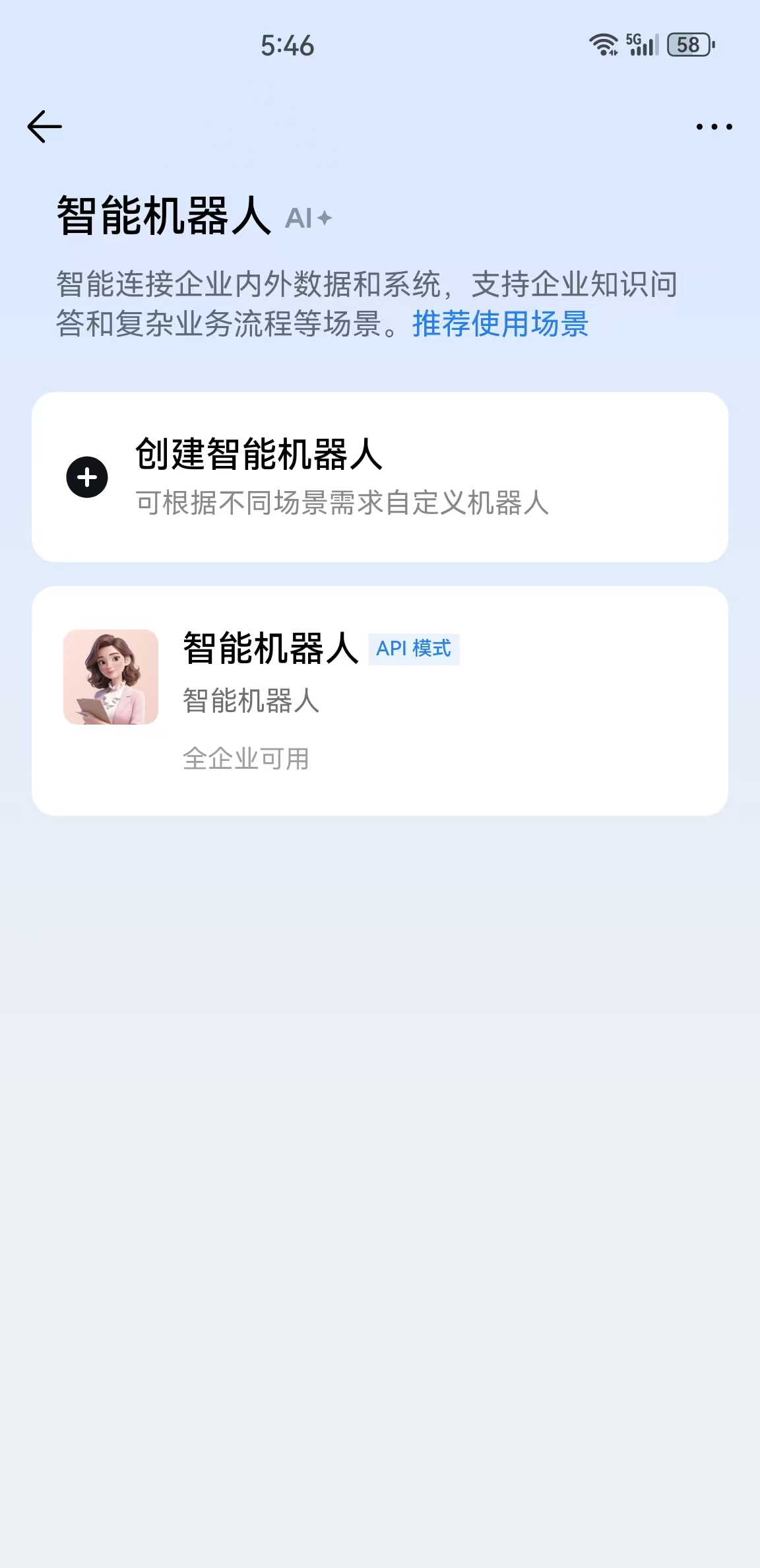
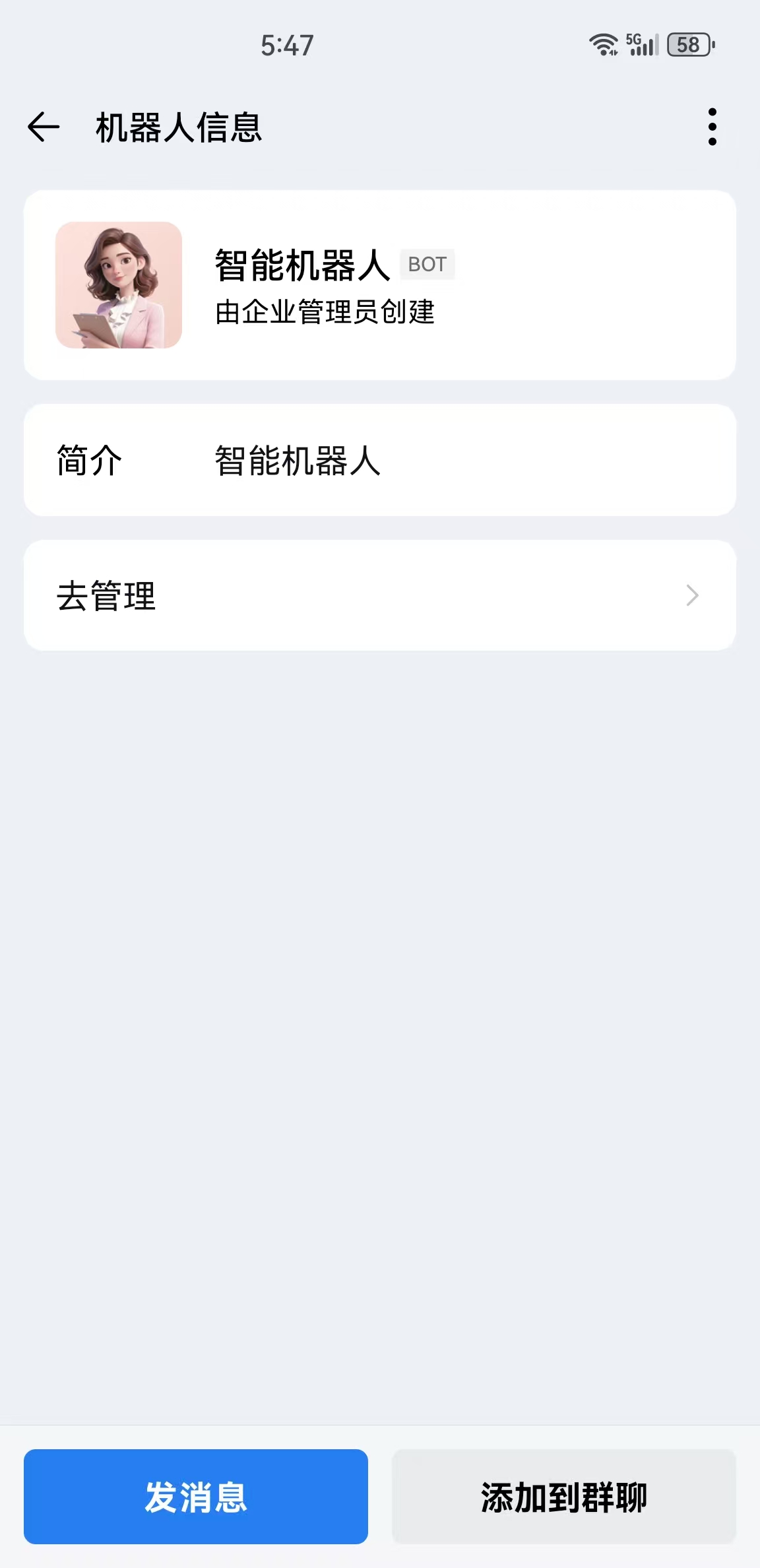
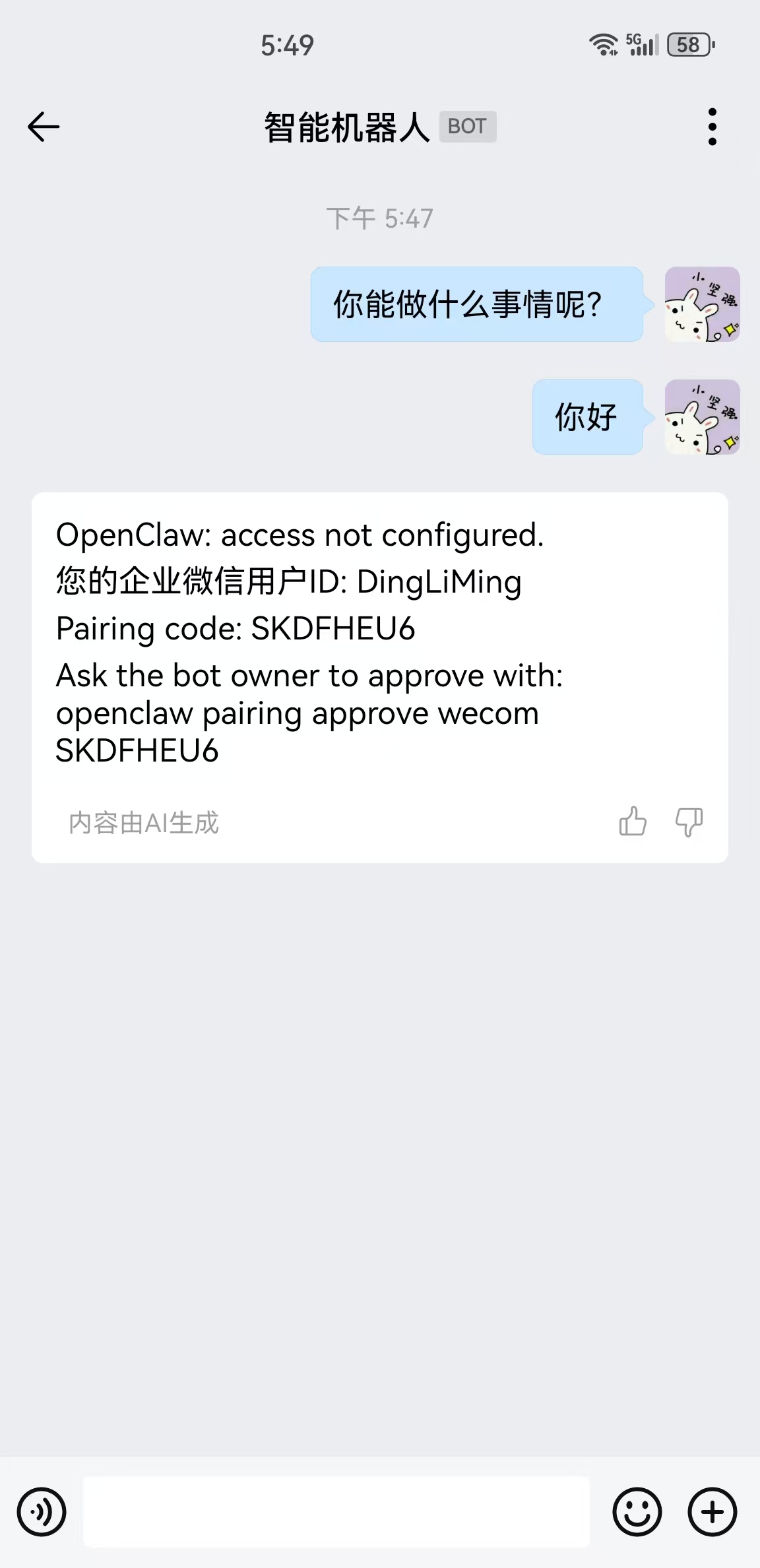
5、在企业微信回复消息,然后在openclaw服务端执行并授权
```bash
[root@localhost ~]# openclaw pairing approve wecom SKDFHEU6
17:50:09 [plugins] plugins.allow is empty; discovered non-bundled plugins may auto-load: wecom-openclaw-plugin (/root/.openclaw/extensions/wecom-openclaw-plugin/dist/index.esm.js). Set plugins.allow to explicit trusted ids.

🦞 OpenClaw 2026.3.8 (3caab92) — I keep secrets like a vault... unless you print them in debug logs again.

Approved wecom sender DingLiMing.
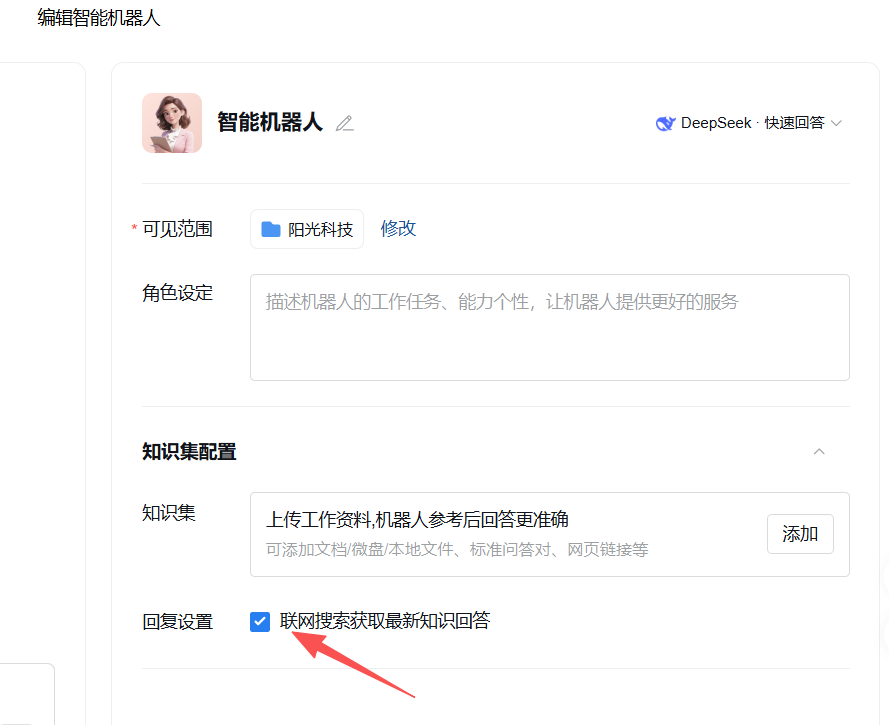
6、如果机器人无任何回复,请将微信后台的回复设置勾选上。
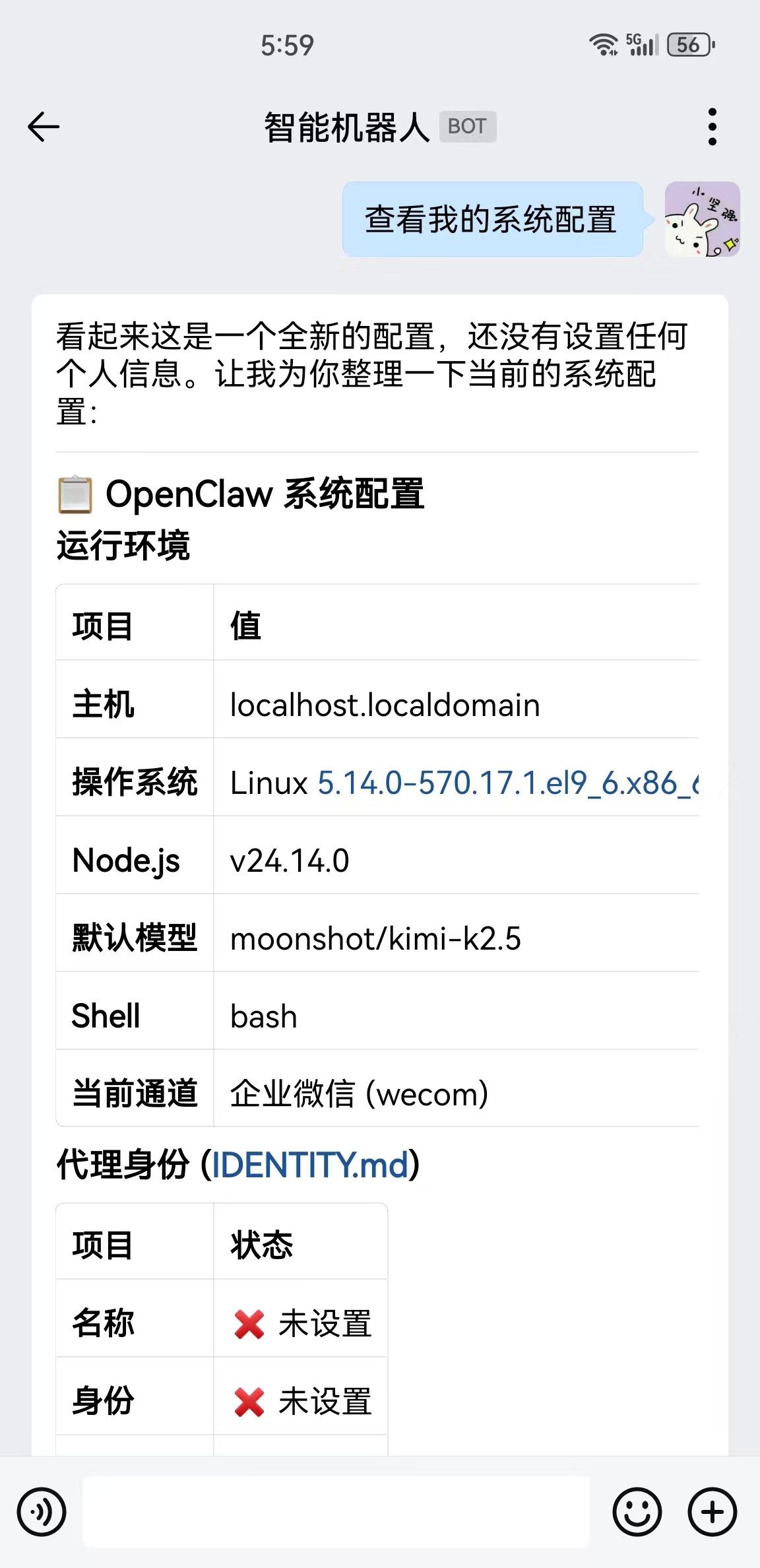
7、再次向机器人提问,测试是否有无回复。

汇聚全球AI编程工具,助力开发者即刻编程。
更多推荐

 0
0 0
0- 0


 已为社区贡献1条内容

所有评论(0)