
一个基于Axum实现的,更符合Java开发者习惯的Rust生态的Web框架
·
WebR 简介
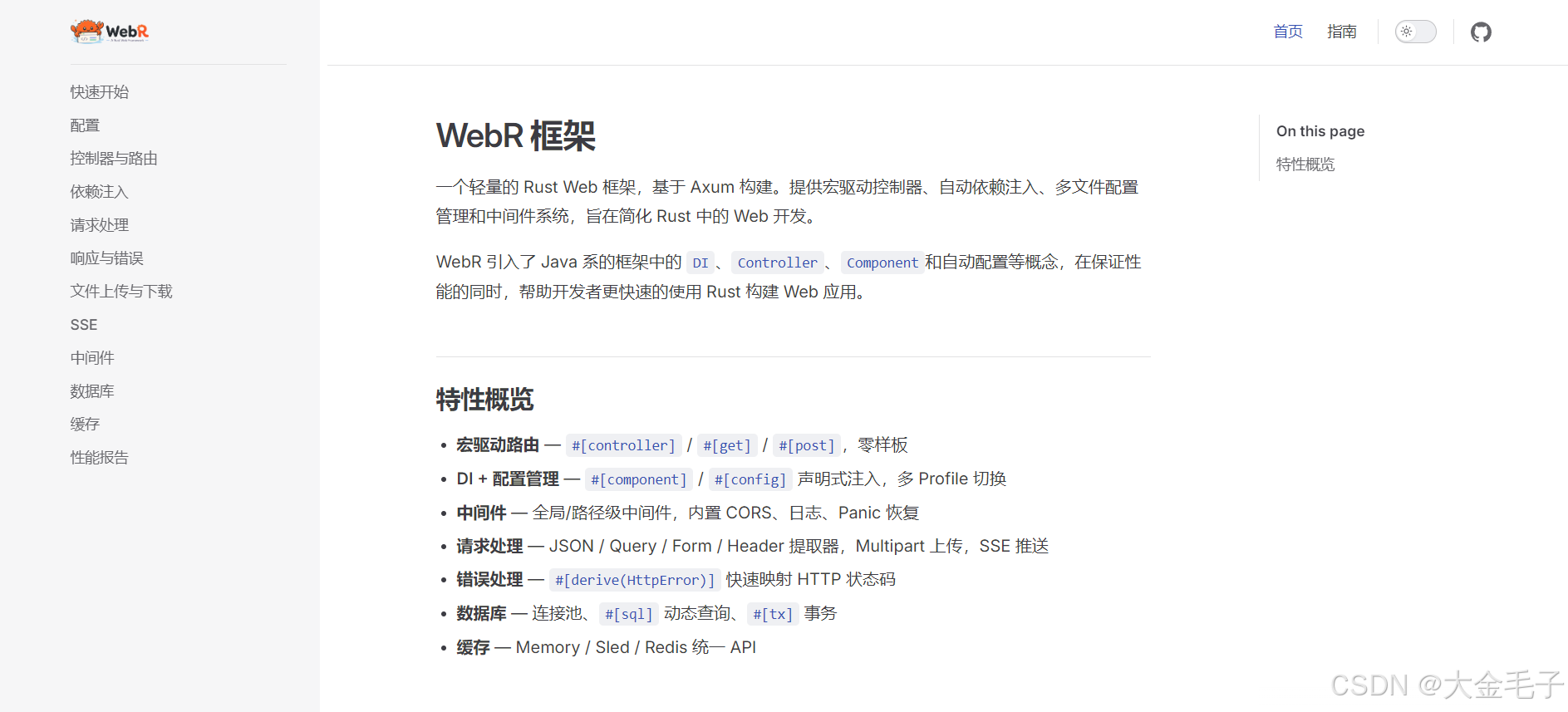
一个轻量的 Rust Web 框架,基于 Axum 构建。提供宏驱动控制器、自动依赖注入、多文件配置管理和中间件系统,旨在简化 Rust 中的 Web 开发。
WebR 引入了 Java 系的框架中的 DI、Controller、Component和自动配置等概念,在保证性能的同时,帮助开发者更快速的使用 Rust 构建 Web 应用。
同时也内置了轻量的ORM,可通过类似Mybatis XML实现动态SQL。
开源地址:https://github.com/xgpxg/webr
文档:https://xgpxg.github.io/webr
特性概览
- 宏驱动路由 — #[controller] / #[get] / #[post],零样板
- DI + 配置管理 — #[component] / #[config] 声明式注入,多 Profile 切换
- 中间件 — 全局/路径级中间件,内置 CORS、日志、Panic 恢复
- 请求处理 — JSON / Query / Form / Header 提取器,Multipart 上传,SSE 推送
- 错误处理 — #[derive(HttpError)] 快速映射 HTTP 状态码
- 数据库 — 连接池、#[sql] 动态查询、#[tx] 事务
- 缓存 — Memory / Sled / Redis 统一 API
快速开始
创建第一个 WebR 应用并运行起来。
- 创建项目
cargo new my-app
cd my-app
- 添加依赖
编辑Cargo.toml
[dependencies]
webr = { version = "0.1" }
- 创建配置文件
config/application.toml
[server]
port = 8080
- 编写代码
src/main.rs
use webr::prelude::*;

#[controller]
pub struct HelloController;

#[controller]
impl HelloController {
    #[get("/")]
    async fn index(&self) -> String {
        "hello world".to_string()
    }
}

// 入口函数
#[webr::main]
async fn main(_app: &mut AppBuilder) -> Result<()> {
    Ok(())
}
- 启动
cargo run
如果你看到以下输出,则说明启动成功:
2026-07-06T06:29:41.284926Z  INFO webr_web::app: Starting WebR application...
2026-07-06T06:29:41.285005Z  INFO webr_web::app: Configuration loaded: profile=dev, files=[config/application.toml]
2026-07-06T06:29:41.285337Z  INFO webr_web::app: Route mappings:
2026-07-06T06:29:41.285390Z  INFO webr_web::app:   GET / → HelloController
2026-07-06T06:29:41.285633Z  INFO webr_web::app: WebR started on http://0.0.0.0:8080
访问 http://localhost:8080/ 查看结果。
项目目前仍处于开发版本,生产不可用,欢迎感兴趣的同学提PR。

汇聚全球AI编程工具,助力开发者即刻编程。
更多推荐

 3
3 0
0- 0


 已为社区贡献1条内容

所有评论(0)