
Ubuntu 26.04 Docker 一键安装与配置指南
·
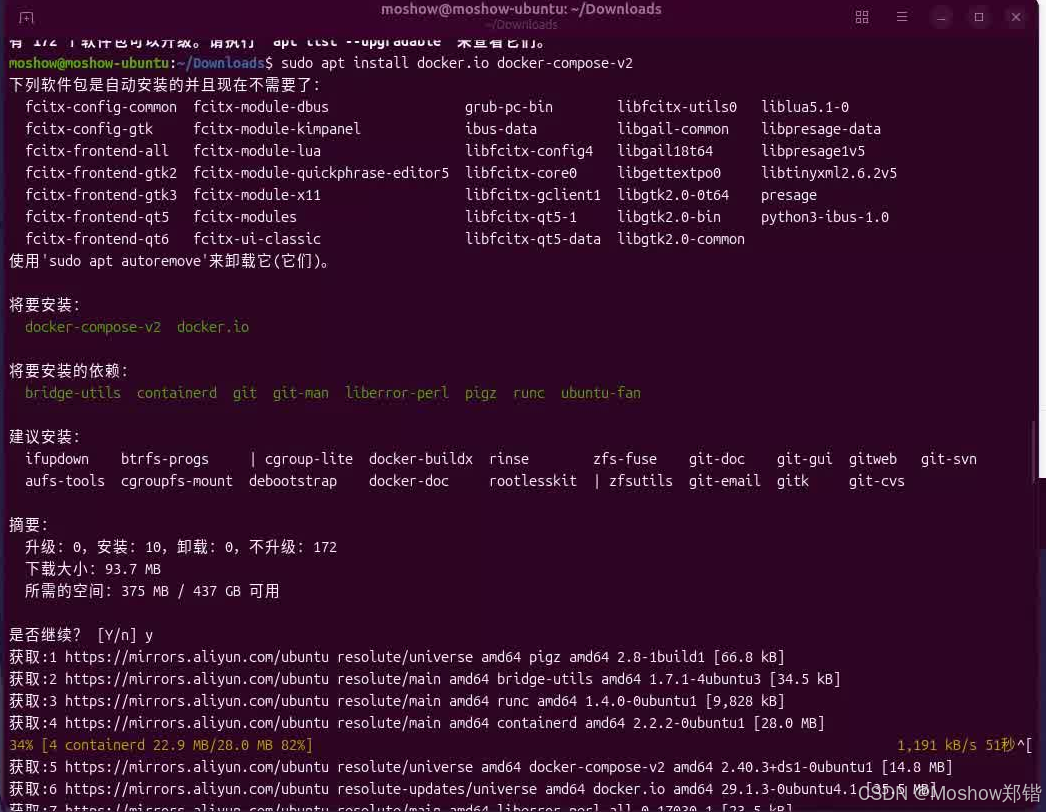
打开终端,逐条执行以下命令:
# 1. 更新软件源列表,确保能获取到最新的软件包信息
sudo apt update

# 2. 安装 Docker 引擎、编排工具和组切换工具
#    docker.io: Docker 核心程序
#    docker-compose-v2: 管理多容器应用(如 Spark 集群)
#    util-linux-extra: 提供 newgrp 命令,用于激活组权限
sudo apt install -y docker.io docker-compose-v2 util-linux-extra

# 3. 将当前用户加入 docker 组,这样无需 sudo 就能运行 docker 命令
sudo usermod -aG docker $USER

# 4. 在当前终端会话中立即激活 docker 组权限
#    避免需要注销或重启系统,执行后当前终端就可以免 sudo 使用 docker
exec sg docker newgrp `id -gn`

# 5. 创建 Docker 配置文件目录(如果不存在的话)
sudo mkdir -p /etc/docker

# 6. 配置国内镜像加速器,解决拉取镜像慢或连接失败的问题
#    这里配置了多个镜像源,如果一个不可用会自动尝试下一个
sudo tee /etc/docker/daemon.json <<-'EOF'
{
  "registry-mirrors": [
    "https://docker.xuanyuan.me",
    "https://docker.1ms.run",
    "https://docker.m.daocloud.io"
  ]
}
EOF

# 7. 重新加载 systemd 管理器的配置,让 Docker 知道配置文件发生了变化
sudo systemctl daemon-reload

# 8. 重启 Docker 服务,使镜像加速配置正式生效
sudo systemctl restart docker

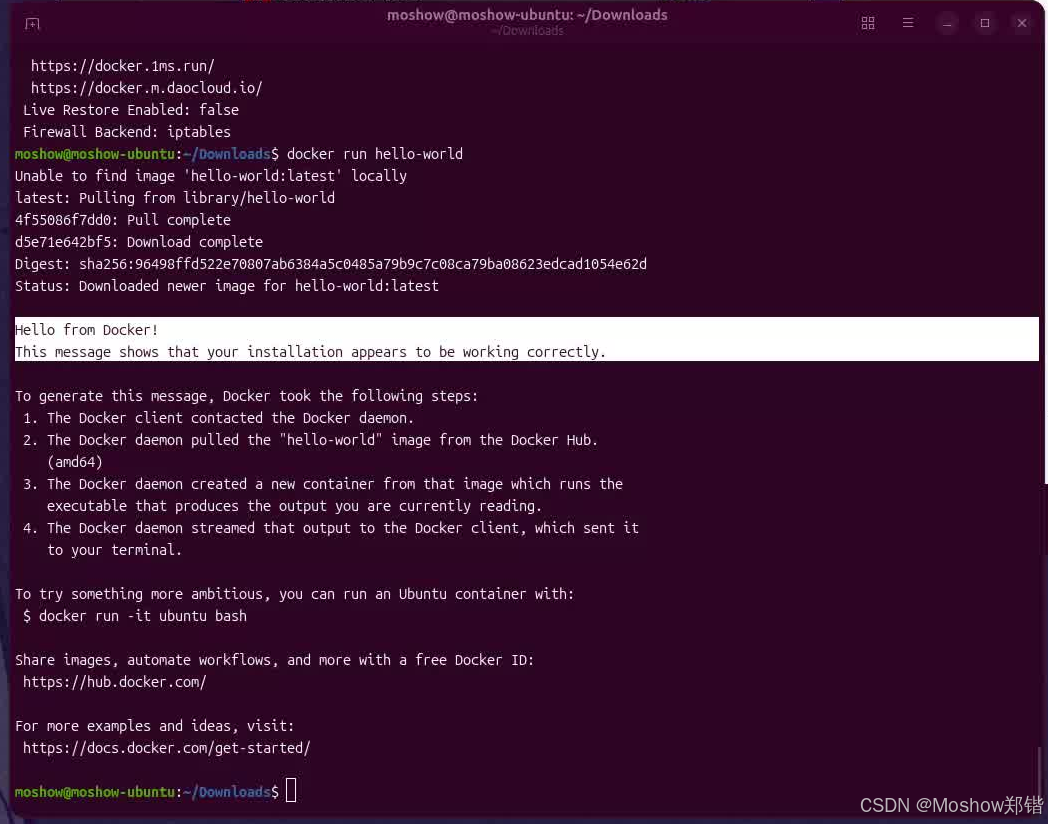
# 9. 运行 hello-world 容器,验证 Docker 是否安装成功且权限正常
#    如果一切正常,你会看到一段欢迎信息
docker run hello-world
✅ 验证成功的标志
当最后一条命令执行后,如果看到类似下面的输出,说明 Docker 已经完美安装并配置好了:
Status: Downloaded newer image for hello-world:latest

Hello from Docker!
This message shows that your installation appears to be working correctly.

To generate this message, Docker took the following steps:
 1. The Docker client contacted the Docker daemon.
 2. The Docker daemon pulled the "hello-world" image from the Docker Hub.
    (amd64)
 3. The Docker daemon created a new container from that image which runs the
    executable that produces the output you are currently reading.
 4. The Docker daemon streamed that output to the Docker client, which sent it
    to your terminal.
💡 后续提示
-
以后在这个终端中,以及任何新打开的终端,你都可以直接使用
docker和docker compose命令,不需要再加sudo。 -
如果
exec sg ...这步在你的系统上报错,可以重启系统或注销重登录,效果是一样的。
现在你的 Docker 环境已经就绪,接下来可以继续玩Docker了,Pull Image -> Config -> Run !
# -----------------------------------------------------
# - 🚀 Powered by Moshow郑锴
# - 🌟 Might the holy code be with you!
# -----------------------------------------------------
# 🔍 公众号 👉 软件开发大百科
# 💻 CSDN 👉 https://zhengkai.blog.csdn.net
# 📂 Github 👉 https://github.com/moshowgame
汇聚全球AI编程工具,助力开发者即刻编程。
更多推荐
 1
1 0
0- 0


 已为社区贡献10条内容

所有评论(0)