
DevOps:Argo CD 部署
·
DevOps:Argo CD 部署
Argo CD介绍
Argo CD是专门为k8s设计的持续交付工具
前期准备
一套现有的k8s或者k3s 环境、argocd install.yaml文件
部署步骤
$ kubectl create namespace argocd
$ kubectl apply -n argocd -f https://raw.githubusercontent.com/argoproj/argo-cd/stable/manifests/install.yaml

备注:此install.yaml文件为官网提供,更过配置信息可参考官方文档https://argo-cd.readthedocs.io/en/stable/

#k8s环境查看
$kubectl get ns
$kubectl get pods -n argocd
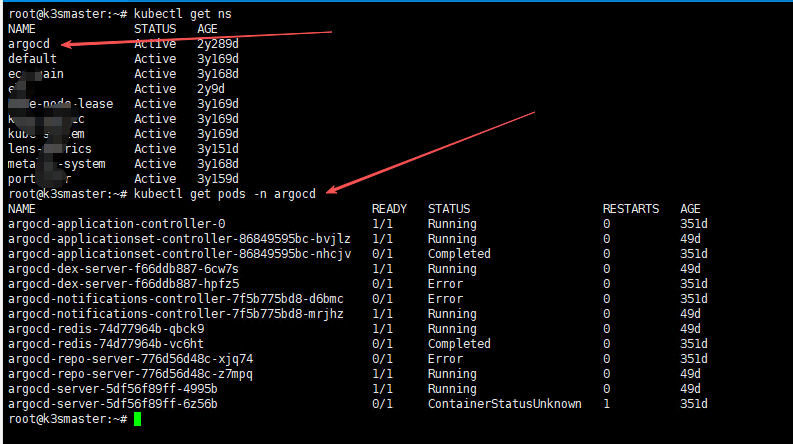
到这里 argocd服务在k8s环境中已经安装好了。
访问Argo CD
部署完成后,可以通过 Service argocd-server 来访问可视化界面。

一般内部环境终端设备不能直接访问service ip,我这边常用的方法是通过本地端口转发来访问Argo CD 。
本地自己笔记本打开cmd后,输入port-forward命令。
**前提是你自己笔记本能正常访问k8s环境**

kubectl port-forward svc/argocd-server -n argocd 8080:443
Forwarding from 127.0.0.1:8080 -> 8080
Forwarding from [::1]:8080 -> 8080
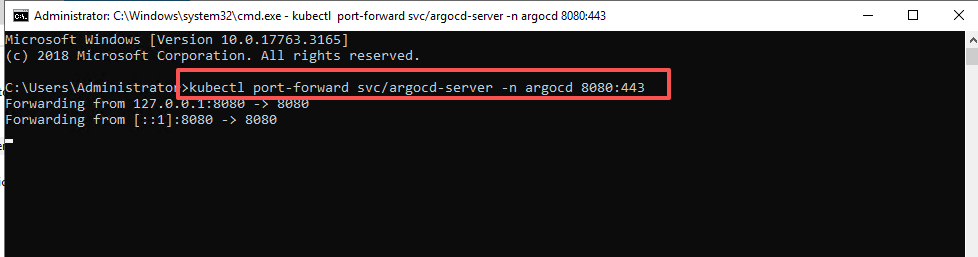
这个cmd 窗口不要关闭,需要一直打开着, 如果关闭了,port-forward 就不生效。
本地访问Argo CD:https://127.0.0.1:8080
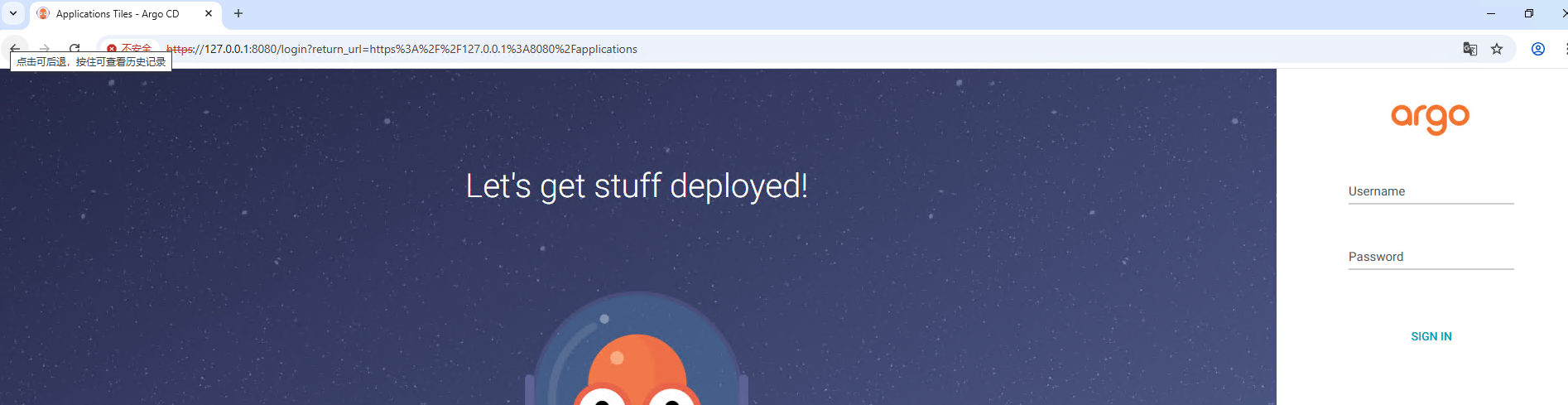
初始密码以明文形式存储在 Secret argocd-initial-admin-secret 中,可以通过以下命令获取:
$ kubectl -n argocd get secret argocd-initial-admin-secret -o jsonpath="{.data.password}" | base64 -d; echo
也可以通过以下命令来修改登录密码:
$ argocd account update-password --account admin --current-password xxxx --new-password xxxx
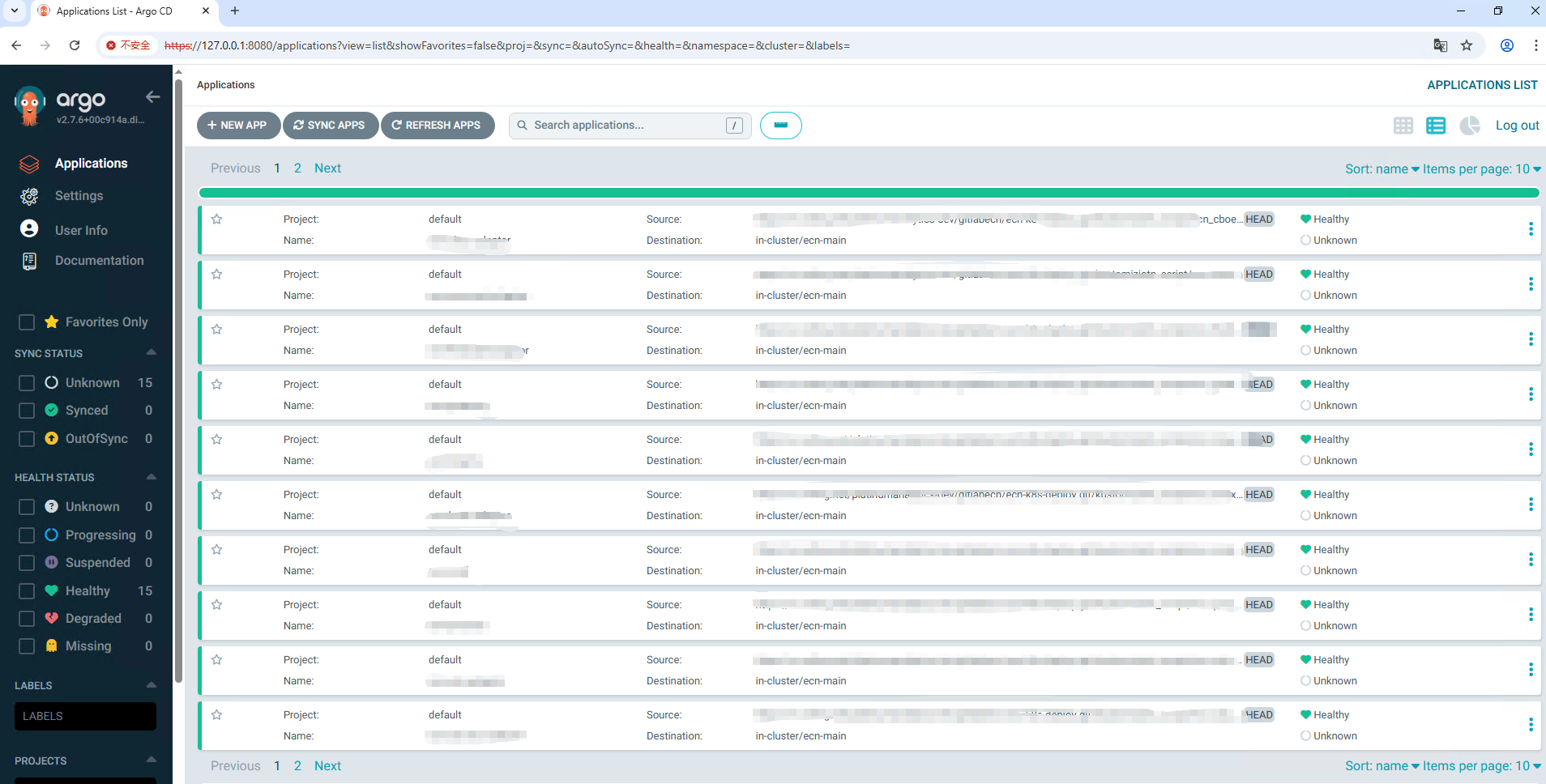
登录后的界面

汇聚全球AI编程工具,助力开发者即刻编程。
更多推荐



 5
5 0
0- 0


 已为社区贡献13条内容

所有评论(0)