
How to set default storage engine in MySQL or MariaDB
Setting the default storage engine keeps new tables consistent when CREATE TABLE omits an explicit ENGINE clause. That matters during restores, application deployments, and ad-hoc schema work because one unexpected non-transactional table can change locking, rollback, or foreign-key behavior in ways that are hard to spot later.
MySQL and MariaDB choose the implicit table engine from the default_storage_engine system variable. The global value becomes the default for new connections, a session-specific override can temporarily replace it for one client, and an explicit ENGINE=… clause still wins for an individual table.
Changing the startup default requires administrative access and, when it is stored in an option file, a service restart. The target engine must already be available on the server, and existing tables keep their current engine until they are rebuilt or converted separately.
Related: How to locate and modify MySQL and MariaDB configuration files
Related: How to enable innodb_file_per_table in MySQL or MariaDB
Steps to set MySQL or MariaDB default storage engine:
- Check the current global default so the active server setting is clear.
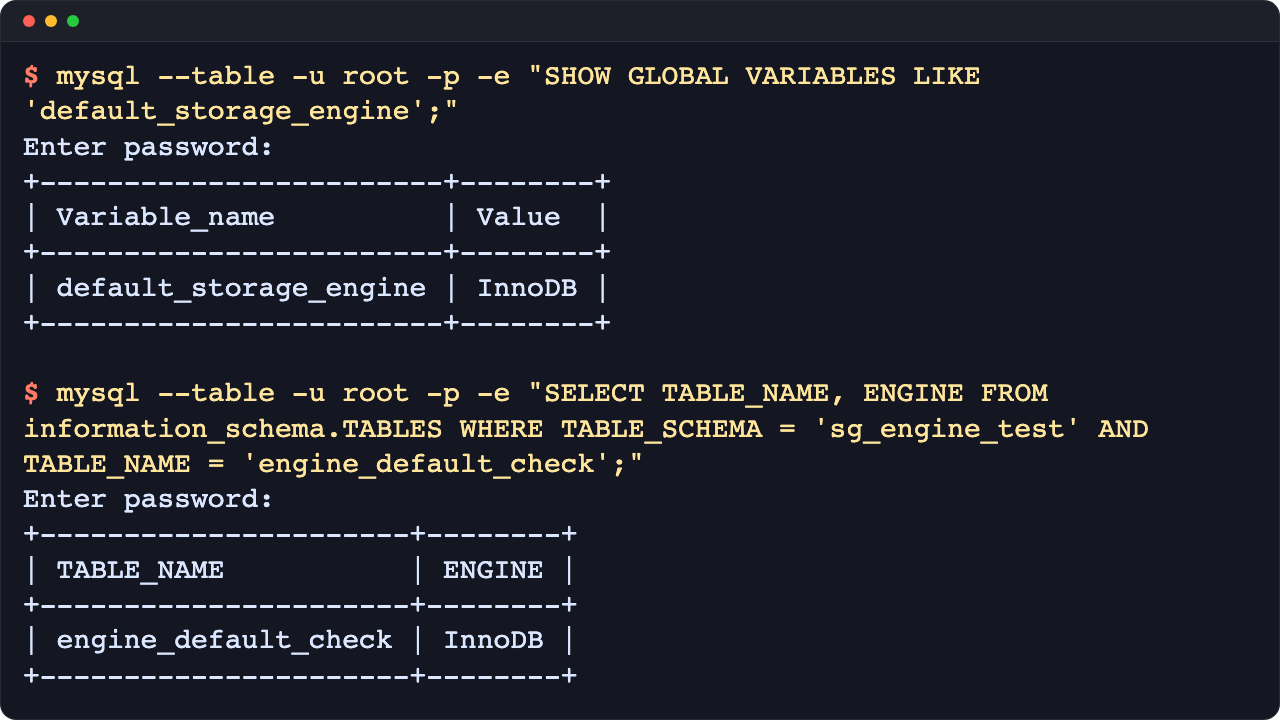
$ mysql --table -u root -p -e "SHOW GLOBAL VARIABLES LIKE 'default_storage_engine';"
Enter password:
+------------------------+--------+
| Variable_name          | Value  |
+------------------------+--------+
| default_storage_engine | InnoDB |
+------------------------+--------+
Local package installs that use socket authentication often accept sudo mysql or sudo mariadb instead of mysql -u root -p.
- List the available storage engines before choosing the new default.
$ mysql --table -u root -p -e "SHOW ENGINES;"
Enter password:
+--------------------+---------+----------------------------------------------------------------+--------------+------+------------+
| Engine             | Support | Comment                                                        | Transactions | XA   | Savepoints |
+--------------------+---------+----------------------------------------------------------------+--------------+------+------------+
| MEMORY             | YES     | Hash based, stored in memory, useful for temporary tables      | NO           | NO   | NO         |
| InnoDB             | DEFAULT | Supports transactions, row-level locking, and foreign keys     | YES          | YES  | YES        |
| MyISAM             | YES     | MyISAM storage engine                                          | NO           | NO   | NO         |
##### snipped #####
Choose an engine that shows DEFAULT or YES in the Support column, or new table creation can fail after the change.
- Set the running default for new sessions.
$ mysql -u root -p -e "SET GLOBAL default_storage_engine = 'InnoDB';"
Enter password:
Replace InnoDB with the engine chosen in the previous step.
Related: How to view and set server variables in MySQL or MariaDB
- Verify the running global value before persisting it.
$ mysql --table -u root -p -e "SHOW GLOBAL VARIABLES LIKE 'default_storage_engine';"
Enter password:
+------------------------+--------+
| Variable_name          | Value  |
+------------------------+--------+
| default_storage_engine | InnoDB |
+------------------------+--------+
Existing client sessions keep their own session value until they reconnect or set default_storage_engine explicitly for that session.
- Print the startup option-file search order so the persistent change lands in the right place.
$ mysqld --verbose --help 2>/dev/null | sed -n '/Default options are read from the following files in the given order:/,/^$/p'
Default options are read from the following files in the given order:
/etc/my.cnf /etc/mysql/my.cnf /usr/etc/my.cnf ~/.my.cnf
The following groups are read: mysql_cluster mysqld server mysqld-8.4
##### snipped #####
MariaDB packages often use mariadbd --verbose --help instead, and many distro configs load drop-in directories such as /etc/mysql/mariadb.conf.d or /etc/my.cnf.d from the main file.
- Create a dedicated option-file drop-in for the startup default.
$ sudo tee /etc/mysql/conf.d/default-storage-engine.cnf >/dev/null <<'EOF'
[mysqld]
default_storage_engine=InnoDB
EOF
Use a directory that the previous step or the installed package configuration actually includes, such as /etc/mysql/conf.d, /etc/mysql/mariadb.conf.d, or /etc/my.cnf.d.
- Confirm the option file content before restarting the database service.
$ sudo cat /etc/mysql/conf.d/default-storage-engine.cnf
[mysqld]
default_storage_engine=InnoDB
A typo or a misplaced setting outside [mysqld] can keep mysqld or mariadbd from starting cleanly.
- Restart the database service so the startup default matches the running value.
$ sudo systemctl restart mysql
Replace mysql with the installed unit name such as mariadb or mysqld when needed.
- Confirm the service returned to an active state.
$ systemctl is-active mysql
active
If the unit does not return active, inspect the new option file and recent service logs before continuing.
- Verify the default again from a fresh client connection after the restart.
$ mysql --table -u root -p -e "SHOW GLOBAL VARIABLES LIKE 'default_storage_engine';"
Enter password:
+------------------------+--------+
| Variable_name          | Value  |
+------------------------+--------+
| default_storage_engine | InnoDB |
+------------------------+--------+
Current MySQL releases can also persist this value with SET PERSIST default_storage_engine = 'InnoDB';, while MariaDB still relies on option files for startup persistence.
- Create an isolated schema for verification.
$ mysql -u root -p -e "CREATE DATABASE IF NOT EXISTS sg_engine_test;"
Enter password:
- Drop the old verification table if it already exists.
$ mysql -u root -p -e "USE sg_engine_test; DROP TABLE IF EXISTS engine_default_check;"
Enter password:
- Create a new table without specifying ENGINE.
$ mysql -u root -p -e "USE sg_engine_test; CREATE TABLE engine_default_check (id INT PRIMARY KEY);"
Enter password:
- Confirm the new table inherited the intended engine.
$ mysql --table -u root -p -e "SELECT TABLE_NAME, ENGINE FROM information_schema.TABLES WHERE TABLE_SCHEMA = 'sg_engine_test' AND TABLE_NAME = 'engine_default_check';"
Enter password:
+----------------------+--------+
| TABLE_NAME           | ENGINE |
+----------------------+--------+
| engine_default_check | InnoDB |
+----------------------+--------+
Existing tables keep their current engine. Only tables created after the change and without an explicit ENGINE=… clause inherit the new default.
- Remove the verification schema when the check is complete.
$ mysql -u root -p -e "DROP DATABASE sg_engine_test;"
Enter password:
Troubleshooting
- Treat an unknown engine error as a signal that the requested engine is not available on that server.
$ mysql -u root -p -e "SET GLOBAL default_storage_engine = 'RocksDB';"
Enter password:
ERROR 1286 (42000) at line 1: Unknown storage engine 'RocksDB'
Run SHOW ENGINES again and install or enable the engine before setting it as the default.
- Do not use SET PERSIST syntax on MariaDB.
$ mariadb -u root -p -e "SET PERSIST default_storage_engine = 'InnoDB';"
Enter password:
ERROR 1064 (42000) at line 1: You have an error in your SQL syntax; check the manual that corresponds to your MariaDB server version ##### snipped #####
Persist MariaDB startup defaults through a [mysqld] option file instead.

汇聚全球AI编程工具,助力开发者即刻编程。
更多推荐



 12
12 0
0- 0


 已为社区贡献338条内容

所有评论(0)