
arthas tunnel工具本地练习
官网文档:Arthas Tunnel | arthas
arthas使用tunnel来管理所有需要监控的程序
步骤:
1.在springboot项目中添加arthas的依赖(支持springboot2),在配置文件中添加tunnel服务端的地址,便于tunnel去监控所有程序
        <dependency>
            <groupId>com.taobao.arthas</groupId>
            <artifactId>arthas-spring-boot-starter</artifactId>
            <version>3.7.1</version>
        </dependency>
arthas:
tunnel-server: ws://localhost:7777/ws
app-name: ${spring.application.name}
http-port: 8563
telnet-port: 36582.将tunnel服务端程序部署在某台服务器上并启动

java -jar -Darthas.enable-detial-pages=true arthas-tunnel-server-4.1.8-fatjar.jar-Darthas.enable-detial-pages=true
参数功能:开启一个静态页面去访问,默认是不开启的
程序默认启动tomcat端口号是8080,注册的端口是7777,所以上面咱们自己的服务在配置时配的是7777端口。
回车启动后,访问地址:
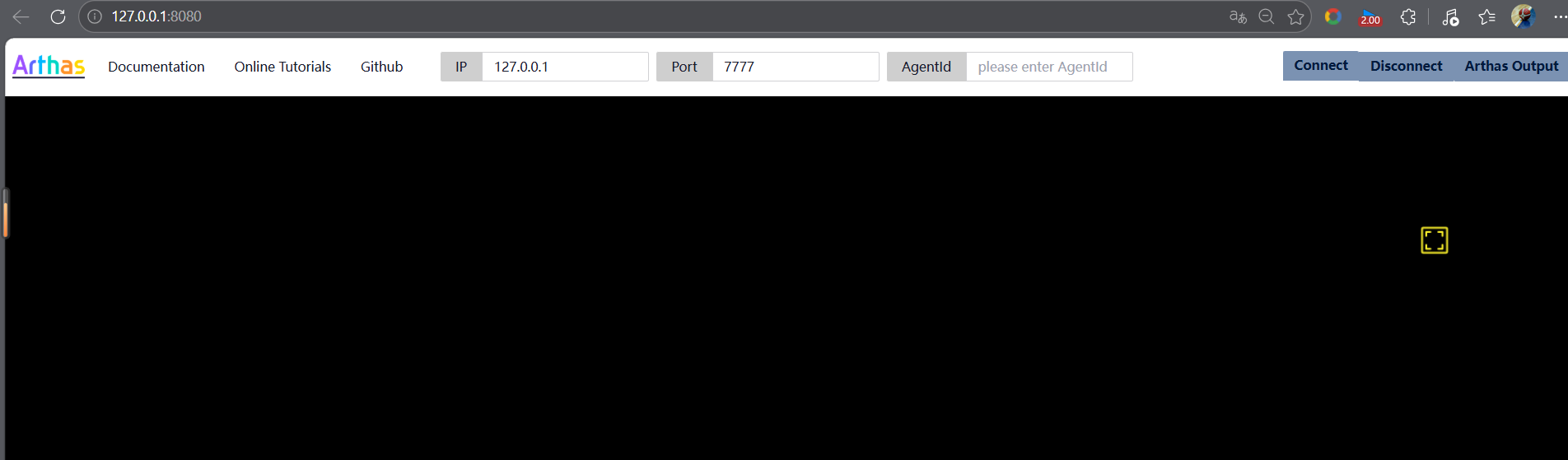
再通过agentId连接到已注册的 arthas agent 上。
通过 Spring Boot 的 Endpoint,可以查看到具体的连接信息: http://127.0.0.1:8080/actuator/arthas ,登录用户名是arthas,密码在 arthas tunnel server 的日志里可以找到,比如:
3.启动Java程序
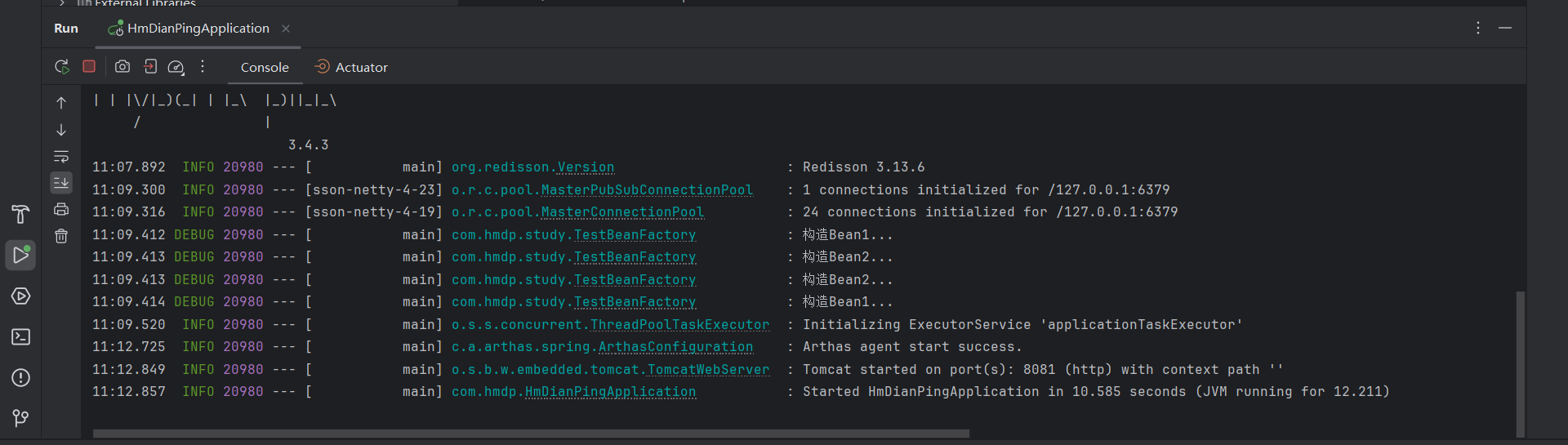
3.通过agentId连接到已注册的 arthas agent 上
首先通过 Spring Boot 的 Endpoint,可以查看到具体的连接信息: http://127.0.0.1:8080/actuator/arthas ,登录用户名是arthas,密码在 arthas tunnel server 的日志里可以找到,比如:

然后可查看到已注册的相关信息,取出agentId
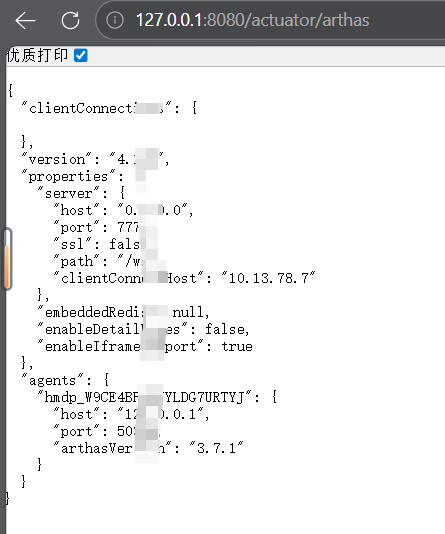
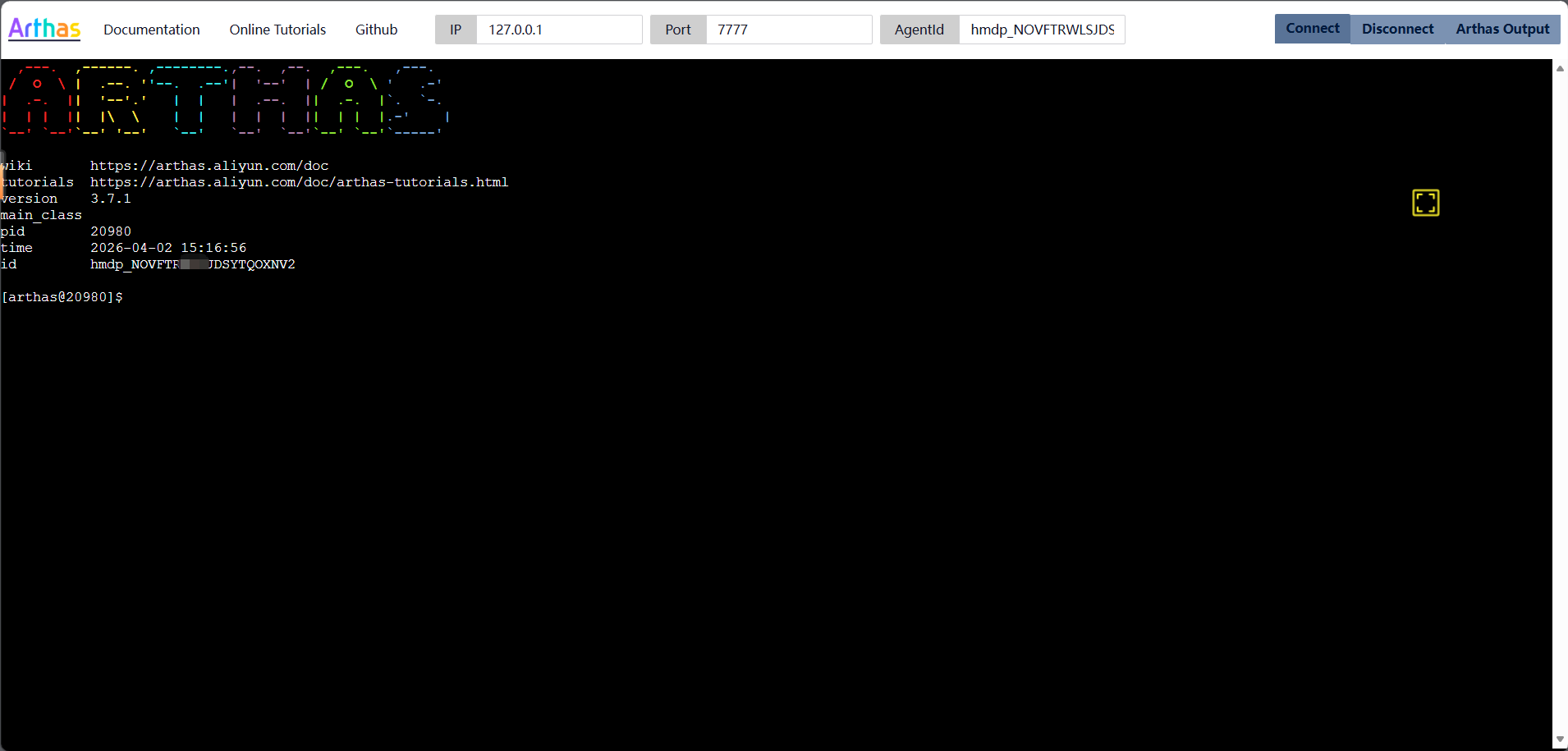
返回tunnel页面,填入agentId,connect即可
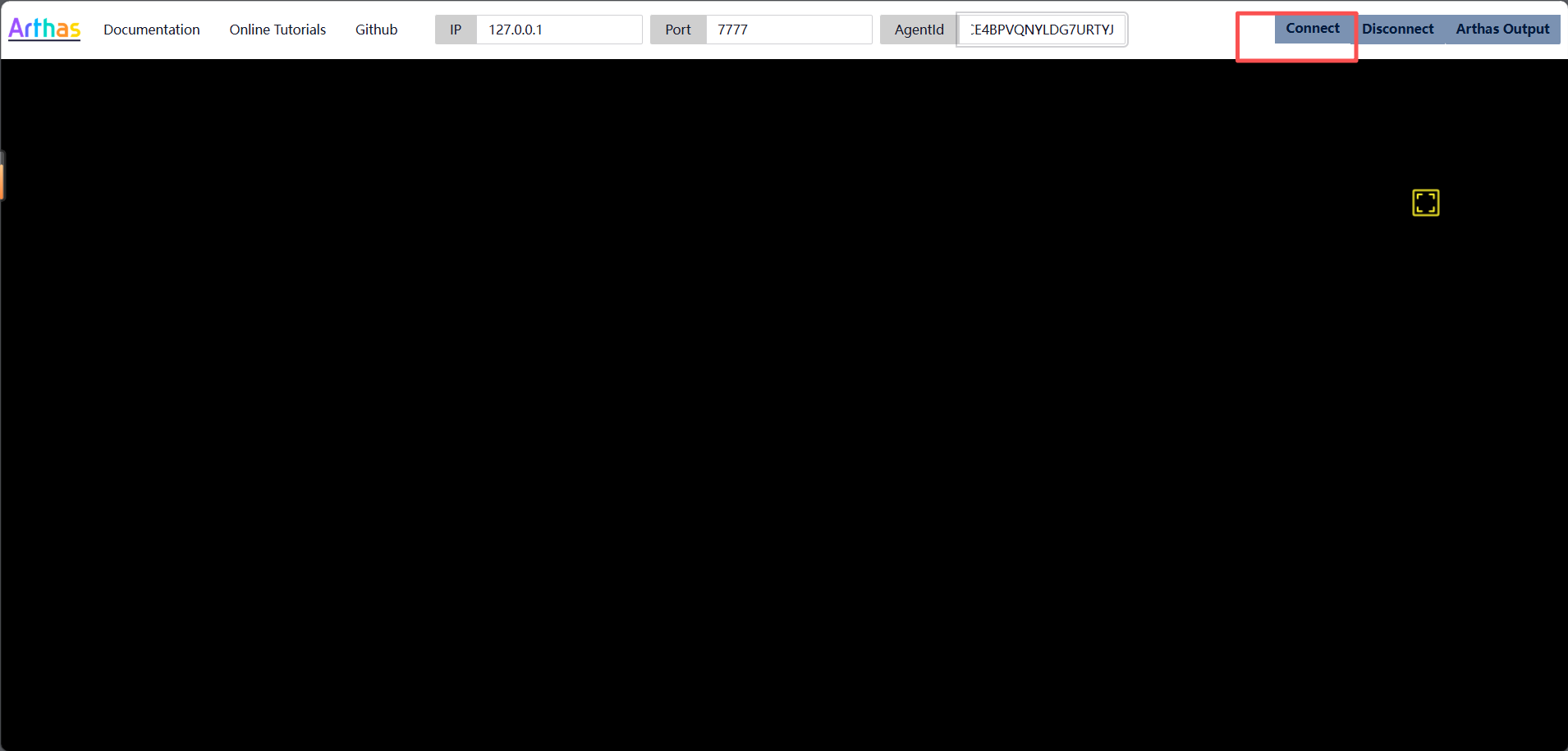
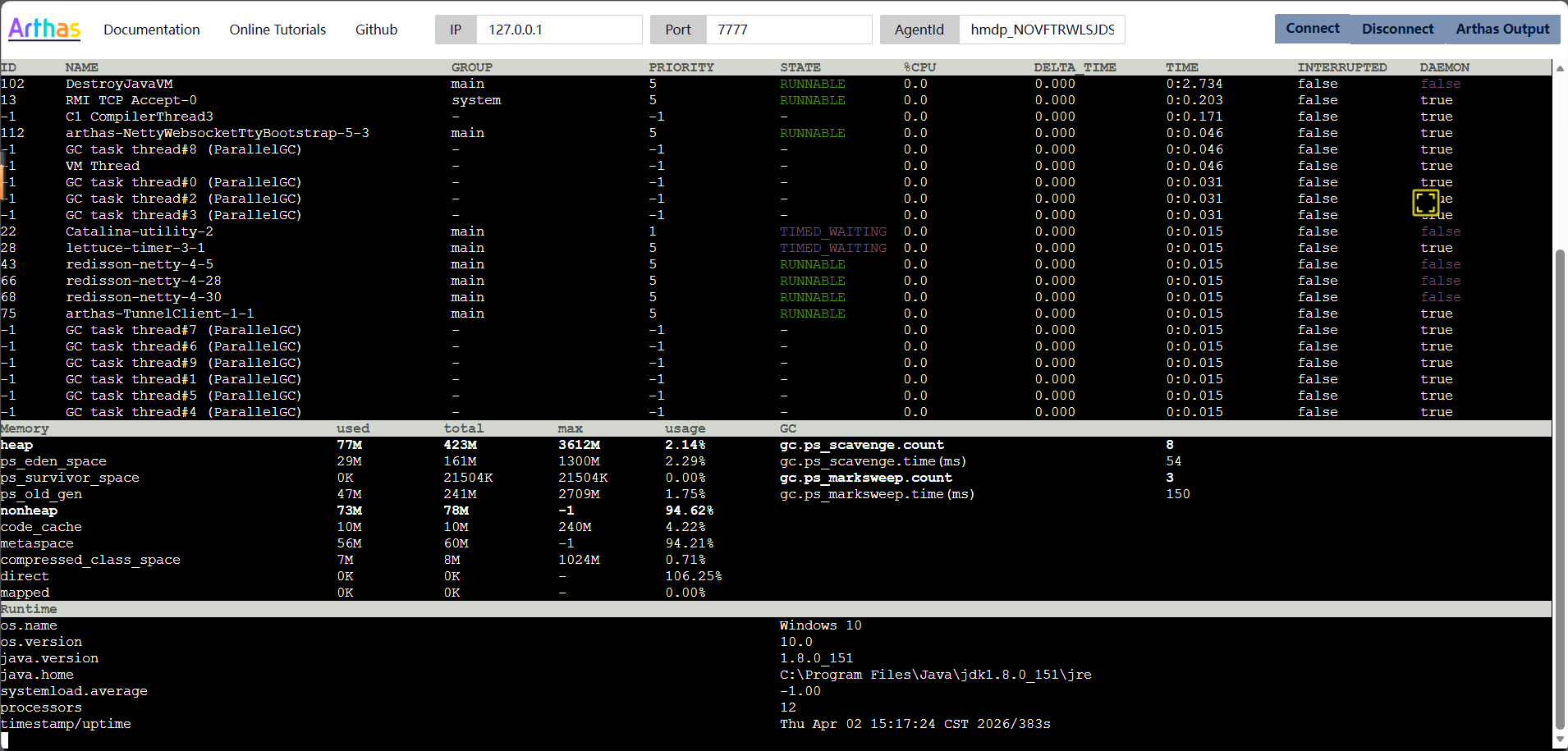
4.打开tunnel的服务端页面,查看所有的进程列表,并选择进程进行arthas的操作

汇聚全球AI编程工具,助力开发者即刻编程。
更多推荐


 6
6 0
0- 0


 已为社区贡献3条内容

所有评论(0)