
nginx解决跨域问题,包括options请求的跨域问题
·
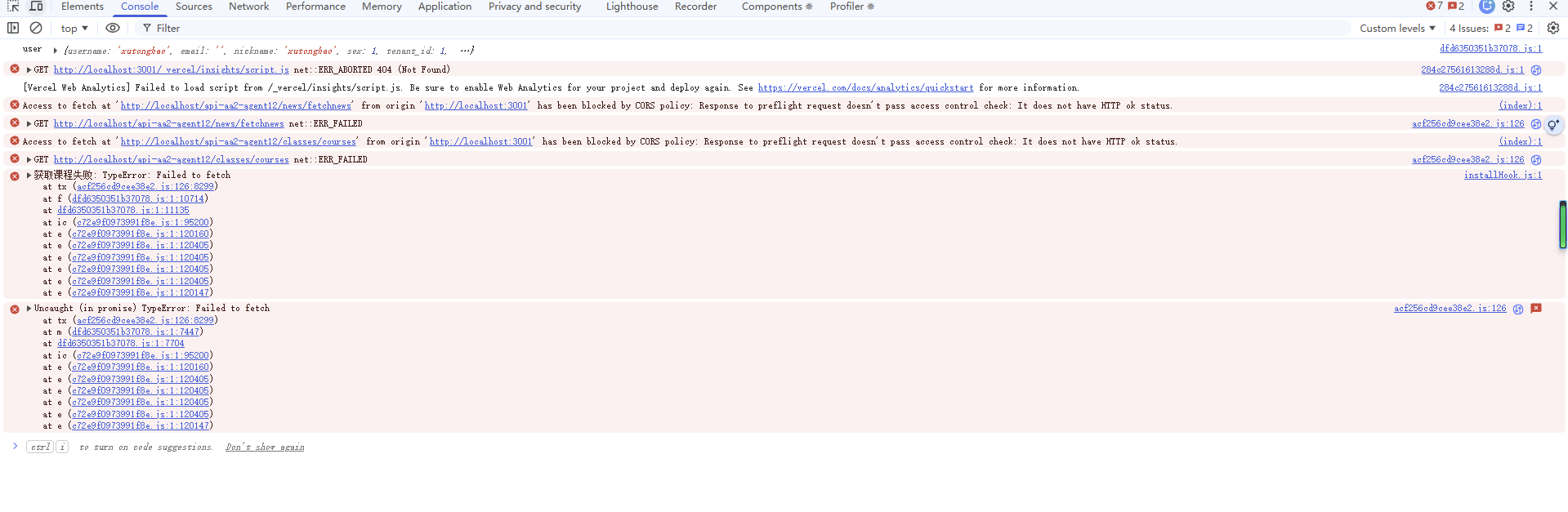
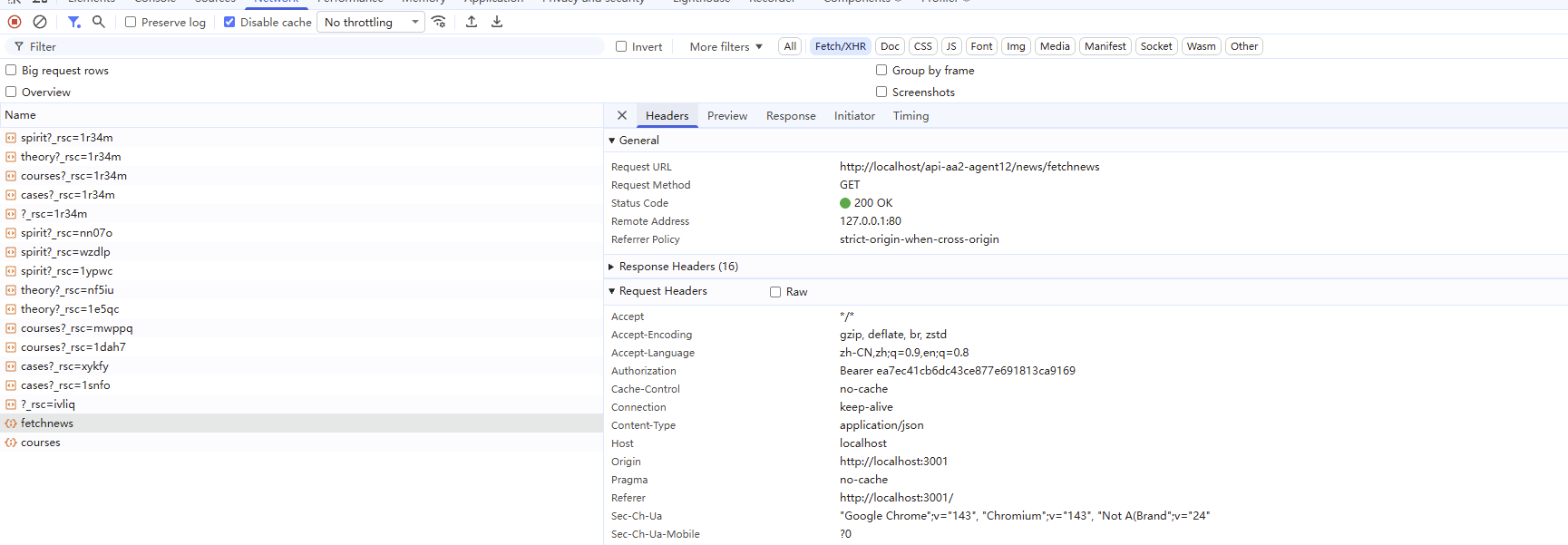
C:\tools\nginx-1.28.0\conf\nginx.conf文件,报错:Access to fetch at 'http://localhost/api-aa2-agent12/classes/courses' from origin 'http://localhost:3001' has been blocked by CORS policy: Response to preflight request doesn't pass access control check: No 'Access-Control-Allow-Origin' header is present on the requested resource.
修改说明
为什么需要处理 OPTIONS 请求?
当浏览器发起跨域请求时,会先发送一个 OPTIONS 预检请求(preflight request)来检查服务器是否允许实际请求。如果 Nginx 不正确处理这个 OPTIONS 请求,浏览器就会报 CORS 错误。
主要改进:
- 单独处理 OPTIONS 请求,直接返回 204 状态码
- 所有 CORS 头添加
always参数,确保在所有响应中都包含 - 增加了
Authorization头的支持,允许传递 token
重新加载 Nginx 后,CORS 错误应该就解决了!
    server {
        listen 80;
        server_name localhost;
        location /api-aa2-agent12/ {

            # 处理 OPTIONS 预检请求
            if ($request_method = 'OPTIONS') {
                add_header 'Access-Control-Allow-Origin' '*' always;
                add_header 'Access-Control-Allow-Methods' 'GET, POST, PUT, DELETE, PATCH, OPTIONS' always;
                add_header 'Access-Control-Allow-Headers' 'Authorization, Content-Type, Accept, Origin, User-Agent, DNT, Cache-Control, X-Mx-ReqToken, X-Requested-With' always;
                add_header 'Access-Control-Max-Age' 1728000 always;
                add_header 'Content-Type' 'text/plain; charset=utf-8' always;
                add_header 'Content-Length' 0 always;
                return 204;
            }

            # 设置允许跨域的域,* 表示允许任何域,也可以设置特定的域
            add_header 'Access-Control-Allow-Origin' '*' always;
            # 允许的方法
            add_header 'Access-Control-Allow-Methods' 'GET, POST, PUT, DELETE, PATCH, OPTIONS' always;
            # 允许的头信息字段
            add_header 'Access-Control-Allow-Headers' 'Authorization, Content-Type, Accept, Origin, User-Agent, DNT, Cache-Control, X-Mx-ReqToken, X-Requested-With' always;
            # 缓存时间
            add_header 'Access-Control-Max-Age' 1728000 always;


            proxy_set_header X-Real-IP $remote_addr;
            proxy_set_header REMOTE-HOST $remote_addr;
            proxy_set_header X-Forwarded-For $proxy_add_x_forwarded_for;
            proxy_set_header X-NginX-Proxy true;

            proxy_set_header Connection '';
            proxy_http_version 1.1;
            chunked_transfer_encoding off;
            proxy_buffering off;
            proxy_cache off;

            proxy_pass http://192.168.31.141:1234/;
        }
    }

汇聚全球AI编程工具,助力开发者即刻编程。
更多推荐



 18
18 0
0- 0


 已为社区贡献12条内容

所有评论(0)