
若依框架实现全屏(页面定时翻页)
·
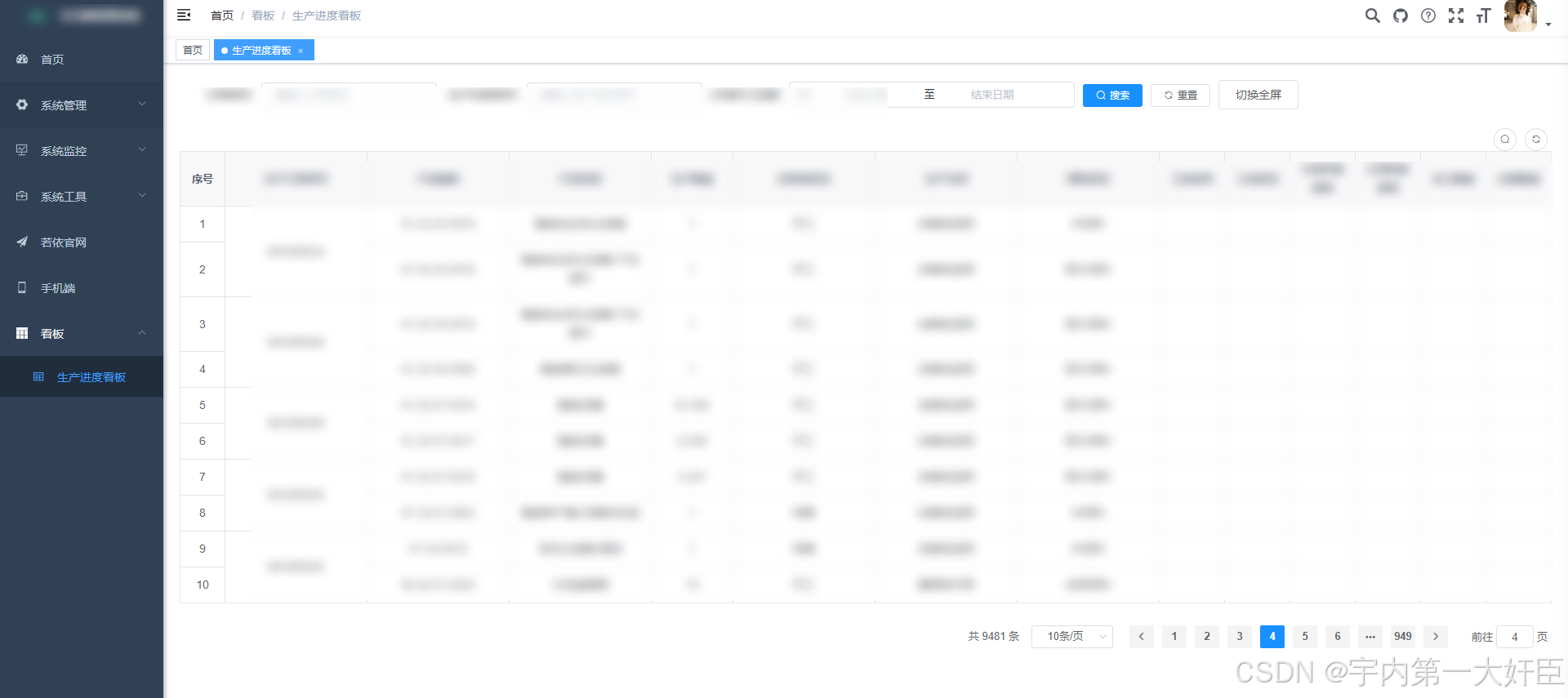
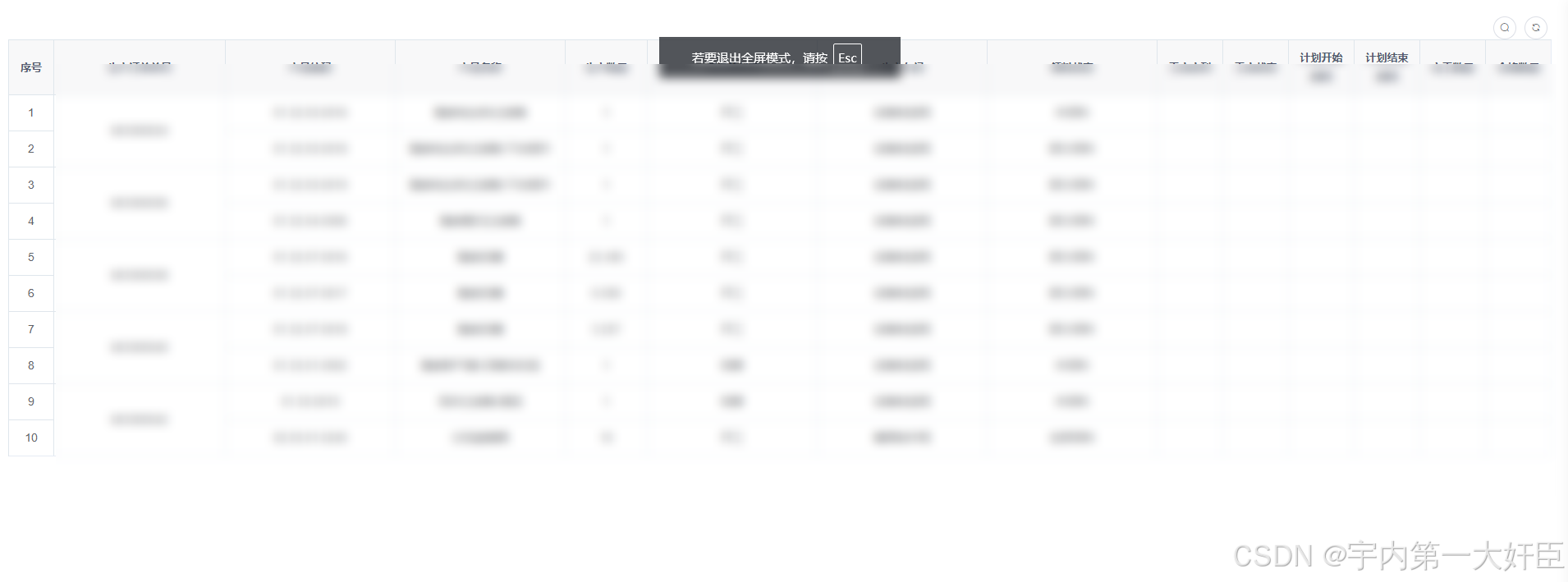
前言:客户要求不高,根据现有的页面只想实现全屏展示,需要实现三块地方,浏览器全屏、导航栏全屏,分页全屏
效果展示:
点击切换全屏进入和退出
方法内定义的变量自行在data中定义
浏览器全屏
    enterFullScreen() {
      let element = document.documentElement;
      if (element.requestFullscreen) {
        element.requestFullscreen();
      } else if (element.mozRequestFullScreen) { /* Firefox */
        element.mozRequestFullScreen();
      } else if (element.webkitRequestFullscreen) { /* Chrome, Safari & Opera */
        element.webkitRequestFullscreen();
      } else if (element.msRequestFullscreen) { /* IE/Edge */
        element.msRequestFullscreen();
      }
    },
导航栏全屏
        //隐藏导航栏
        this.$store.dispatch("app/toggleSideBarHide", true);
        document.querySelector(".navbar").style.display = "none";
        document.querySelector(".tags-view-container").style.display = "none";
分页全屏
        <right-toolbar :showSearch.sync="showSearch" @queryTable="list"></right-toolbar>


    <pagination
      v-show="total>0 && pageShow"
      :total="total"
      :page.sync="queryParams.pageNum"
      :limit.sync="queryParams.pageSize"
      @pagination="list"
    />

//隐藏搜索框
        this.showSearch = false;
        //隐藏分页信息
        this.pageShow = false;
定时翻页(开和关)
    autoPagination() {
      const timerId = setInterval(() => {
        // 判断是否需要重新设置 pageNum 为 1
        if (this.total / this.queryParams.pageSize >= this.queryParams.pageNum) {
          this.queryParams.pageNum = this.queryParams.pageNum + 1;
        } else {
          this.queryParams.pageNum = 1;
        }
        this.list();
      }, 4000);//4秒钟翻一次
      return timerId;
    },
    closeAutoPagination(timeId) {
      clearInterval(timeId);
    },
全屏按钮方法全部代码
        <el-button @click="toggleFullScreen">切换全屏</el-button>


        //全屏切换
    toggleFullScreen() {
      if (!document.fullscreenElement) {
        //进入全屏
        //隐藏导航栏
        this.$store.dispatch("app/toggleSideBarHide", true);
        document.querySelector(".navbar").style.display = "none";
        document.querySelector(".tags-view-container").style.display = "none";
        //隐藏搜索框
        this.showSearch = false;
        //隐藏分页信息
        this.pageShow = false;
        //进入浏览器全屏
        this.enterFullScreen();
        this.timeId = this.autoPagination();
      } else {
        this.$store.dispatch("app/toggleSideBarHide", false);
        document.querySelector(".navbar").style.display = "block";
        document.querySelector(".tags-view-container").style.display = "block";
        this.showSearch = true;
        this.pageShow = true;
        this.closeAutoPagination(this.timeId);
        this.exitFullScreen();
      }
    },
    enterFullScreen() {
      let element = document.documentElement;
      if (element.requestFullscreen) {
        element.requestFullscreen();
      } else if (element.mozRequestFullScreen) { /* Firefox */
        element.mozRequestFullScreen();
      } else if (element.webkitRequestFullscreen) { /* Chrome, Safari & Opera */
        element.webkitRequestFullscreen();
      } else if (element.msRequestFullscreen) { /* IE/Edge */
        element.msRequestFullscreen();
      }
    },
    exitFullScreen() {
      if (document.exitFullscreen) {
        document.exitFullscreen();
      } else if (document.mozCancelFullScreen) { /* Firefox */
        document.mozCancelFullScreen();
      } else if (document.webkitExitFullscreen) { /* Chrome, Safari and Opera */
        document.webkitExitFullscreen();
      } else if (document.msExitFullscreen) { /* IE/Edge */
        document.msExitFullscreen();
      }
    }

汇聚全球AI编程工具,助力开发者即刻编程。
更多推荐

 9
9 0
0- 0


 已为社区贡献1条内容

所有评论(0)