
依旧codex登录问题
·
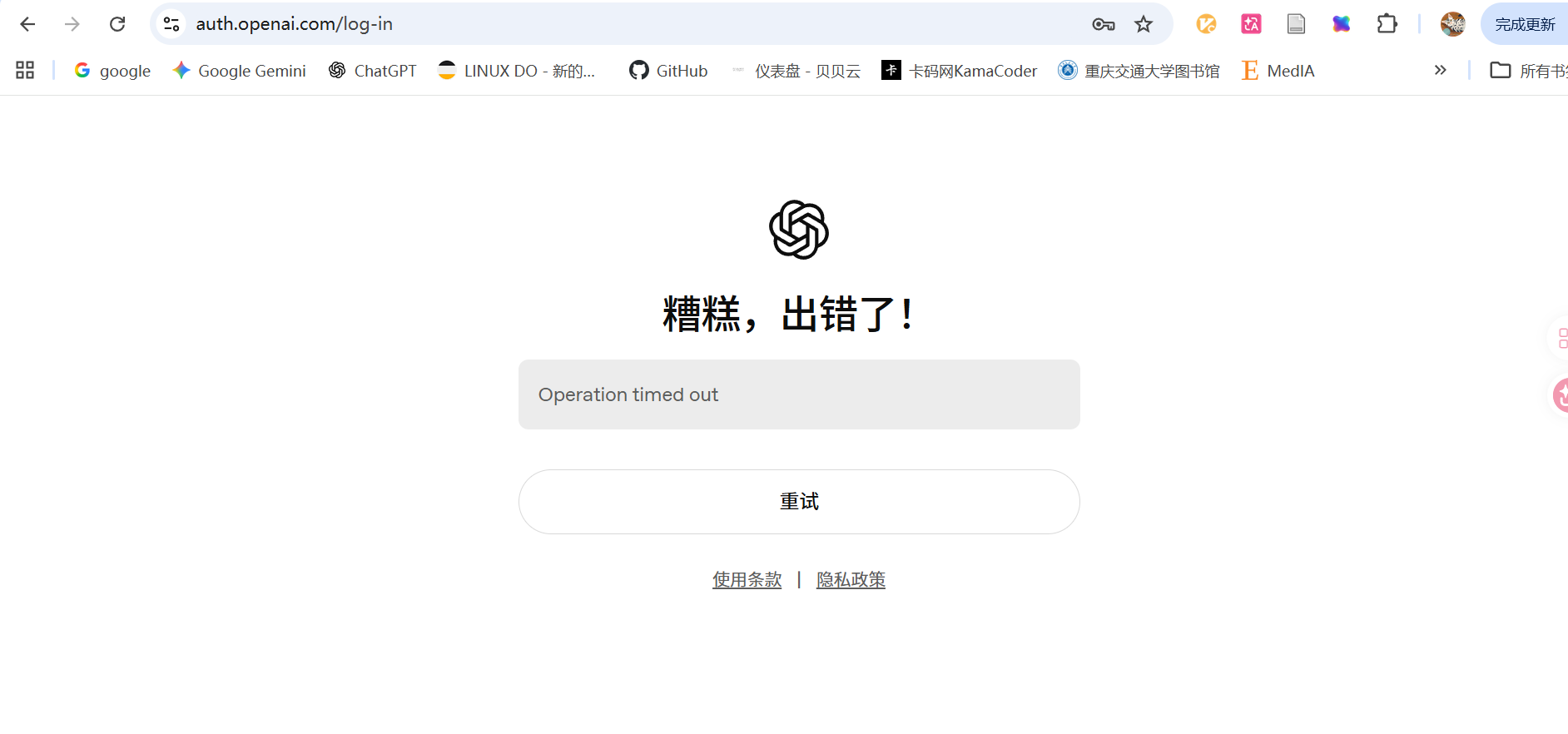
本地.ssh配置的RemoteForward 7890 127.0.0.1:7890 可能没有生效,可用临时方法:
在自己电脑的 PowerShell 里执行:
ssh -p 48602(平台给的端口号) -N -T -o ExitOnForwardFailure=yes -R 127.0.0.1:7890:127.0.0.1:7890 root@connect.westd.seetacloud.com然后回到 VS Code 远程终端里执行:
export http_proxy=http://127.0.0.1:7890
export https_proxy=http://127.0.0.1:7890
export all_proxy=socks5://127.0.0.1:7890
测试:
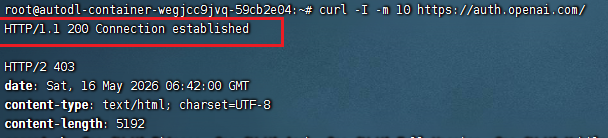
curl -I -m 10 https://auth.openai.com/如果能返回 HTTP/2、HTTP/1.1、200、302、404 都说明网络通了。
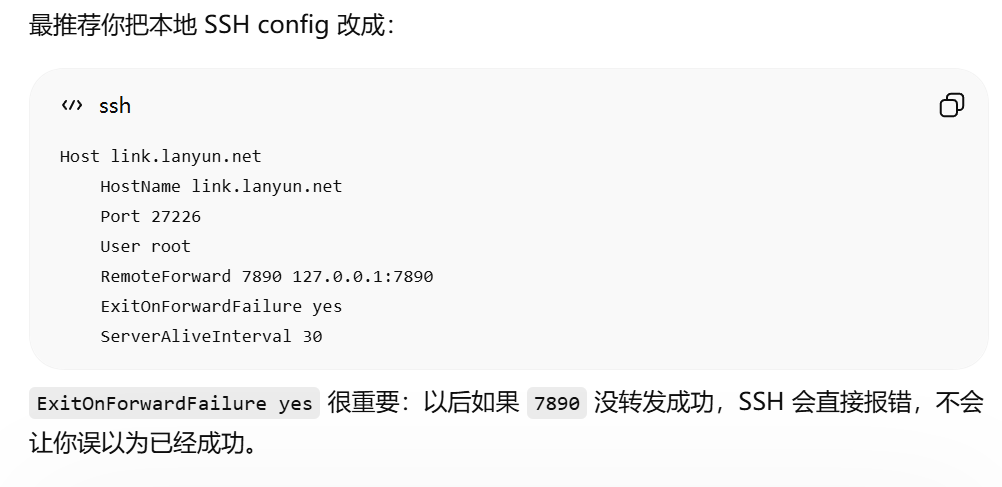
如果临时代理方法成功,本地建议修改.ssh:

汇聚全球AI编程工具,助力开发者即刻编程。
更多推荐



 0
0 0
0- 0


 已为社区贡献2条内容

所有评论(0)