
图文Cursor添加Figma MCP
·
前往FigmaMCP官网:https://www.figma.com/mcp-catalog/
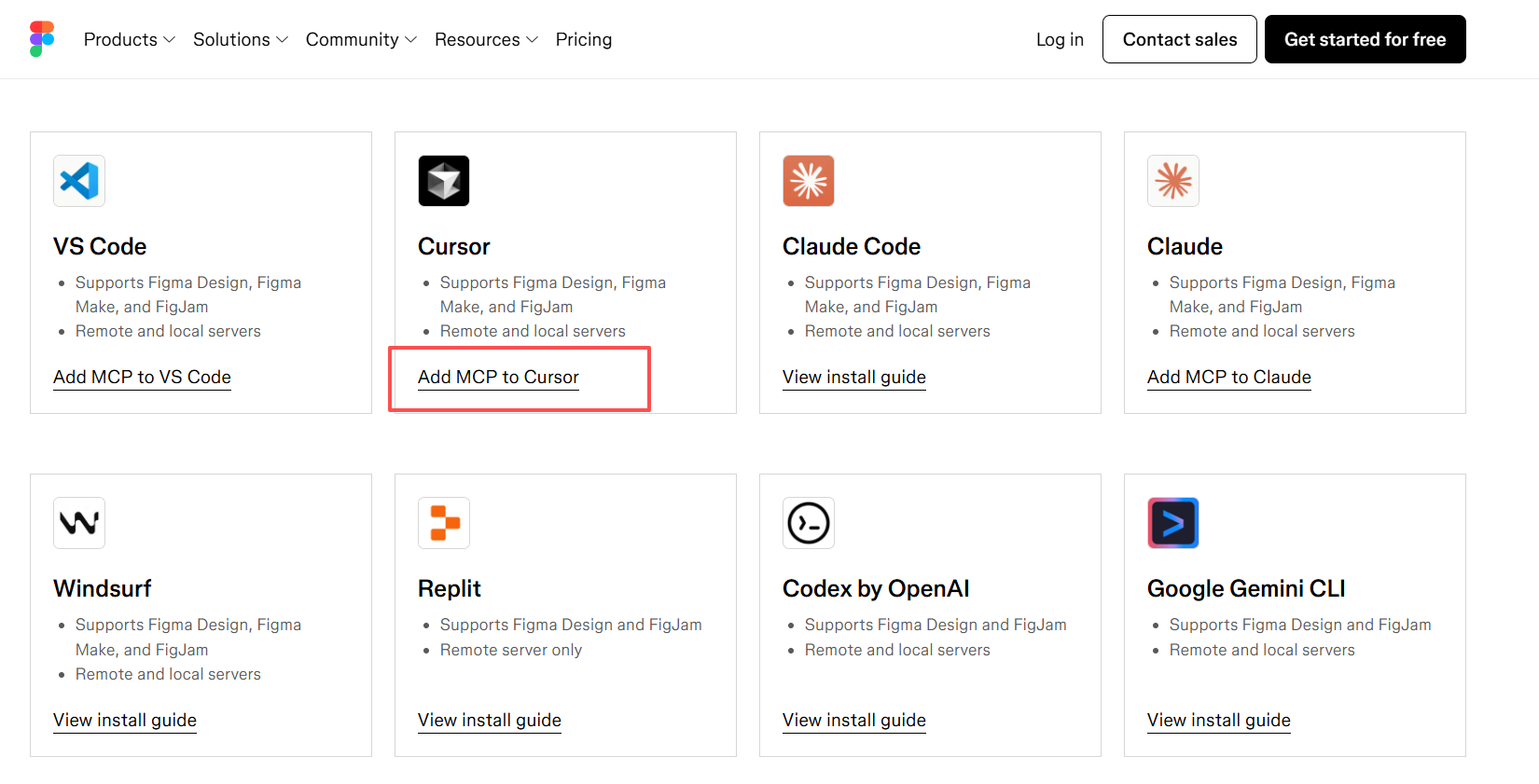
将插件加入到cursor中:
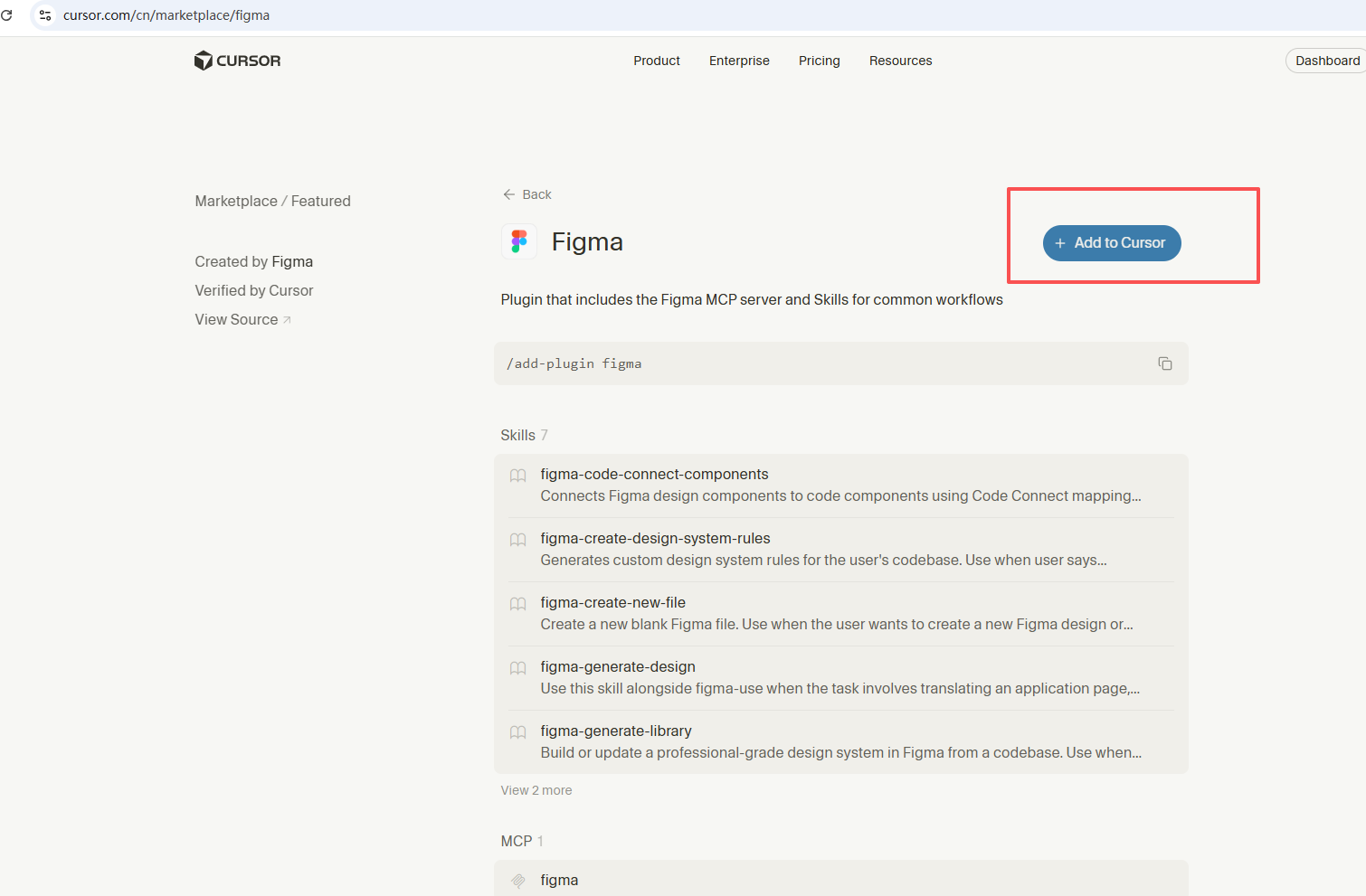
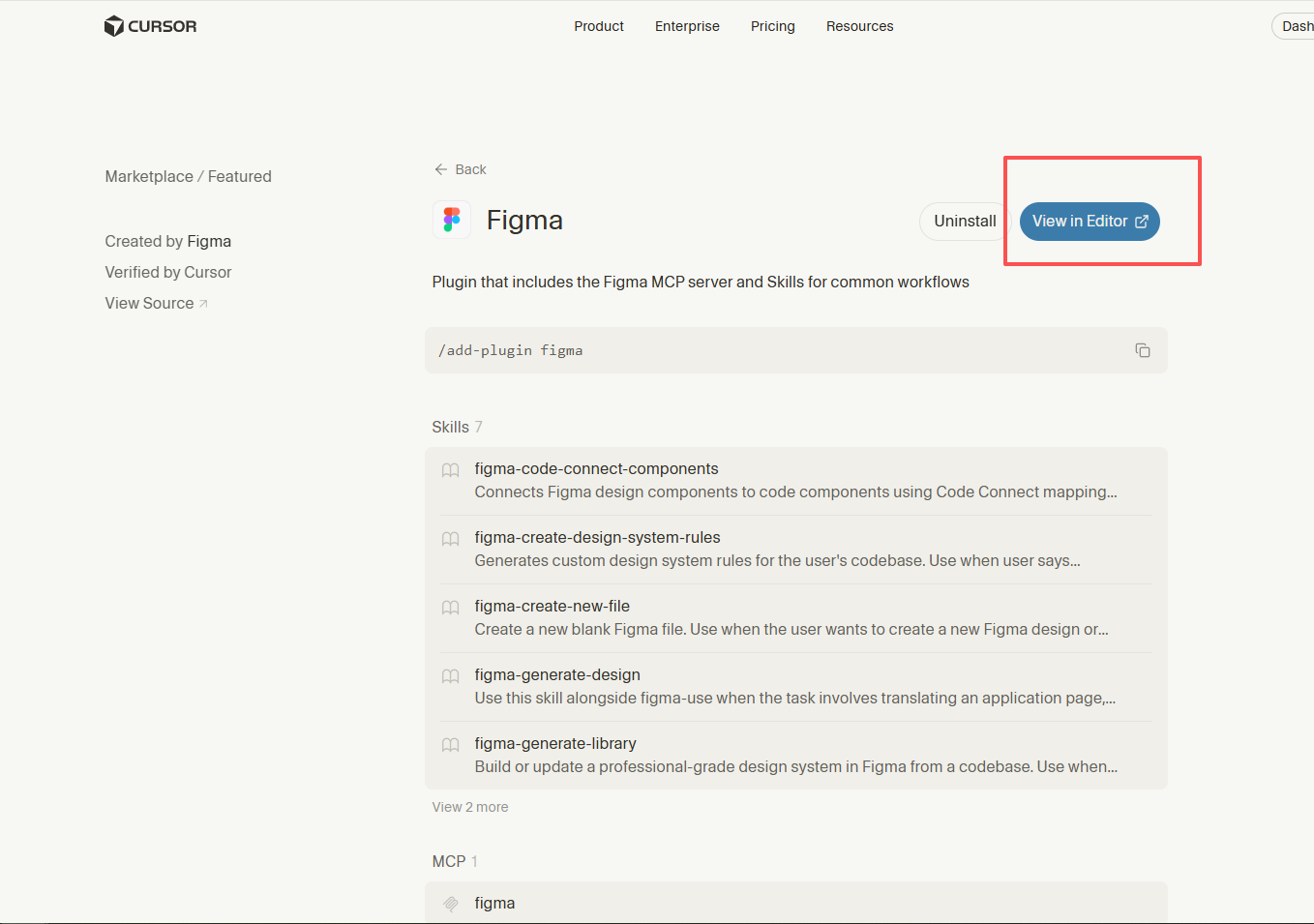
打开cursor:
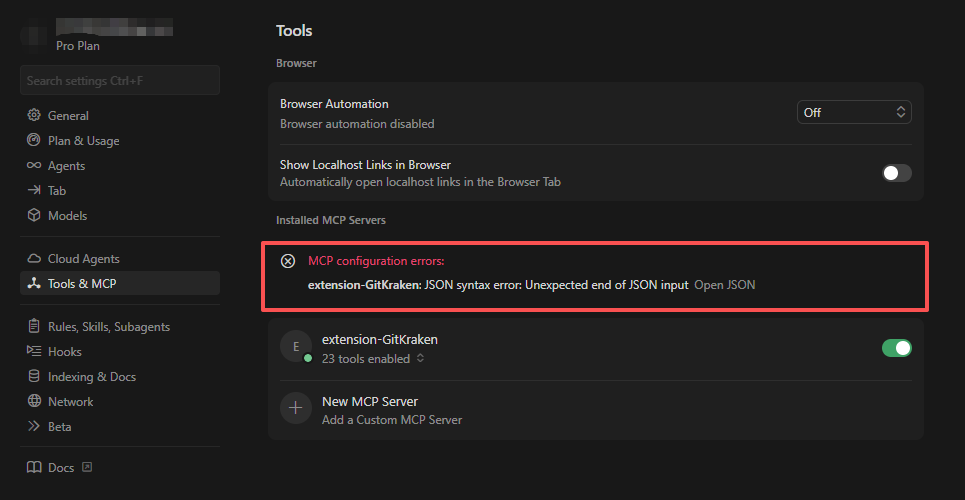
菜单切换到"Tools & MCP",发现提示JSON错误。
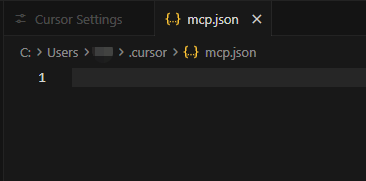
点击下方New MCP Server,mcp.json空白导致提示JSON错误:
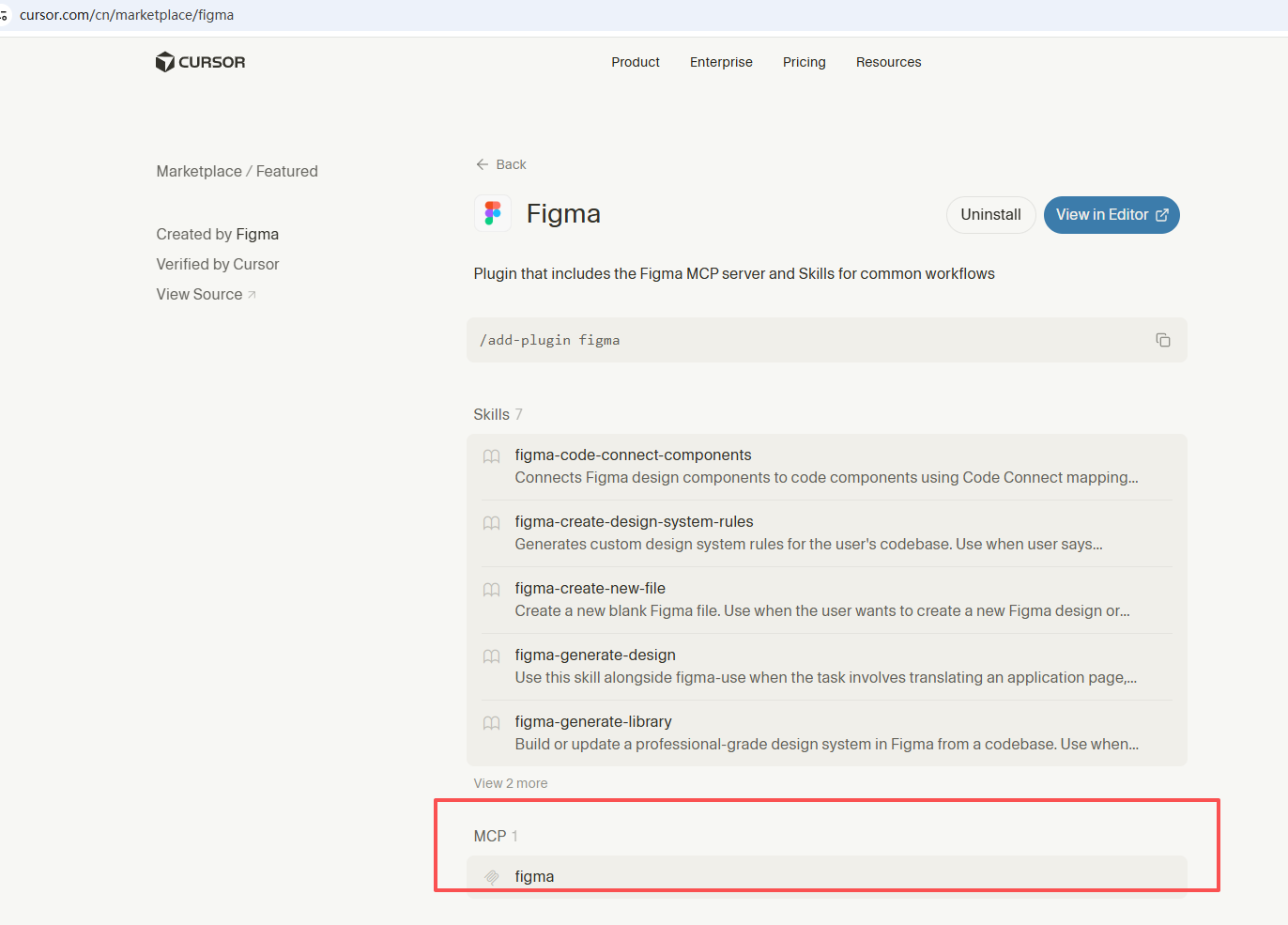
找到github入口并进入:
复制粘贴到mcp.json:
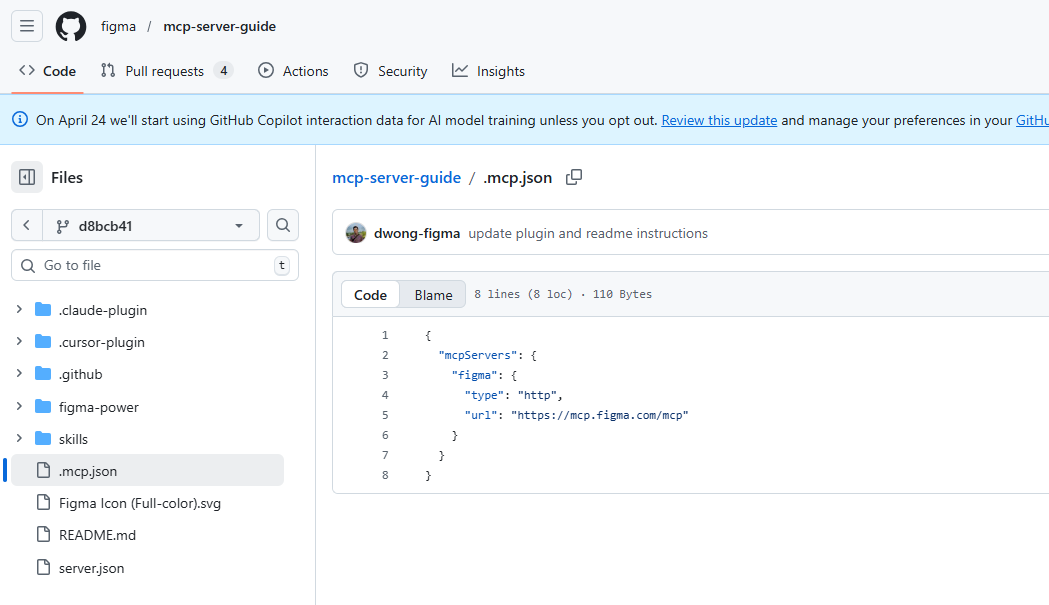
{
	"mcpServers": {
		"figma": {
			"type": "http",
			"url": "https://mcp.figma.com/mcp"
		}
	}
}
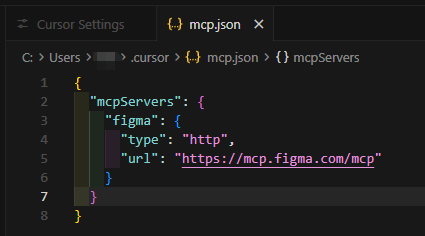
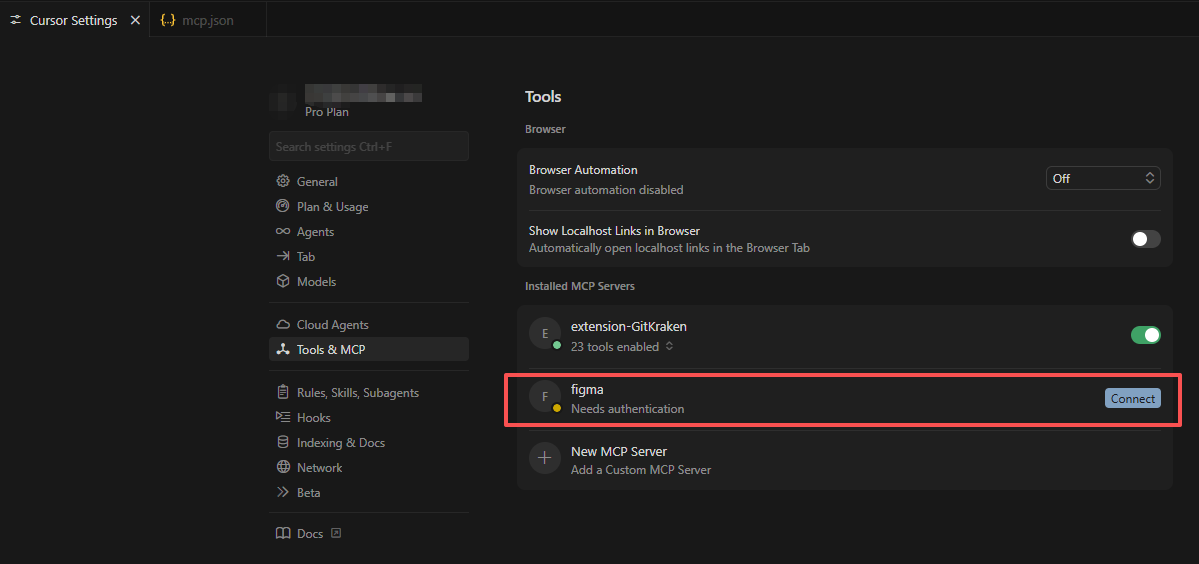
JSON错误消失。点击Connect:
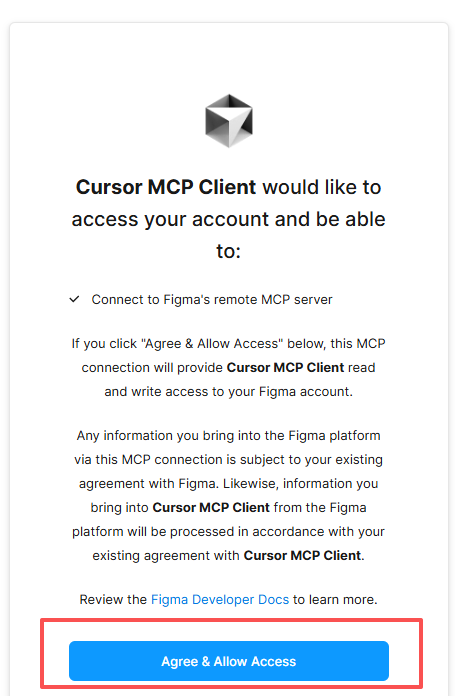
登录Figma后,同意:
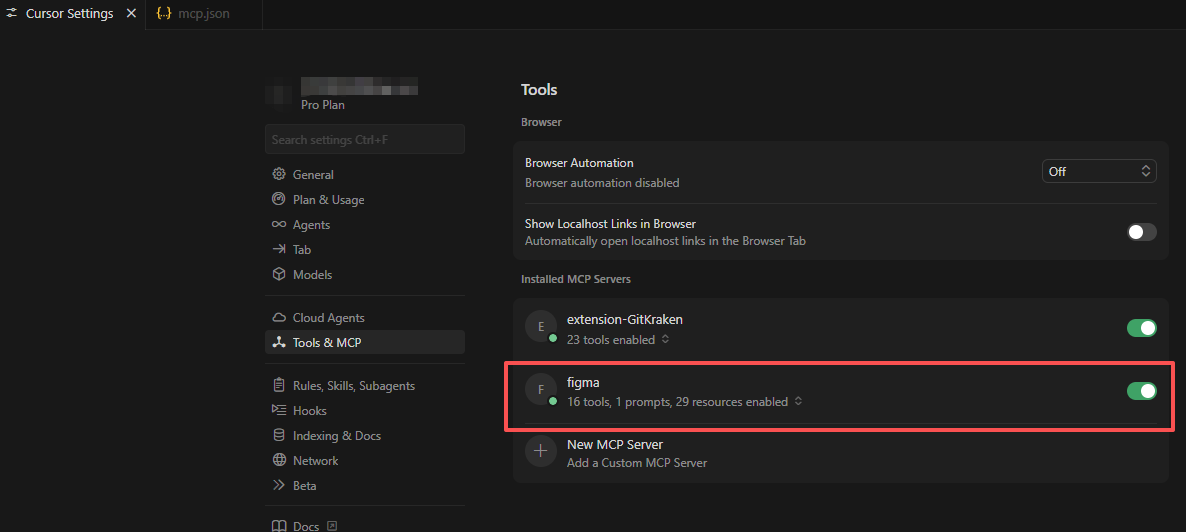
连接成功:

汇聚全球AI编程工具,助力开发者即刻编程。
更多推荐

 1
1 0
0- 0


 已为社区贡献1条内容

所有评论(0)