
win10+GTX1650+pytorch_gpu==1.7.1+python3.7安装成功,附安装包下载
一,安装包(cuda10.1+cudadnn7.6)下载地址:二、安装pytorch注意事项:.1.修改.condarc文件,把镜像链接的https修改成http就可以了。因为镜像源为了提高安全性使用了ssl证书进行加密,但是原链接也能用。ssl_verify: trueshow_channel_urls: truechannels:- http://mirrors.tuna.tsinghua.e
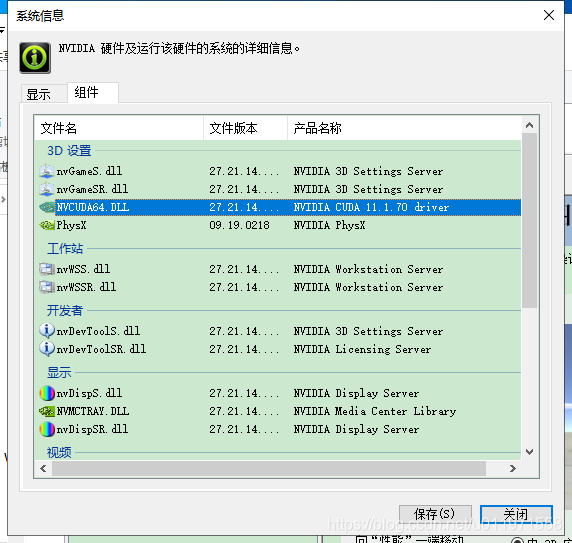
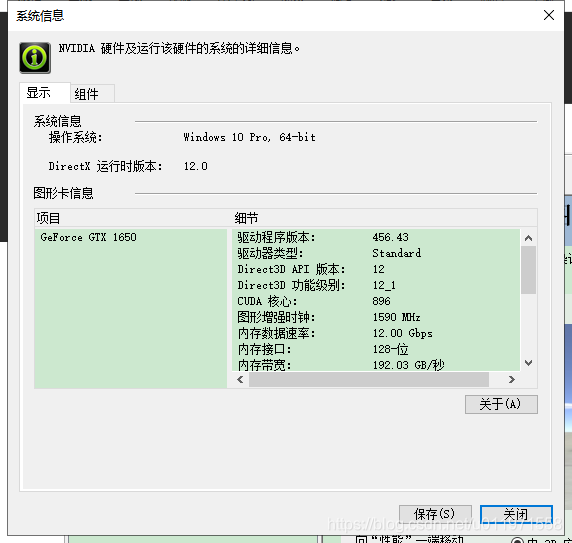
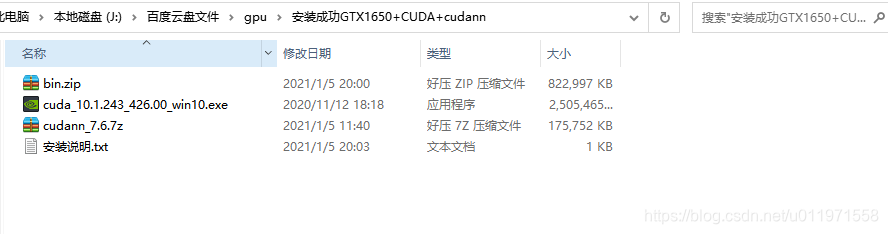
一,安装包(cuda10.1+cudadnn7.6)
下载地址:
二、安装pytorch注意事项:
.1.修改.condarc文件,把镜像链接的https修改成http就可以了。因为镜像源为了提高安全性使用了ssl证书进行加密,但是原链接也能用。
ssl_verify: true
show_channel_urls: true
channels:
- http://mirrors.tuna.tsinghua.edu.cn/anaconda/cloud/peterjc123/
- http://mirrors.tuna.tsinghua.edu.cn/anaconda/cloud/pytorch/
- http://mirrors.tuna.tsinghua.edu.cn/anaconda/pkgs/main/
- http://mirrors.tuna.tsinghua.edu.cn/anaconda/pkgs/free/
show_channel_urls: true
具体参考:
Anaconda使用conda连接网络出现错误(CondaHTTPError: HTTP 000 CONNECTION FAILED for url) - 简书
解决Anaconda出现CondaHTTPError HTTP 000 CONNECTION FAILED for url问题 - SegmentFault 思否
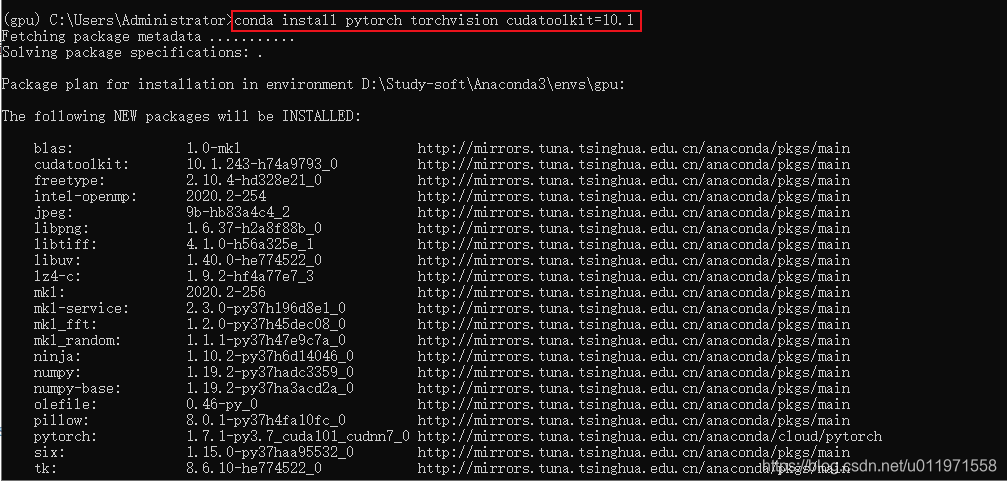
2,进入anacada虚拟环境安装pytorch gpu版本命令。
执行命令:conda install pytorch torchvision cudatoolkit=10.1
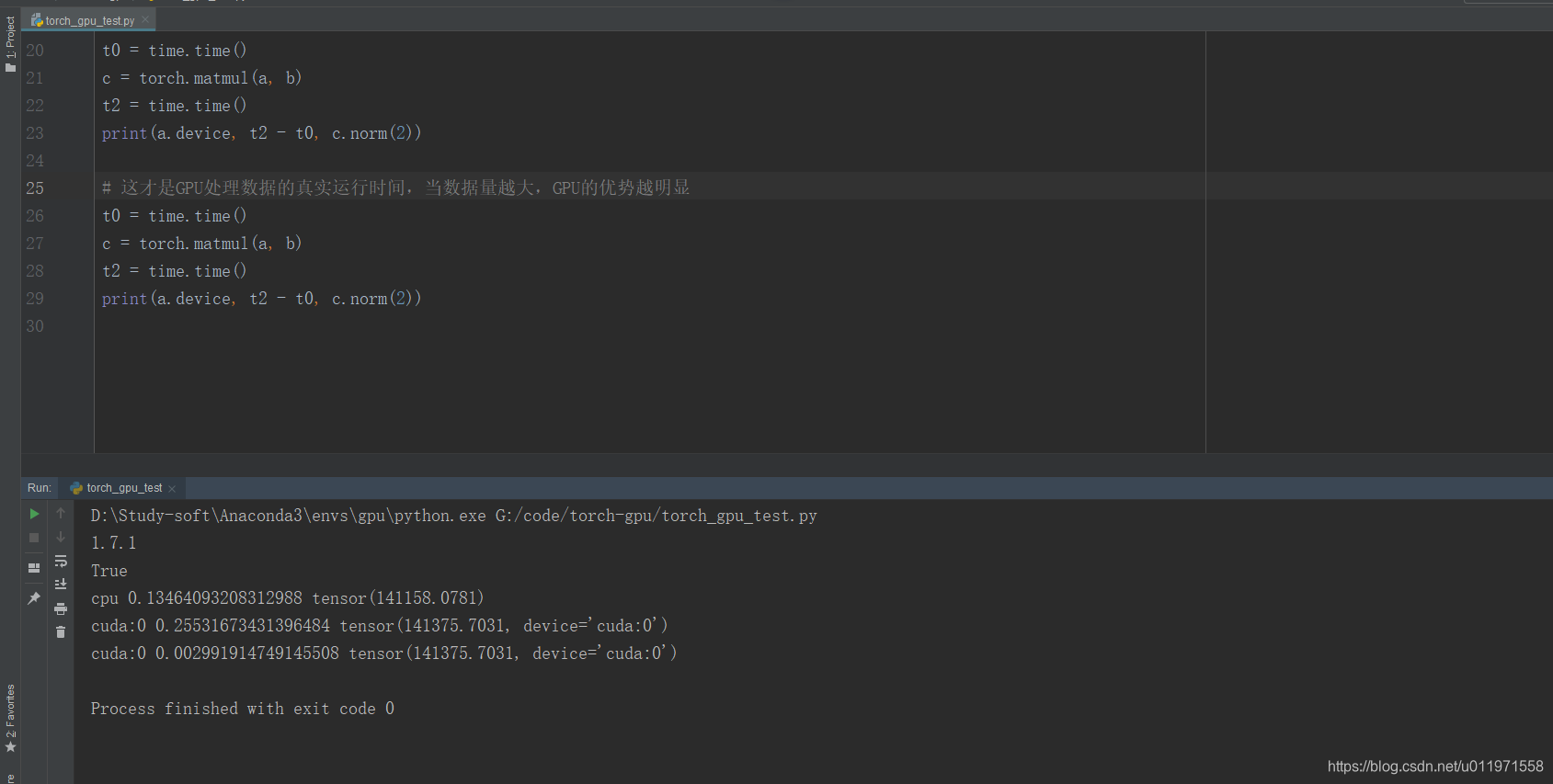
3.验证:
import pytorch
torch.cuda.is_available() //为True就是GPU运行ok

汇聚全球AI编程工具,助力开发者即刻编程。
更多推荐


 0
0 0
0- 0


 已为社区贡献1条内容

所有评论(0)