
解决VScode使用GitHub Copilot生成的命令行无法显示问题
·
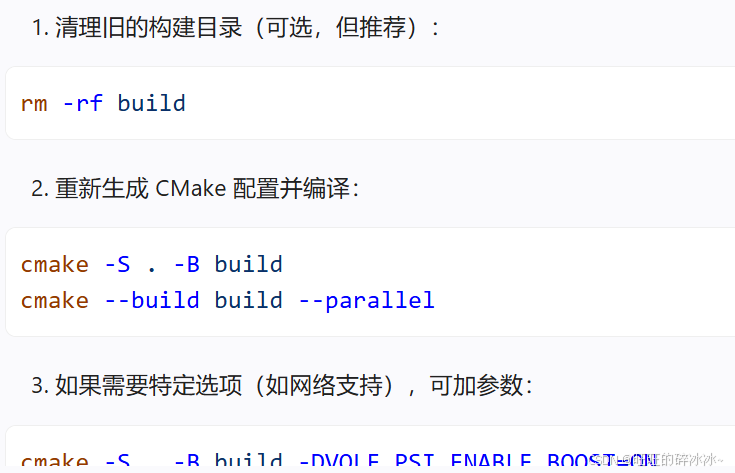
使用AI编辑器生成的命令行在Vscode中无法显示:
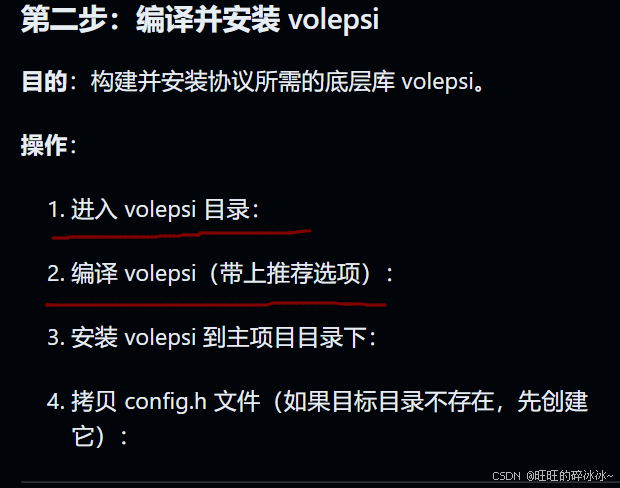
原因是终端配置导致的。解决方法很简单:
使用命令行Ctrl+shift+P,选择首选项:

然后将下面四行代码粘贴到最后即可:
"github.copilot.chat.terminalExecutionEnabled": true,
"github.copilot.chat.commandPreview.enabled": true,
"chat.editor.commandExecution.enabled": true,
"chat.commandExecution.enabled": true
添加这两行代码到最后。
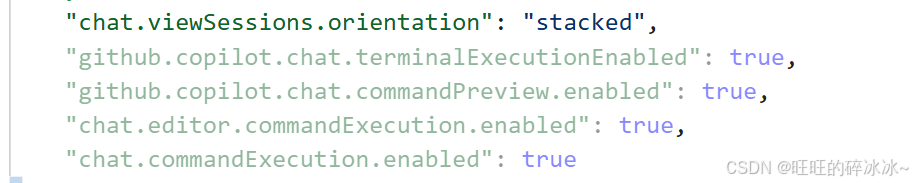
重启Vscode即可解决。

汇聚全球AI编程工具,助力开发者即刻编程。
更多推荐

 0
0 0
0- 0


 已为社区贡献1条内容

所有评论(0)