
Ollama + deepseek + 离线导入部署模型并运行(Ollama 本地导入模型:两种简洁方法)
·
前言
`
提示:以下是本篇文章正文内容,下面案例可供参考
一、文件准备
将模型文件(如.gguf)和Modelfile放在同一目录(如C:\11TheFile),结构:
11TheFile/
├── Modelfile
└── 模型文件.gguf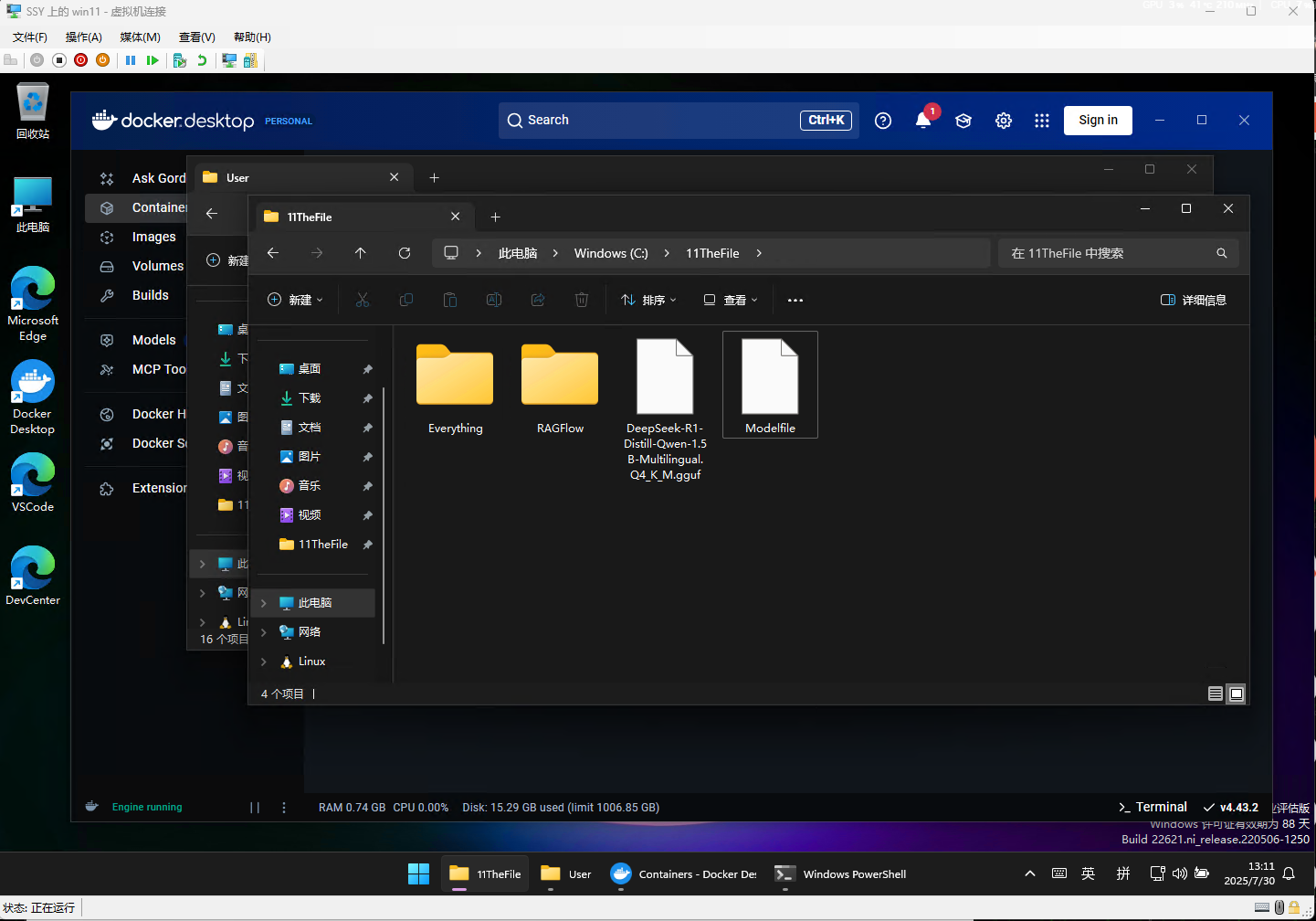
二、方法一:直接用 Modelfile(推荐)
1.编辑Modelfile:
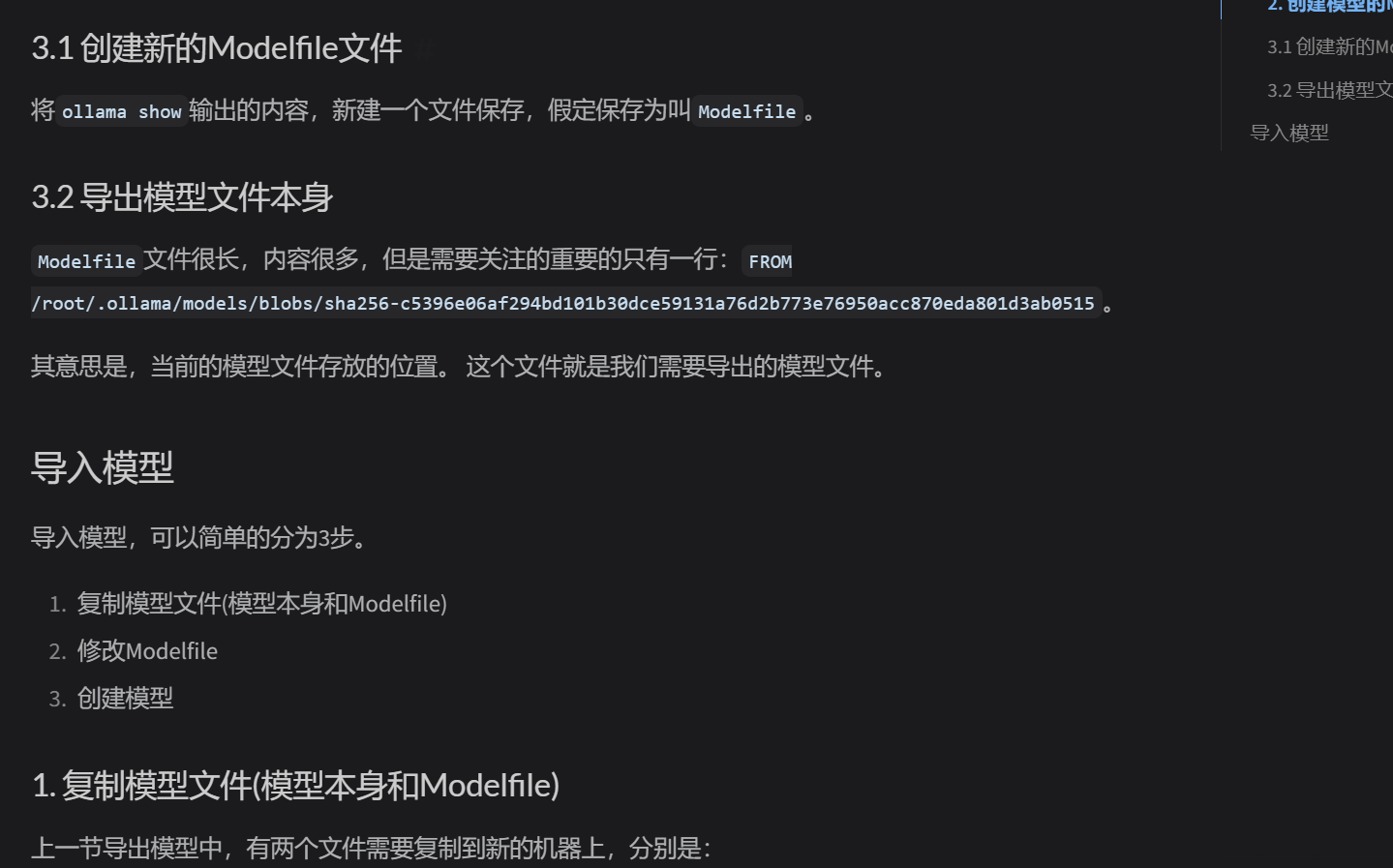
FROM ./模型文件名.gguf # 替换为实际模型文件名
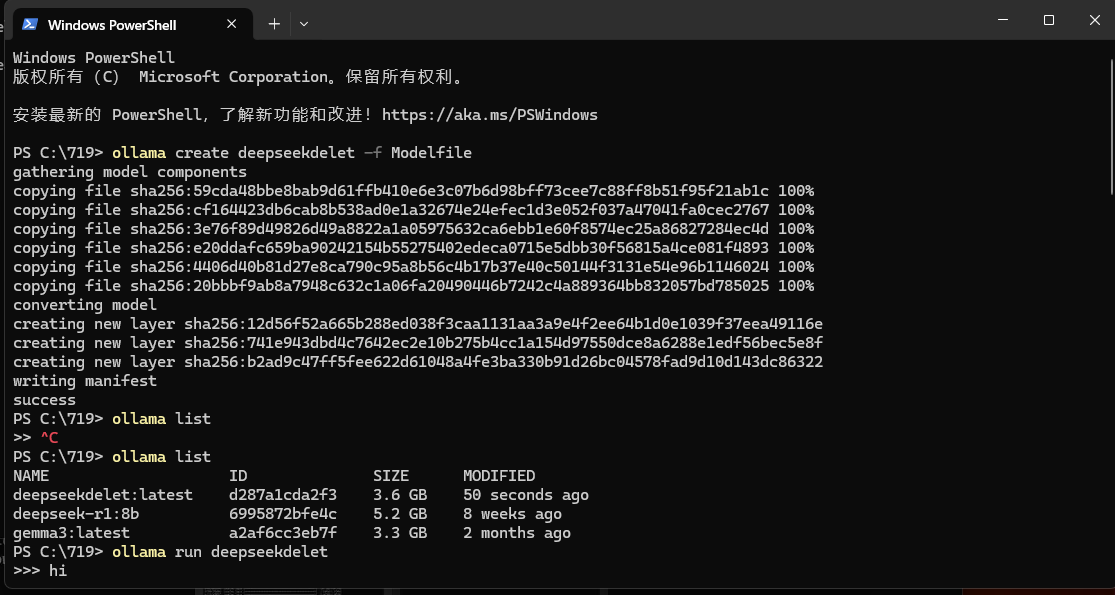
2.导入模型:
cd C:\11TheFile
ollama create 自定义名称 -f ./Modelfile # 如ollama create deepseek -f ./Modelfile
注:大模型导入耗时较长,设备可能卡顿
三、方法二:llama.cpp 转换格式(备用)
安装 llama.cpp 并编译
git clone clone https://github.com/ggerganov/llama.cpp.git cd
llama.cpp && make
转换格式(.safetensors→.gguf):
./convert-safetensors-to-gguf -i 原模型.safetensors -o 新模型.gguf
按方法一步骤导入转换后的模型
四、验证导入
ollama list # 查看是否有自定义名称的模型
总结
优先复用Modelfile一键导入,无配置时用llama.cpp转换,核心靠ollama create + Modelfile,验证用ollama list。
导入卡顿:关闭其他程序释放资源
路径错误:检查 Modelfile 中模型文件名是否正确

汇聚全球AI编程工具,助力开发者即刻编程。
更多推荐


 7
7 0
0- 0


 已为社区贡献1条内容

所有评论(0)