
【Linux】Linux中第一个系统程序-进度条
·
目录
1. 两个储备知识:回车换行/缓冲区
1.1回车和换行是同一个东西吗
这两个并不是一码事。
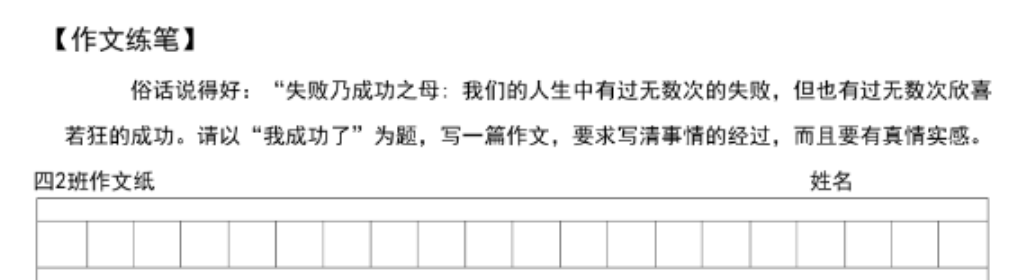
相信我们都写过作文吧。
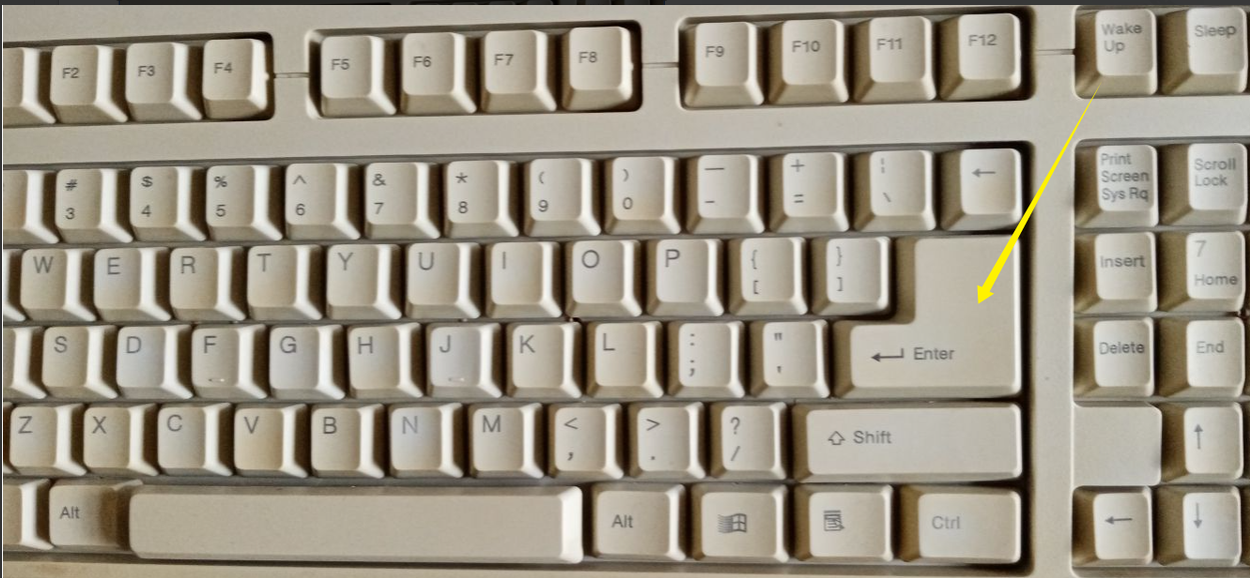
如下图,键盘、打字机上面都有回车键——

为什么说回车和换行不是一回事呢?
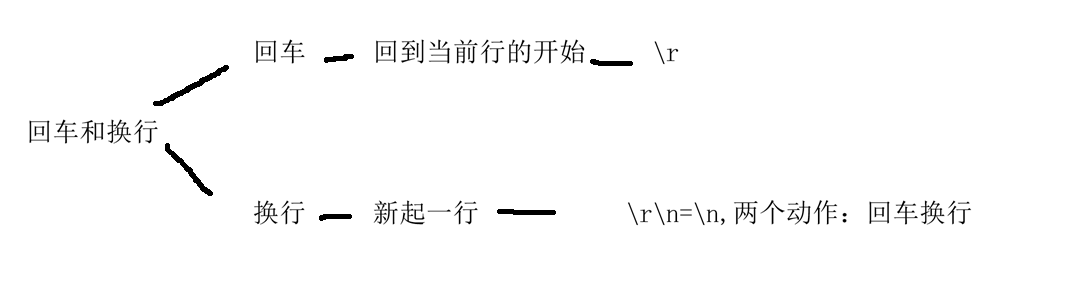
是的,回车换行是两个动作,\r是回车,\n是换行(和\r\n是一样的),在C/C++里面\n(C)、std::endl(C++)是把两个动作(回车和换行)合写成一个一个了。
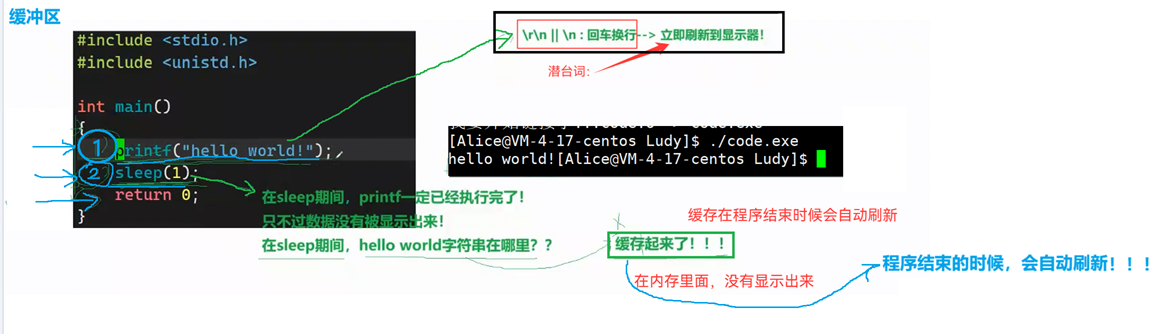
1.2 缓冲区
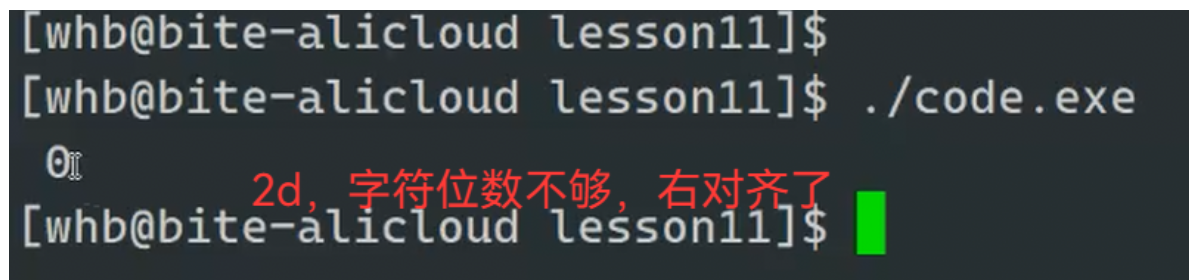
这里就是字符位数不够,右对齐了——
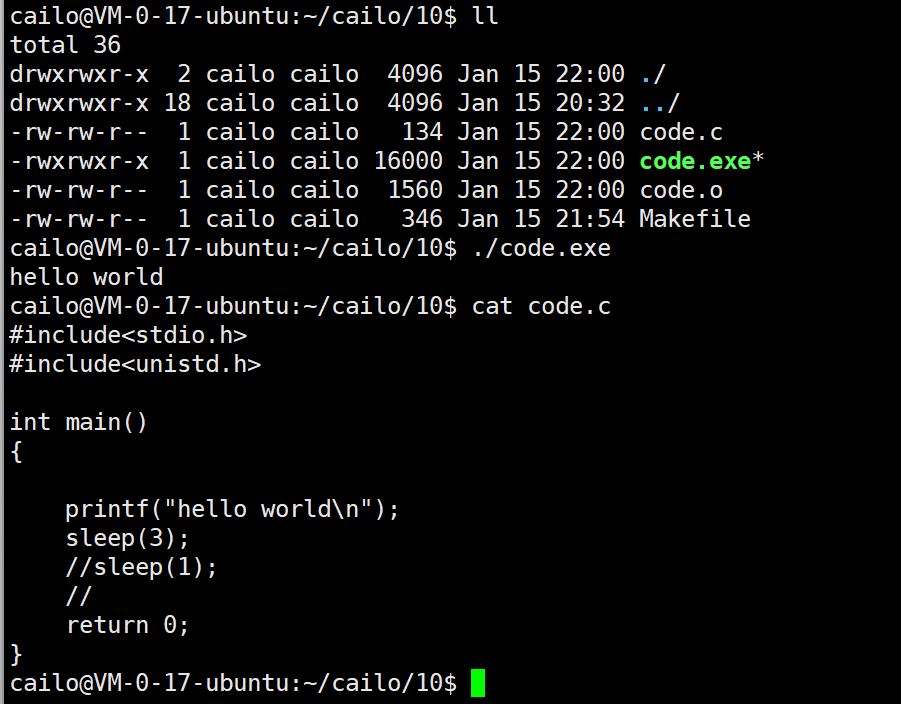
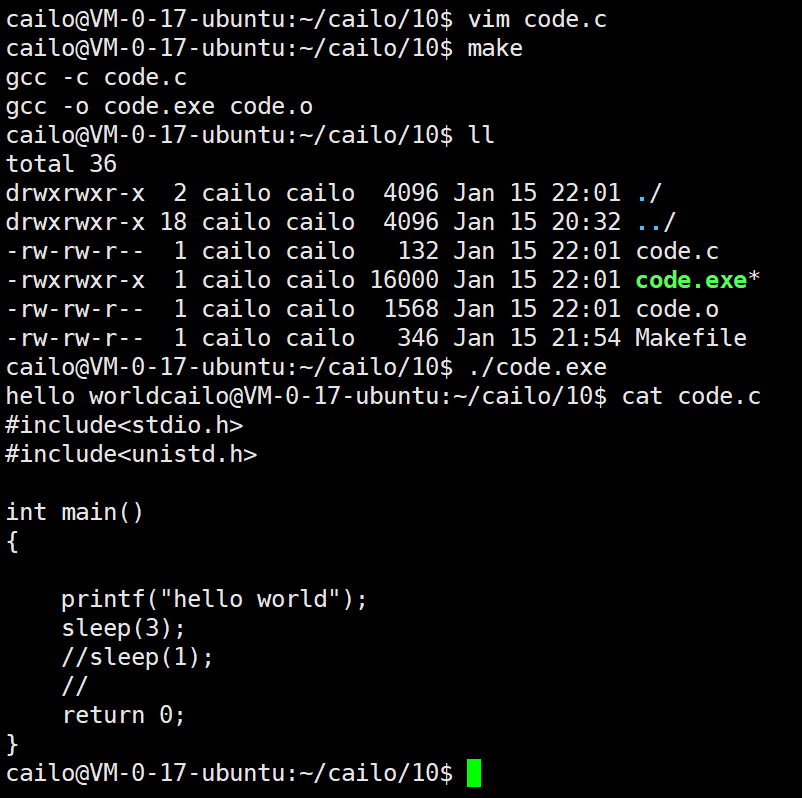
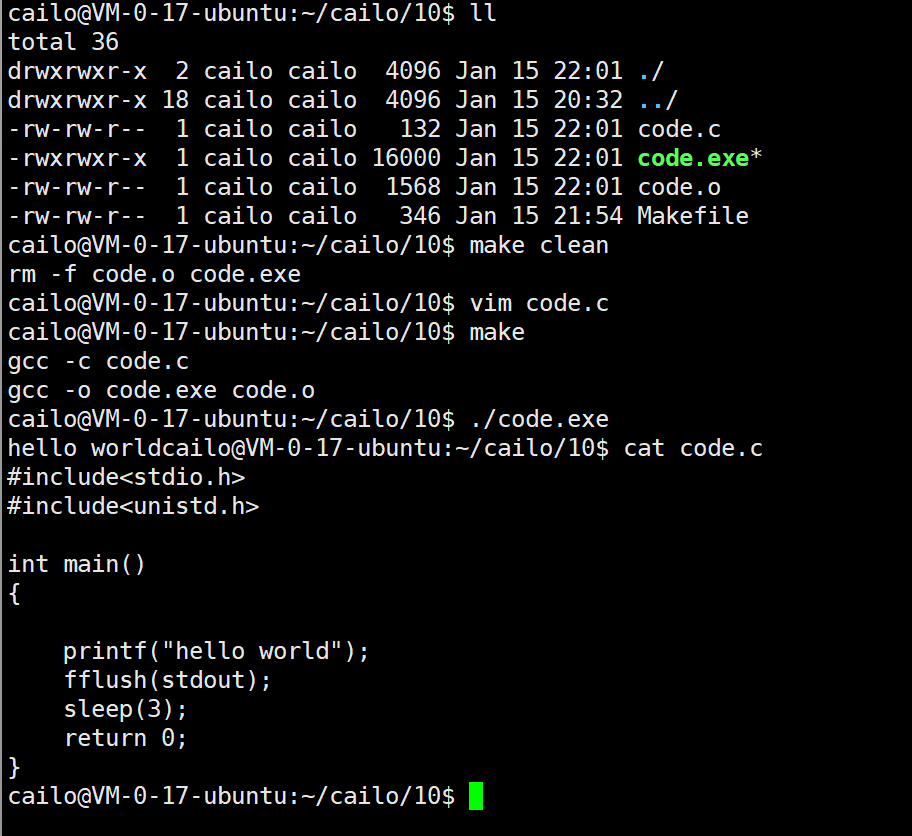
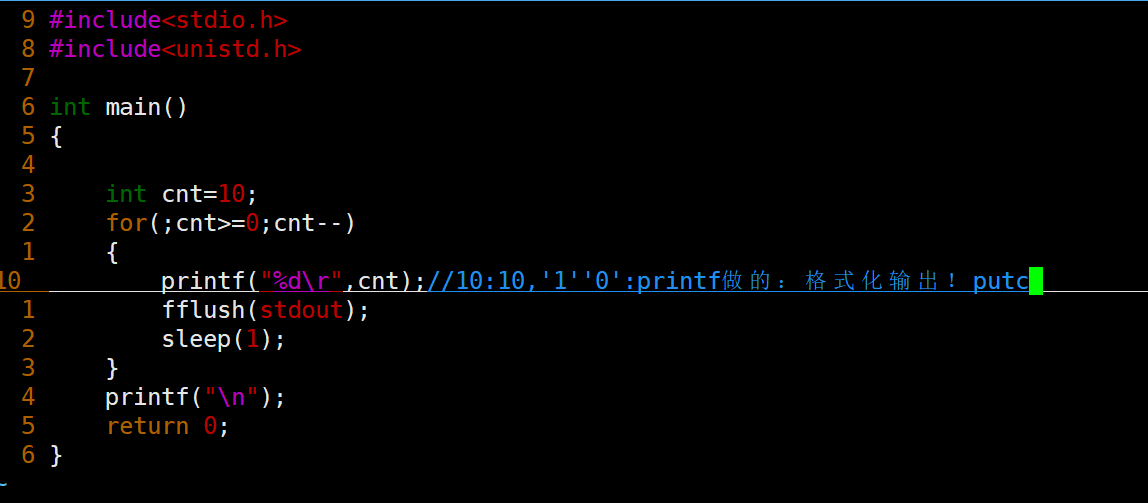
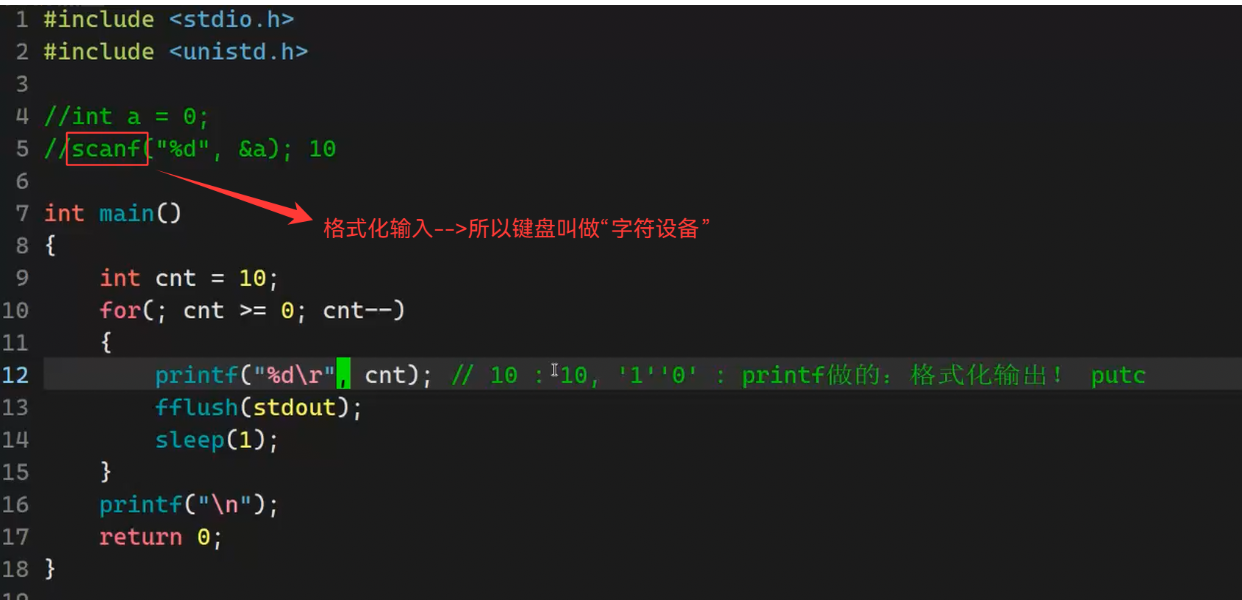
可以试着敲一下下面三种代码看看有什么区别。
fflush(stdout)//强制刷新缓冲区
2. 练手:光标快速回退,完成倒计时功能
  1 #include <stdio.h>
  2 #include <unistd.h>
  3
  4 //int a = 0;
  5 //scanf("%d",&a);
  6
  7 int main()
  8 {
  9     int cnt = 10;
 10     for(;cnt >= 0;cnt--)
 11     {
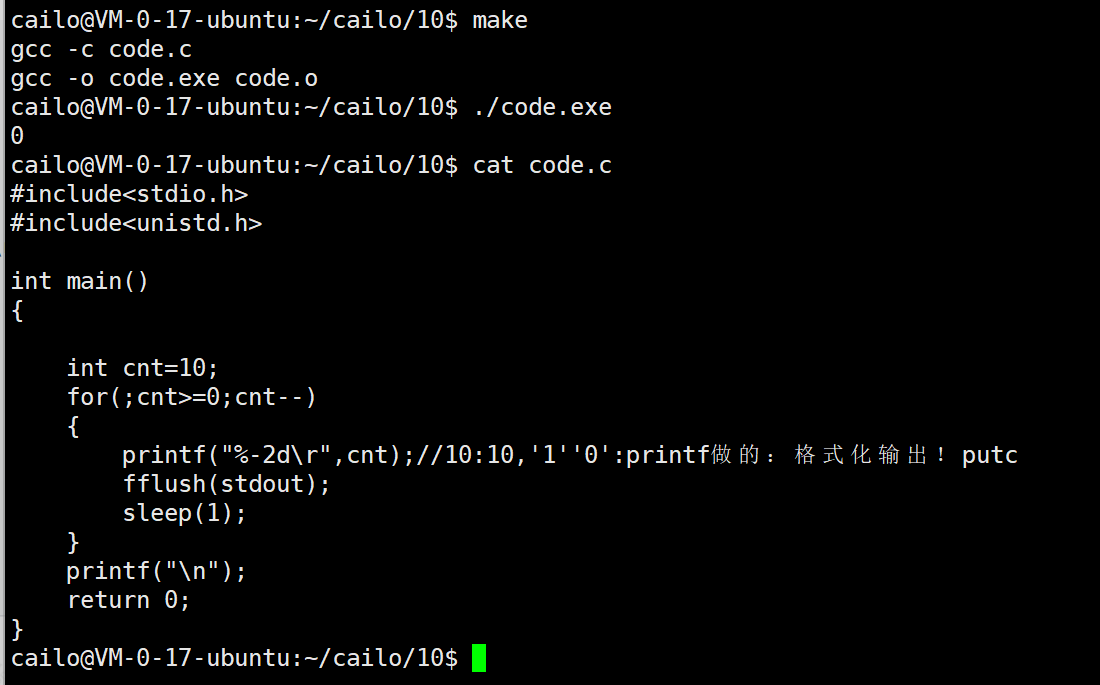
 12         printf("倒计时:%-2d\r",cnt);   // 10 : 10,'1''0',字符,printf做的—>格式化输出!putc
 13         fflush(stdout); // 强制刷新缓存
 14         sleep(1);
 15     }
 16     printf("\n");
 17
 18     return 0;
 19 }
 20
 21 //int main()
 22 //{
 23 //    printf("hello world!");
 24 //    fflush(stdout);
 25 //    sleep(1);
 26 //
 27 //    return 0;
 28 //}
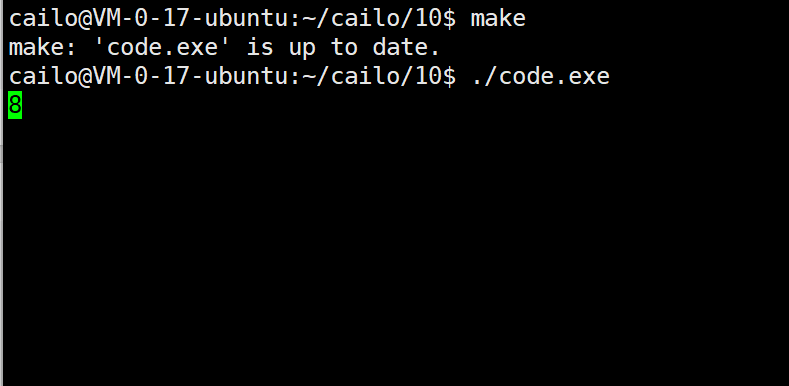
2.1 最终呈现效果
3.进度条
进度条是用户界面中常见的元素,用于直观展示任务的完成进度。接下来,艾莉丝会介绍如何使用C语言在Linux操作系统中实现一个功能完整的进度条——也是我们介绍的Linux中的第一个系统程序。
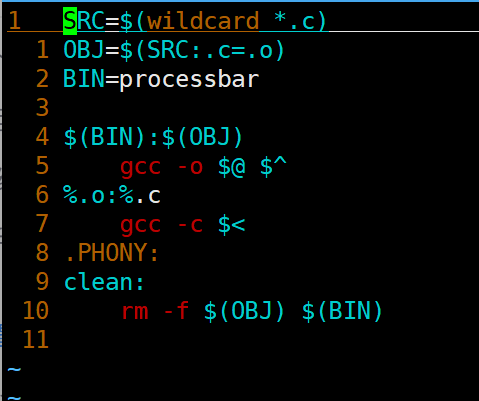
3.1 Makefile
3.2 Process.h
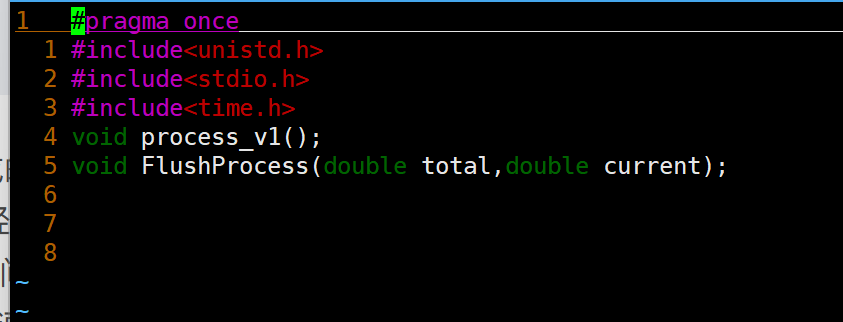
声明进度条显示函数接口。
total - 总任务量:表示需要完成的全部工作量;
current - 当前完成量:表示已经完成的工作量;
3.3 Process.c
1、 百分比计算: current * 100.0 / total
2、 进度条填充: 使用循环填充 - 字符
3、 旋转光标: 通过字符序列|\\-/实现动画效果
4、 实时刷新: 使用\r回车符和fflush(stdout)实现原地更新
 #include"Process.h"
 25 #include<string.h>
 24 #include<unistd.h>
 23
 22 #define NUM 101
 21 #define STYLE '='
 20
 19 void process_v1()
 18 {
 17     char buffer[NUM];
 16     memset(buffer,0,sizeof(buffer));
 15     const char * lable="|/-\\";
 14     int len=strlen(lable);
 13
 12     int cnt=0;
 11     while(cnt<=100)
 10     {
  9         printf("[%-100s][%d%%][%c]\r",buffer,cnt,lable[cnt%len]);
  8         fflush(stdout);
  7         buffer[cnt]=STYLE;
  6         cnt++;
  5         usleep(50000);
  4     }
  3     printf("\n");
  2 }
  1
27  void FlushProcess(double total,double current)
  1 {
  2     char buffer[NUM];
  3     memset(buffer,0,sizeof(buffer));
  4     const char *lable="|/-//";
  5     int len=strlen(lable);
  6
  7     static int cnt=0;
  8
  9     //不需要自己循环填充
 10     int num=(int)(current*100/total);
 11     int i=0;
 12     for(;i<num;i++)
 13     {
 14         buffer[i]=STYLE;
 15     }
 16     double rate =current/total;
 17     cnt%=len;
        printf("[%-100s][%.1f%%][%c]\r",buffer,rate*100,lable[cnt]);
 19     cnt++;
 20     fflush(stdout);
 21 }
3.4main.c
#include"Process.h"
  1 #include<stdio.h>
  2
  3 //有一个下载任务
  4 double total =1024.0;//目标文件总大小
  5 double speed =1.0;   //下载时的网络速度
  6
  7 //回调函数
  8 void Download()
  9 {
 10     double current=0.0;
 11     while(current<=total)
 12     {
 13         FlushProcess(total,current);
 14         //下载代码
 15         usleep(1000);//充当下载数据
 16             current+=speed;
 17     }
 18     printf("\ndownload %.2lfMB Done\n",current);
 19 }
 20
 21 int main()
 22 {
 23     printf("download:\n");
 24     Download();
 25
 26     printf("download:\n");
 27     Download();
 28
 29     printf("download:\n");
 30     Download();
 31
 32     printf("download:\n");
 33     Download();
 34
 35     return 0;
 36 }
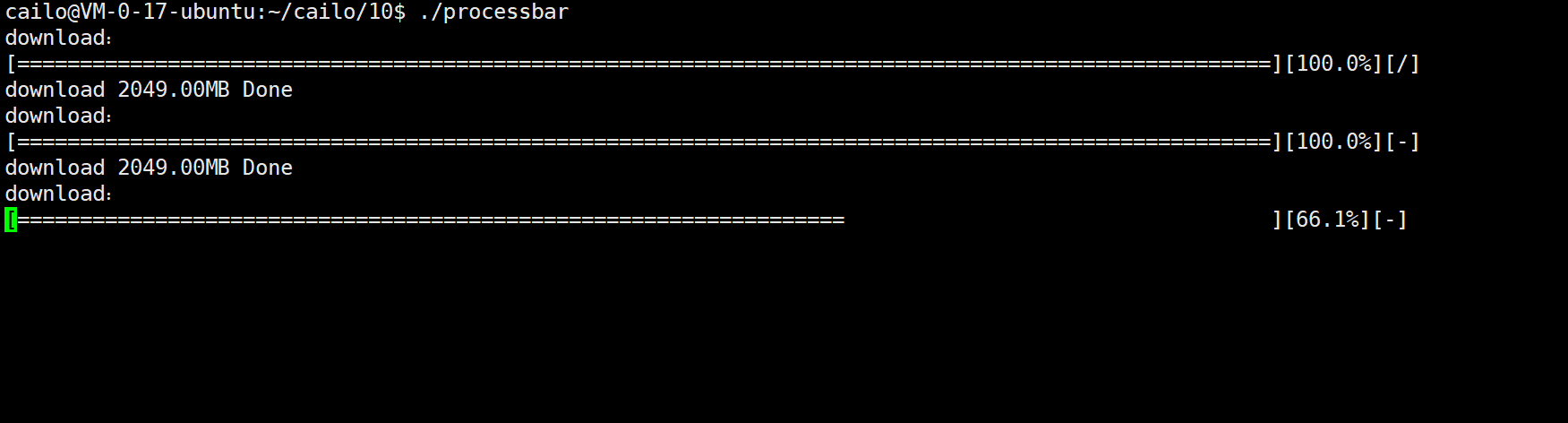
3.5 效果展示

汇聚全球AI编程工具,助力开发者即刻编程。
更多推荐



 6
6 0
0- 0


 已为社区贡献18条内容

所有评论(0)