
ROS-Noetic实现无人机Mavros与PX4仿真环境
·
1、创建工作区间
mkdir -p drone_ws/src
cd /home/xk/drone_ws/src && catkin_init_workspace
cd ~/drone_ws
catkin_make
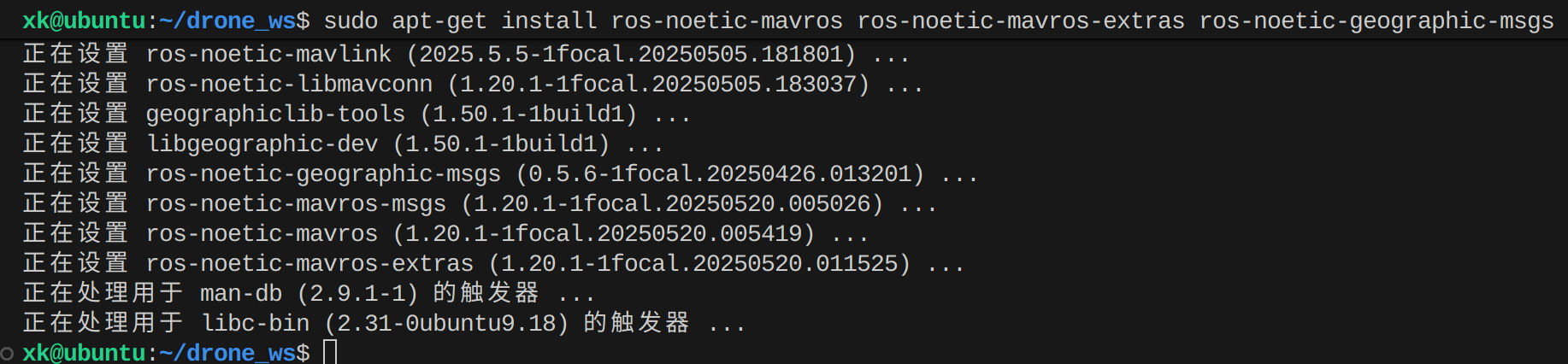
2、安装Mavros和geographiclib数据集

3、安装PX4编译环境与依赖项
1、安装相关编译环境:
sudo apt-get update && sudo apt-get install -y git cmake build-essential genromfs ninja-build exiftool
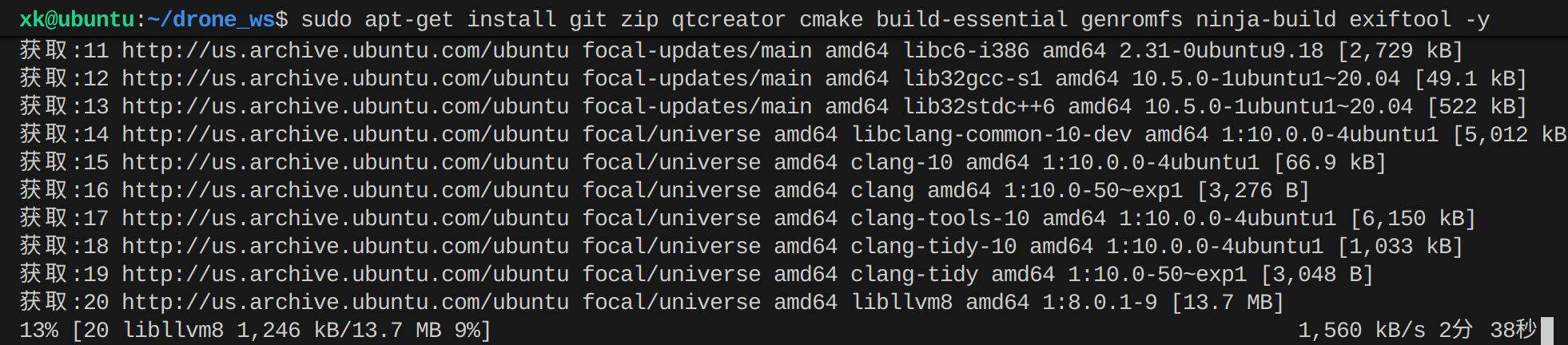
2、安装相关工具
sudo apt-get install -y git zip qtcreator cmake build-essential genromfs ninja-build exiftool python3-dev python3-pip
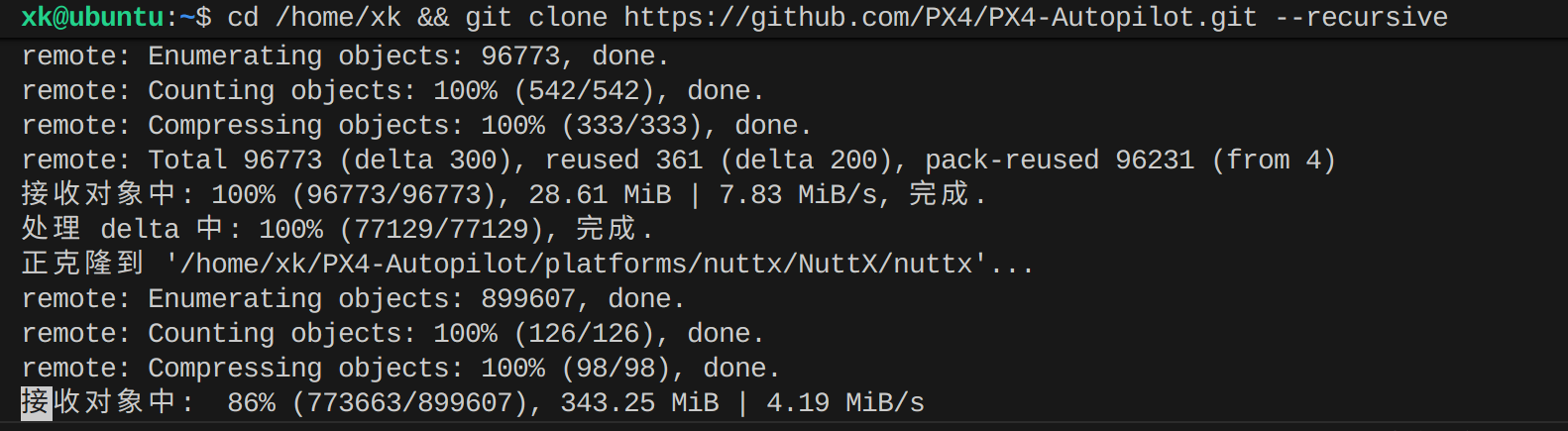
cd /home/xk && git clone https://github.com/PX4/PX4-Autopilot.git --recursive
cd /home/xk/PX4-Autopilot && git submodule update --init --recursive
cd /home/xk/PX4-Autopilot && make px4_sitl_default gazebo
cd /home/xk/PX4-Autopilot && PATH=$PATH:/home/xk/.local/bin make px4_sitl_default gazebo
4、无人机仿真控制测试
1、加载Gazebo仿真
cd ~/PX4-Autopilot && make px4_sitl gazebo
source devel/setup.bash && roslaunch mavros px4.launch fcu_url:=udp://:14550@127.0.0.1:14550
source devel/setup.bash && cd src && catkin_create_pkg drone_control rospy geometry_msgs mavros_msgs
编写节点pyhton、c++代码,注意修改CmakeList文件
然后进行catkin_make进行编译
接着进行刷新:source devel/setup.bash
最后执行脚本文件rosrun
试例python代码
#!/usr/bin/env python3
import rospy
from geometry_msgs.msg import Twist, PoseStamped
from mavros_msgs.msg import State
from mavros_msgs.srv import CommandBool, SetMode
from nav_msgs.msg import Path
import math

class CircleTrajectory:
    def __init__(self):
        rospy.init_node('circle_trajectory_node', anonymous=True)

        # 订阅无人机状态
        self.state_sub = rospy.Subscriber('mavros/state', State, self.state_cb)

        # 订阅无人机位置
        self.local_pos_sub = rospy.Subscriber('mavros/local_position/pose', PoseStamped, self.pos_cb)

        # 发布速度指令
        self.vel_pub = rospy.Publisher('mavros/setpoint_velocity/cmd_vel_unstamped', Twist, queue_size=10)

        # 服务客户端
        self.arming_client = rospy.ServiceProxy('mavros/cmd/arming', CommandBool)
        self.set_mode_client = rospy.ServiceProxy('mavros/set_mode', SetMode)

        # 参数设置
        self.rate = rospy.Rate(20)  # 20Hz
        self.offboard_mode = "OFFBOARD"
        self.armed = False
        self.current_state = State()
        self.current_pose = PoseStamped()

        # 圆轨迹参数
        self.circle_radius = 5.0  # 圆半径(米)
        self.circle_height = 2.0  # 飞行高度(米)
        self.angular_velocity = 0.5  # 角速度(rad/s)
        self.linear_velocity = self.circle_radius * self.angular_velocity  # 线速度

        # 轨迹路径发布
        self.path_pub = rospy.Publisher('/drone_trajectory', Path, queue_size=10)
        self.path = Path()
        self.path.header.frame_id = "map"  # 设置坐标系为map
        self.path_publish_counter = 0
        self.path_publish_frequency = 5  # 每5次位置更新发布一次路径

        # 等待服务
        rospy.wait_for_service('mavros/cmd/arming')
        rospy.wait_for_service('mavros/set_mode')

        # 发送一些初始设置点
        self.send_initial_setpoints()

    def state_cb(self, state):
        self.current_state = state

    def pos_cb(self, pose):
        self.current_pose = pose
        # 更新轨迹路径
        self.update_trajectory_path()

    def send_initial_setpoints(self):
        """发送一些初始设置点,确保切换到OFFBOARD模式"""
        twist = Twist()
        # 发送一个小的上升速度作为初始设置点
        twist.linear.z = 0.1
        for _ in range(100):
            self.vel_pub.publish(twist)
            self.rate.sleep()

    def arm_and_takeoff(self):
        """解锁无人机并起飞到指定高度"""
        rospy.loginfo("开始解锁无人机...")

        # 切换到OFFBOARD模式
        while not rospy.is_shutdown() and self.current_state.mode != self.offboard_mode:
            result = self.set_mode_client(base_mode=0, custom_mode=self.offboard_mode)
            if result.mode_sent:
                rospy.loginfo("OFFBOARD模式已设置")
            self.rate.sleep()

        # 解锁无人机
        while not rospy.is_shutdown() and not self.current_state.armed:
            result = self.arming_client(True)
            if result.success:
                rospy.loginfo("无人机已解锁")
                self.armed = True
            self.rate.sleep()

        # 起飞到指定高度
        rospy.loginfo(f"起飞到高度: {self.circle_height}米")
        takeoff_twist = Twist()
        takeoff_twist.linear.z = 0.5  # 上升速度

        while not rospy.is_shutdown():
            current_height = self.current_pose.pose.position.z
            rospy.loginfo(f"当前高度: {current_height:.2f}米")

            if current_height >= self.circle_height - 0.1:  # 允许小误差
                takeoff_twist.linear.z = 0.0  # 停止上升
                self.vel_pub.publish(takeoff_twist)
                rospy.loginfo(f"已到达目标高度: {self.circle_height}米")
                break

            self.vel_pub.publish(takeoff_twist)
            self.rate.sleep()

    def fly_circle(self, duration=30):
        """按照圆形轨迹飞行"""
        rospy.loginfo(f"开始按照圆形轨迹飞行,半径: {self.circle_radius}米,高度: {self.circle_height}米")

        start_time = rospy.get_time()
        circle_twist = Twist()

        while not rospy.is_shutdown():
            # 计算飞行时间
            current_time = rospy.get_time()
            elapsed_time = current_time - start_time

            # 如果达到指定飞行时间,停止飞行
            if elapsed_time > duration:
                rospy.loginfo("圆形轨迹飞行完成")
                break

            # 计算当前角度
            current_angle = self.angular_velocity * elapsed_time

            # 计算速度指令 - 使用局部坐标系
            # 在局部坐标系中,x轴是前进方向,y轴是左侧方向
            # 对于圆形轨迹,我们需要在前进方向(x)和左侧方向(y)都有速度分量
            # 修正:使用正确的圆形轨迹速度分量
            circle_twist.linear.x = self.linear_velocity * math.cos(current_angle)
            circle_twist.linear.y = self.linear_velocity * math.sin(current_angle)
            circle_twist.linear.z = 0.0  # 保持高度

            # 角速度控制yaw旋转,使无人机始终朝向运动方向
            circle_twist.angular.z = self.angular_velocity

            # 发布速度指令
            self.vel_pub.publish(circle_twist)

            # 显示当前状态
            current_yaw = self.get_yaw_from_quaternion()
            rospy.loginfo_throttle(1, f"飞行时间: {elapsed_time:.1f}s, "
                                  f"速度X: {circle_twist.linear.x:.2f}m/s, "
                                  f"速度Y: {circle_twist.linear.y:.2f}m/s, "
                                  f"角速度: {self.angular_velocity:.2f}rad/s, "
                                  f"Yaw: {current_yaw:.2f}rad")

            self.rate.sleep()

    def update_trajectory_path(self):
        """更新并发布无人机轨迹路径"""
        # 更新路径头时间戳
        self.path.header.stamp = rospy.Time.now()

        # 创建新的位姿点
        pose_stamped = PoseStamped()
        pose_stamped.header.stamp = rospy.Time.now()
        pose_stamped.header.frame_id = "map"

        # 使用相对坐标而不是绝对坐标
        # 计算相对于起飞点的位置
        if len(self.path.poses) == 0:
            # 如果是第一个点,使用当前位置
            pose_stamped.pose = self.current_pose.pose
        else:
            # 对于后续点,使用相对轨迹
            # 这里我们创建一个圆形轨迹
            current_time = rospy.get_time()
            angle = self.angular_velocity * current_time
            pose_stamped.pose.position.x = self.circle_radius * math.cos(angle)
            pose_stamped.pose.position.y = self.circle_radius * math.sin(angle)
            pose_stamped.pose.position.z = self.circle_height
            pose_stamped.pose.orientation = self.current_pose.pose.orientation

        # 添加到位姿序列中
        self.path.poses.append(pose_stamped)

        # 控制发布频率,避免过于频繁
        self.path_publish_counter += 1
        if self.path_publish_counter >= self.path_publish_frequency:
            self.path_pub.publish(self.path)
            self.path_publish_counter = 0

    def get_yaw_from_quaternion(self):
        """从四元数计算偏航角"""
        q = self.current_pose.pose.orientation
        siny_cosp = 2.0 * (q.w * q.z + q.x * q.y)
        cosy_cosp = 1.0 - 2.0 * (q.y * q.y + q.z * q.z)
        return math.atan2(siny_cosp, cosy_cosp)

    def land(self):
        """降落无人机"""
        rospy.loginfo("开始降落...")

        land_twist = Twist()
        land_twist.linear.z = -0.3  # 下降速度

        while not rospy.is_shutdown():
            current_height = self.current_pose.pose.position.z
            rospy.loginfo(f"当前高度: {current_height:.2f}米")

            if current_height <= 0.1:  # 接近地面
                land_twist.linear.z = 0.0  # 停止下降
                self.vel_pub.publish(land_twist)

                # 切换到着陆模式
                self.set_mode_client(base_mode=0, custom_mode="AUTO.LAND")
                rospy.loginfo("已切换到着陆模式")
                break

            self.vel_pub.publish(land_twist)
            self.rate.sleep()

    def run(self):
        """主运行函数"""
        try:
            # 解锁并起飞
            self.arm_and_takeoff()

            # 按照圆形轨迹飞行
            self.fly_circle(duration=30)  # 飞行30秒

            # 降落
            self.land()

        except rospy.ROSInterruptException:
            rospy.loginfo("节点被中断")
        finally:
            # 确保停止所有运动
            stop_twist = Twist()
            self.vel_pub.publish(stop_twist)
            rospy.loginfo("停止所有运动指令已发送")

if __name__ == '__main__':
    try:
        circle_trajectory = CircleTrajectory()
        circle_trajectory.run()
    except rospy.ROSInterruptException:
        pass
5、总结
1、启动仿真
cd ~/PX4-Autopilot
make px4_sitl_default gazebo
2、启动Mavros功能包
roslaunch mavros px4.launch fcu_url:="udp://:14540@127.0.0.1:14557"
3、启动控制节点
cd ~/drone_ws
source devel/setup.bash
rosrun
4、也可以创建一个启动脚本start_simulation.sh
#!/bin/bash

# 终端1: 启动PX4仿真
gnome-terminal --tab --title="PX4 SITL" --command="bash -c 'cd ~/PX4-Autopilot && make px4_sitl_default gazebo; exec bash'"

sleep 10

# 终端2: 启动MAVROS
gnome-terminal --tab --title="MAVROS" --command="bash -c 'roslaunch mavros px4.launch fcu_url:=\"udp://:14540@127.0.0.1:14557\"; exec bash'"

sleep 5

# 终端3: 运行控制器
gnome-terminal --tab --title="Controller" --command="bash -c 'cd ~/drone_ws && source devel/setup.bash && rosrun drone_control simple_controller.py; exec bash'"

echo "所有组件已启动!"

汇聚全球AI编程工具,助力开发者即刻编程。
更多推荐

 4
4 0
0- 0


 已为社区贡献1条内容

所有评论(0)